Organizations, projects, and environments
How Metorial organizes teams, applications, and isolated environments.
What you'll learn
- How organizations, projects, and environments fit together
- When to use production and sandbox environments
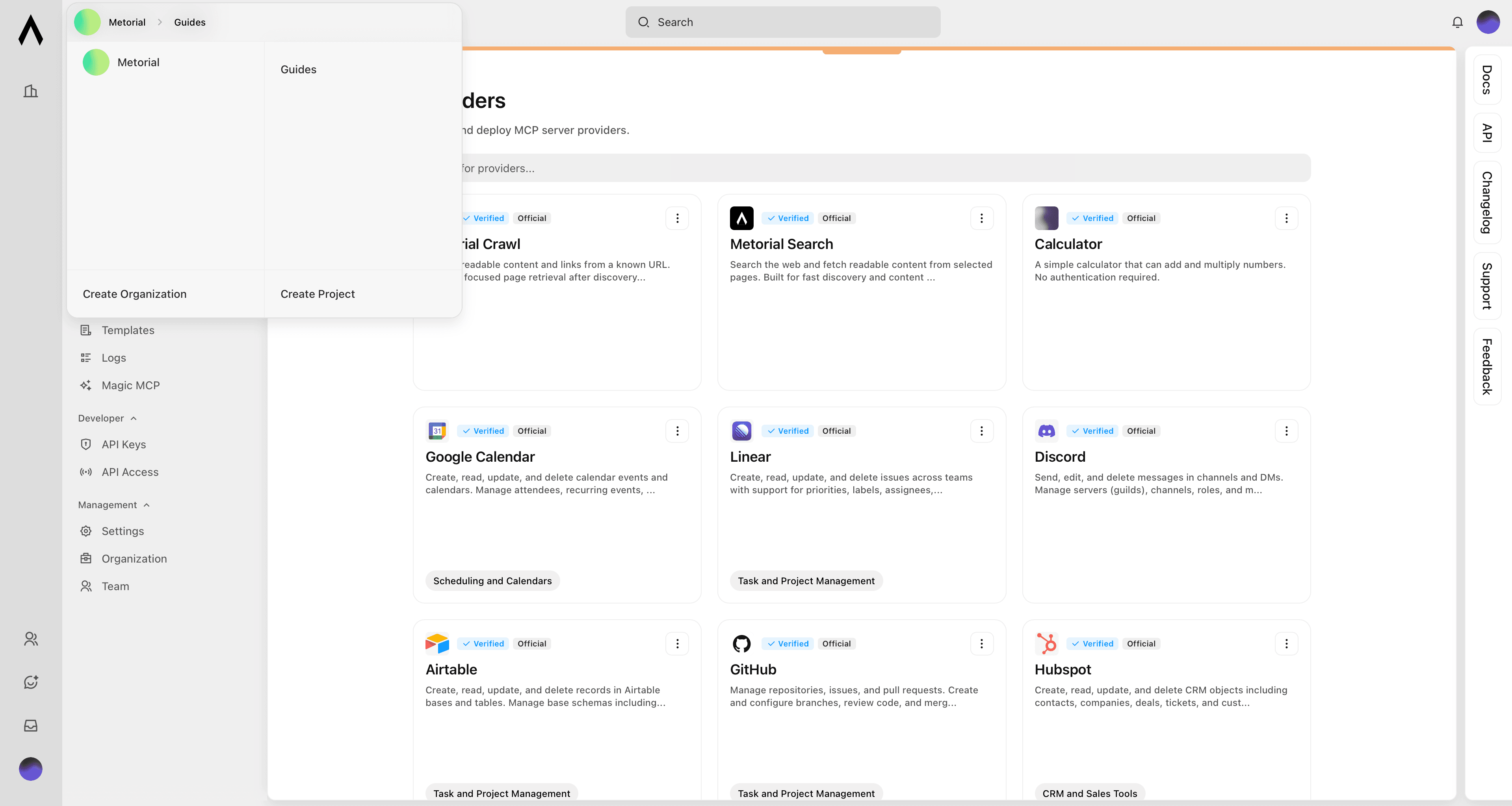
Metorial organizes resources in three levels:
- Organizationcompany or team
- Projectan application or product
- Production environmentone per project
- Sandbox environmentscreate as many as needed
Organizations and projects
An organization is the top-level workspace for your company or team. It holds members, shared settings, and projects.
A project usually represents one application or product. Create separate projects when the work, access, or ownership should be separate.
Production and sandboxes
Every project includes one production environment by default. Use it for resources used by your live applications and users.
You can create multiple sandbox environments for development, testing, or experiments. Each environment has its own provider deployments, API keys, authentication configs, and logs, so changes in a sandbox do not affect production.
Use the environment switcher in the dashboard to move between them. Use a separate API key for each environment.