> ## Documentation Index
> Fetch the complete documentation index at: https://metorial.com/docs/llms.txt
> Use this file to discover all available pages before exploring further.
# Connecting External Providers
> Connect your self-hosted MCP server to Metorial.
**What you'll learn:**
* How external providers work
* Connection requirements
* Security
External providers run on your own infrastructure and connect to Metorial via HTTP/HTTPS. You maintain complete control over hosting, deployment, and security while using Metorial for tool distribution.
## External Provider Requirements
Your server must meet these requirements to connect to Metorial:
**Requirements:**
* HTTP/HTTPS endpoint that Metorial can reach
* MCP protocol implementation
* Bearer token authentication
* HTTPS required for production
## Registering an External Provider
Enter your server's URL in the Metorial dashboard.
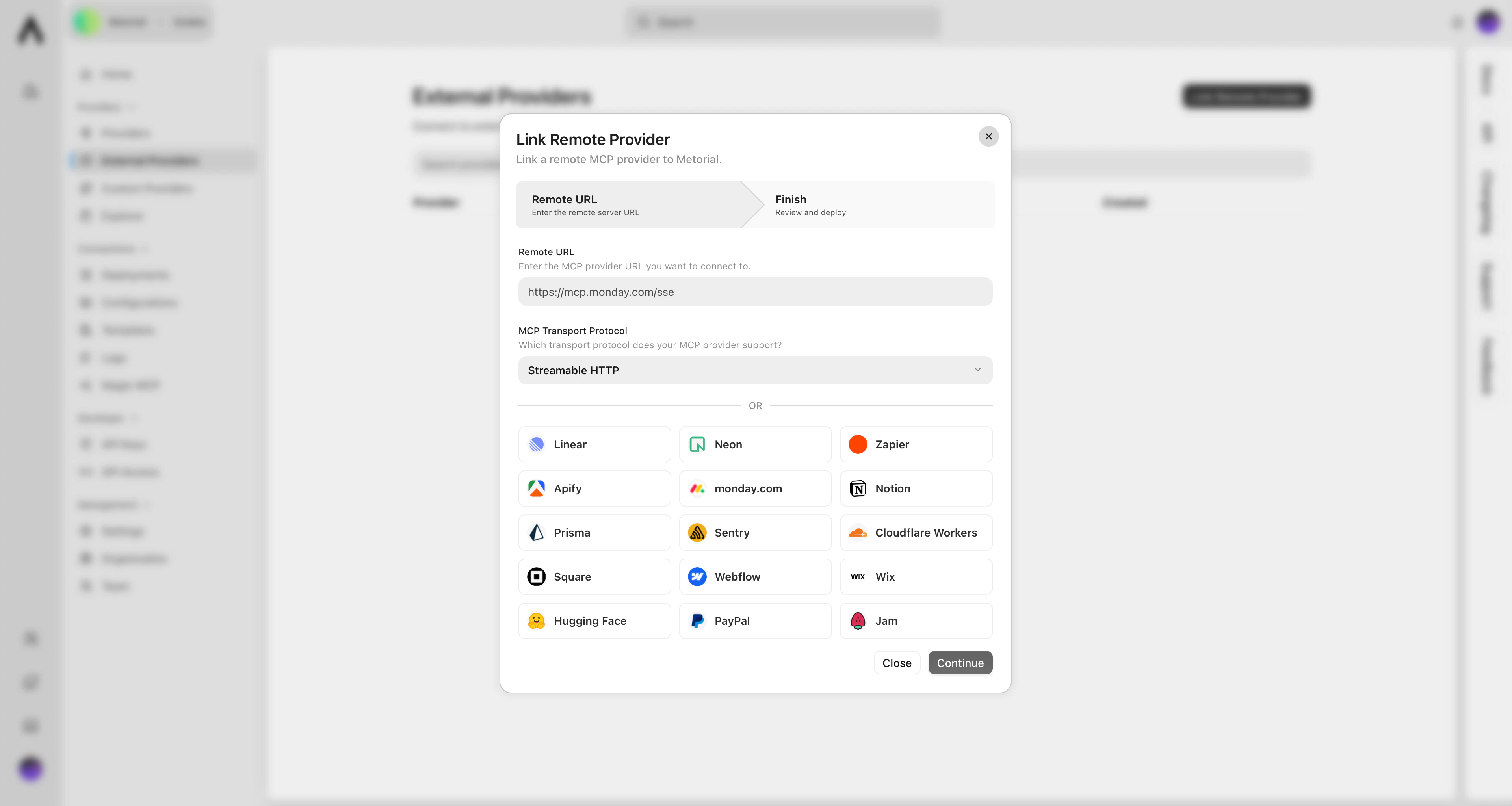 Metorial generates a unique authentication token.
Add token validation to your server's request handler.
Create a provider deployment that connects to your external server.
## What's Next?
Learn how to secure your external provider connections.
Metorial generates a unique authentication token.
Add token validation to your server's request handler.
Create a provider deployment that connects to your external server.
## What's Next?
Learn how to secure your external provider connections.