> ## Documentation Index
> Fetch the complete documentation index at: https://metorial.com/docs/llms.txt
> Use this file to discover all available pages before exploring further.
# Getting Started with Custom Providers
> Deploy custom MCP server code without managing infrastructure.
**What you'll learn:**
* How to create a custom provider
* Supported runtime
Managed providers let you deploy custom MCP server code without managing infrastructure. Upload your code and Metorial handles hosting, scaling, and deployment.
## Supported Runtime
Hosted custom providers currently run on Node.js.
**TypeScript/JavaScript (Node.js)**
* Full npm package support
* Automatic TypeScript compilation
* Node.js 18+ runtime
## Creating a Custom Provider
Go to **Providers** → **Custom Providers**.
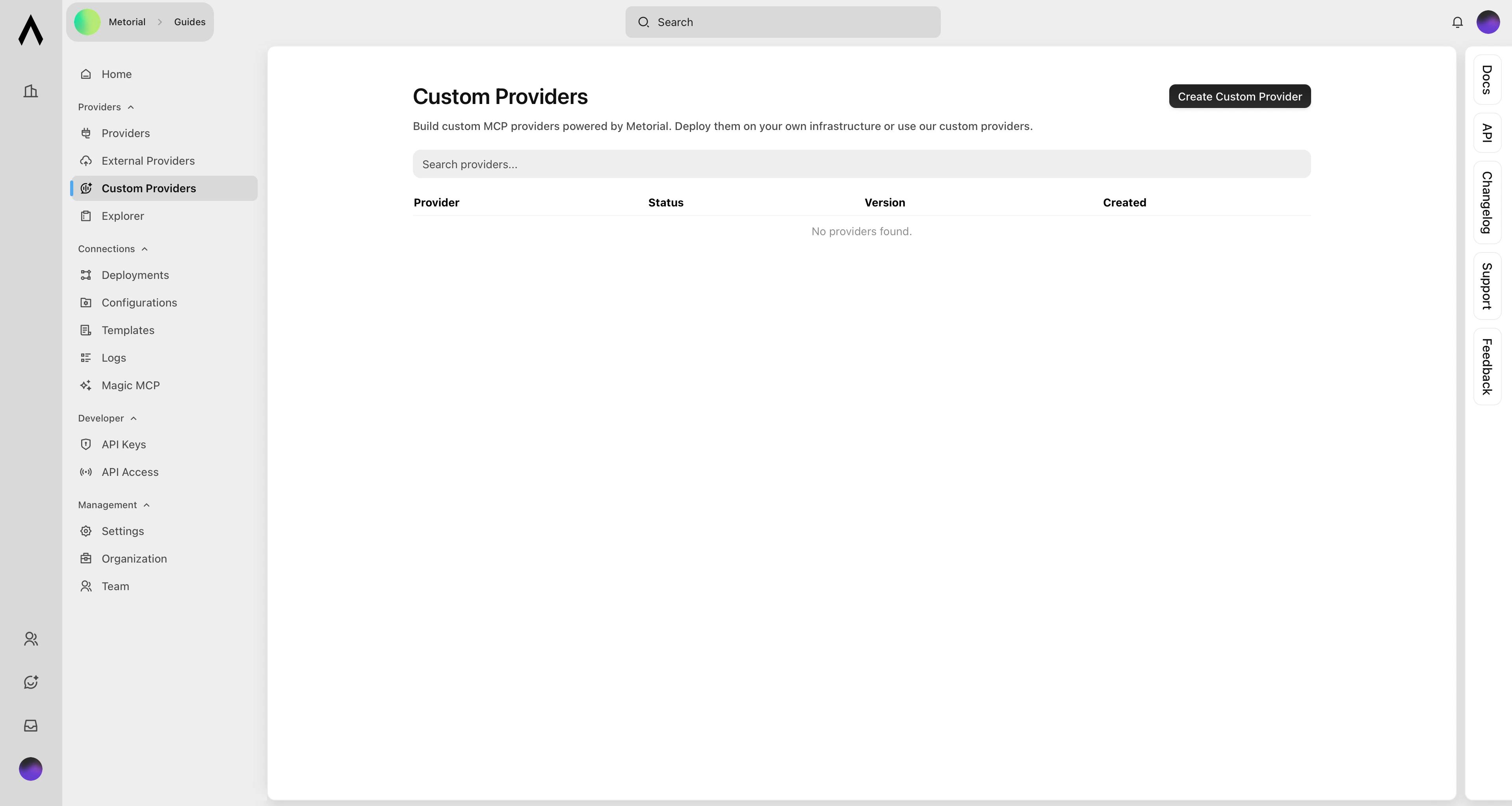 Click **Create Custom Provider**.
Upload your MCP server code.
Click **Create Custom Provider**.
Upload your MCP server code.
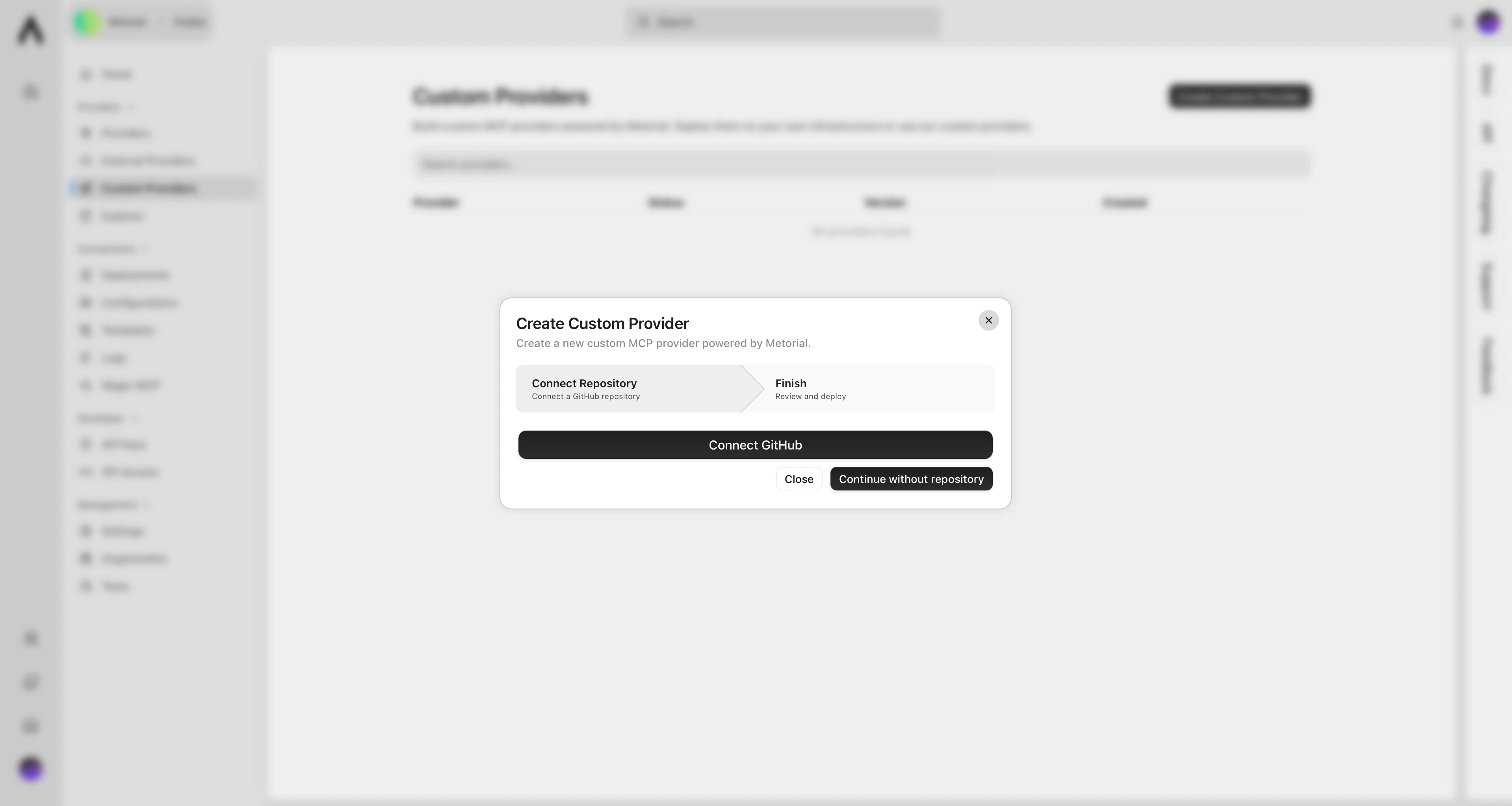 Click **Deploy** and wait for the build to complete.
## What's Next?
Learn about versions and deployments.
Click **Deploy** and wait for the build to complete.
## What's Next?
Learn about versions and deployments.