Getting started with the API
Learn how to use the Metorial API, get your API keys, and make your first request
Welcome to the Metorial API! This guide will help you quickly understand how to start using our API and make your first requests.
Note
What you'll learn:
- How to use the Metorial API
- How to get your API key
- How to make your first API request
Recommended reading:
Before you begin: Getting your API key
To use the Metorial API, you'll need an API key. You can generate these in two types:
Publishable API Keys (metorial_pk_):
- Used for public data access
- Safe to use in client-side code
- Starts with
metorial_pk_
Secret API Keys (metorial_sk_):
- Provides full project access
- Must be kept private
- Starts with
metorial_sk_
Note
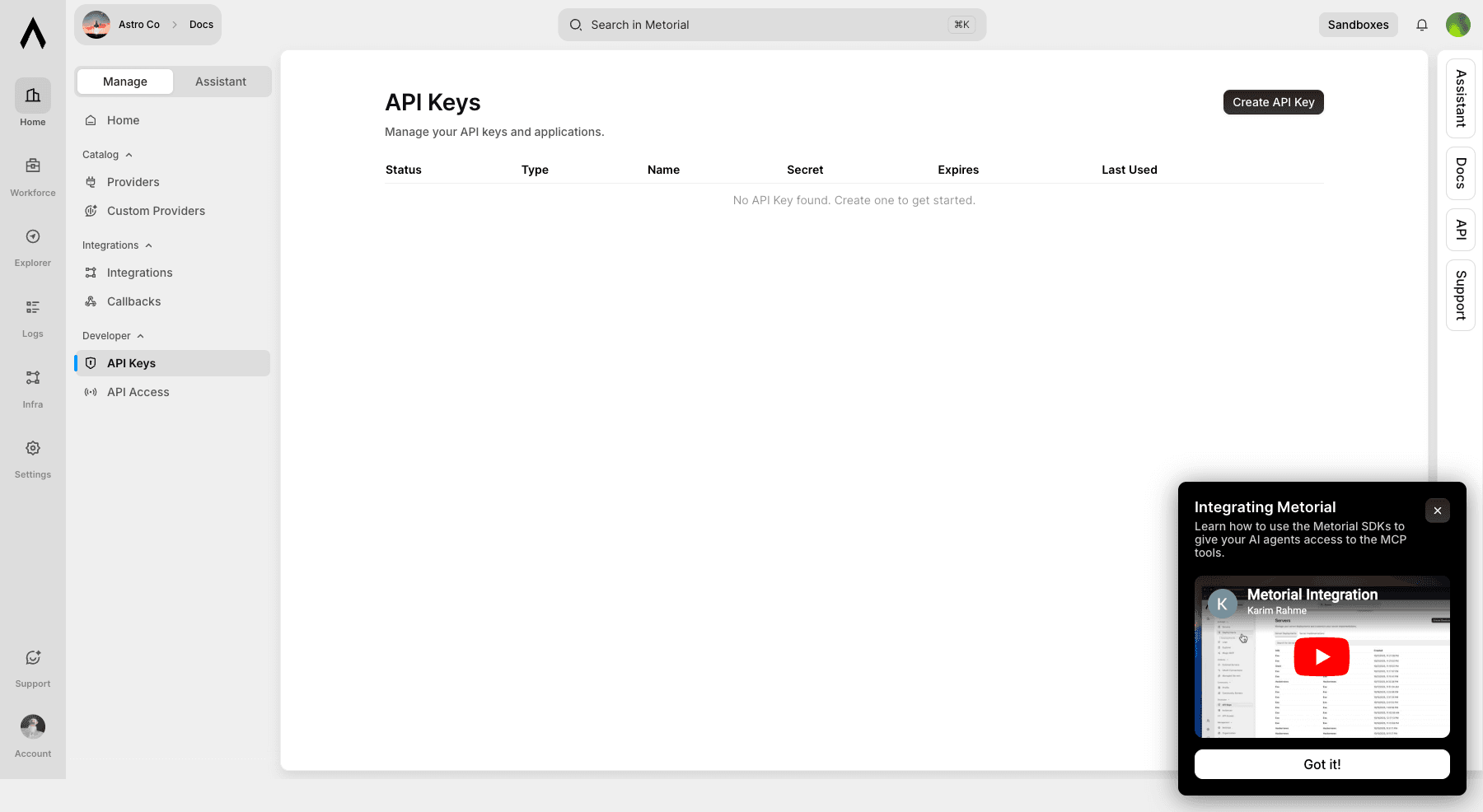
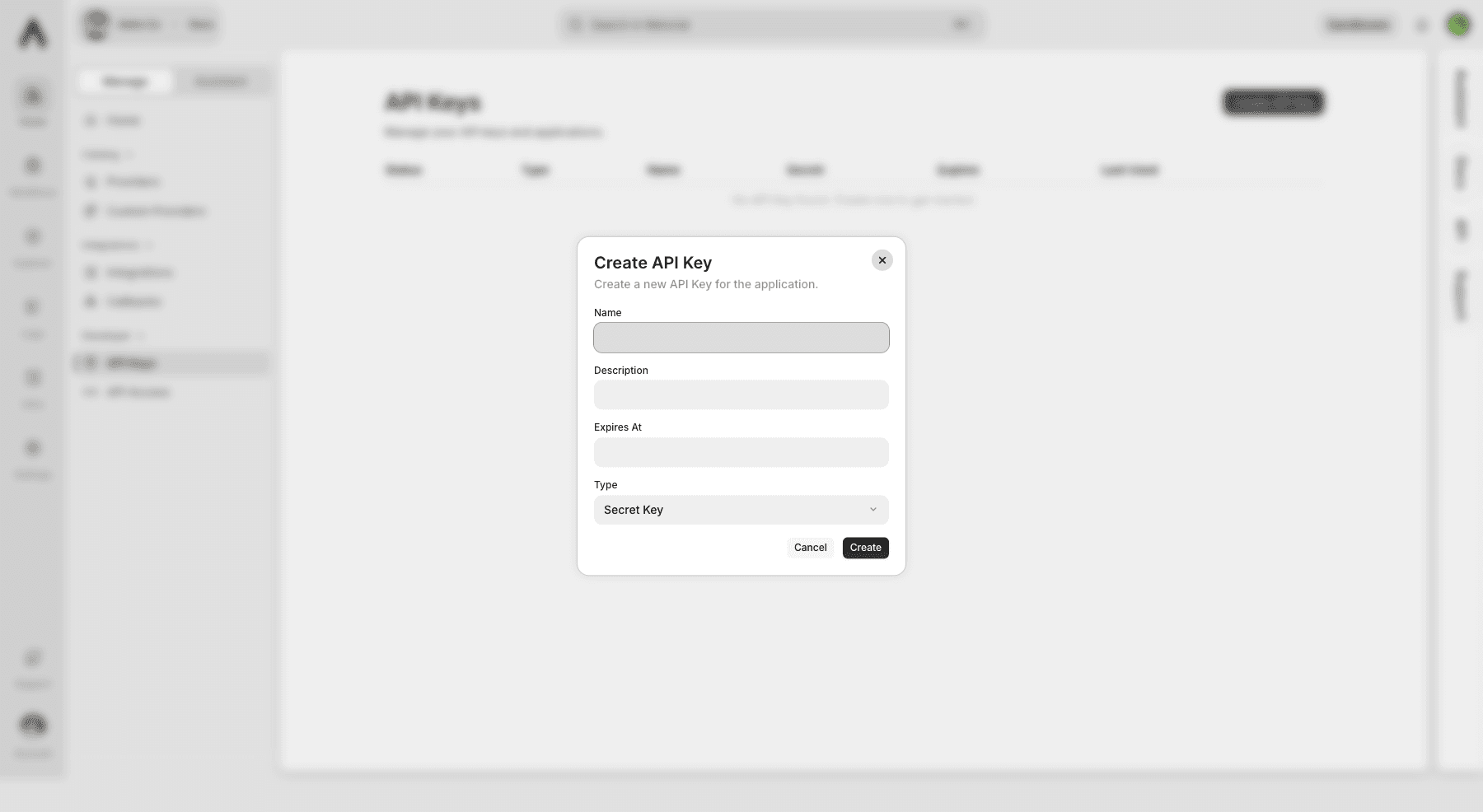
You can generate both publishable and secret API keys in your Metorial dashboard by navigating to Developer → API Keys and clicking Create API Key.
Making your first API request
When making a request, you'll always use this base URL:
To authenticate, include your API key in the request header:
Here's a simple request to list your provider deployments:
Full API reference
You can view the detailed API reference here.
Client libraries
We make integration super easy with official SDKs for:
Important things to know
Rate limits
We have some basic usage limits to keep things fair:
- 1000 requests per IP every 10 seconds
- Development environments: 100 requests per 10 minutes
- Production environments: 5000 requests per 10 minutes
Handling responses
Our API uses standard HTTP response codes:
200: Success!400: Something's wrong with your request401: Invalid API key403: Not enough permissions404: Can't find what you're looking for429: You've hit the rate limit
Pagination
When fetching lists of items, we support cursor-based pagination. Each response includes has_more_before, has_more_after, and pagination cursors to help you fetch more items easily.
Need more help?
Check out our full documentation or reach out to our support team. Happy coding!
SDK documentationExplore SDKs for easier integration.