

What you’ll learn:
- How to configure API key-based providers
- How to test integrations
Configuring an API Key Integration
1
Get Your API Key
Sign up for the service (e.g., Exa, Tavily) and generate an API key.
2
Find the Provider
In Metorial, go to Providers and search for the integration.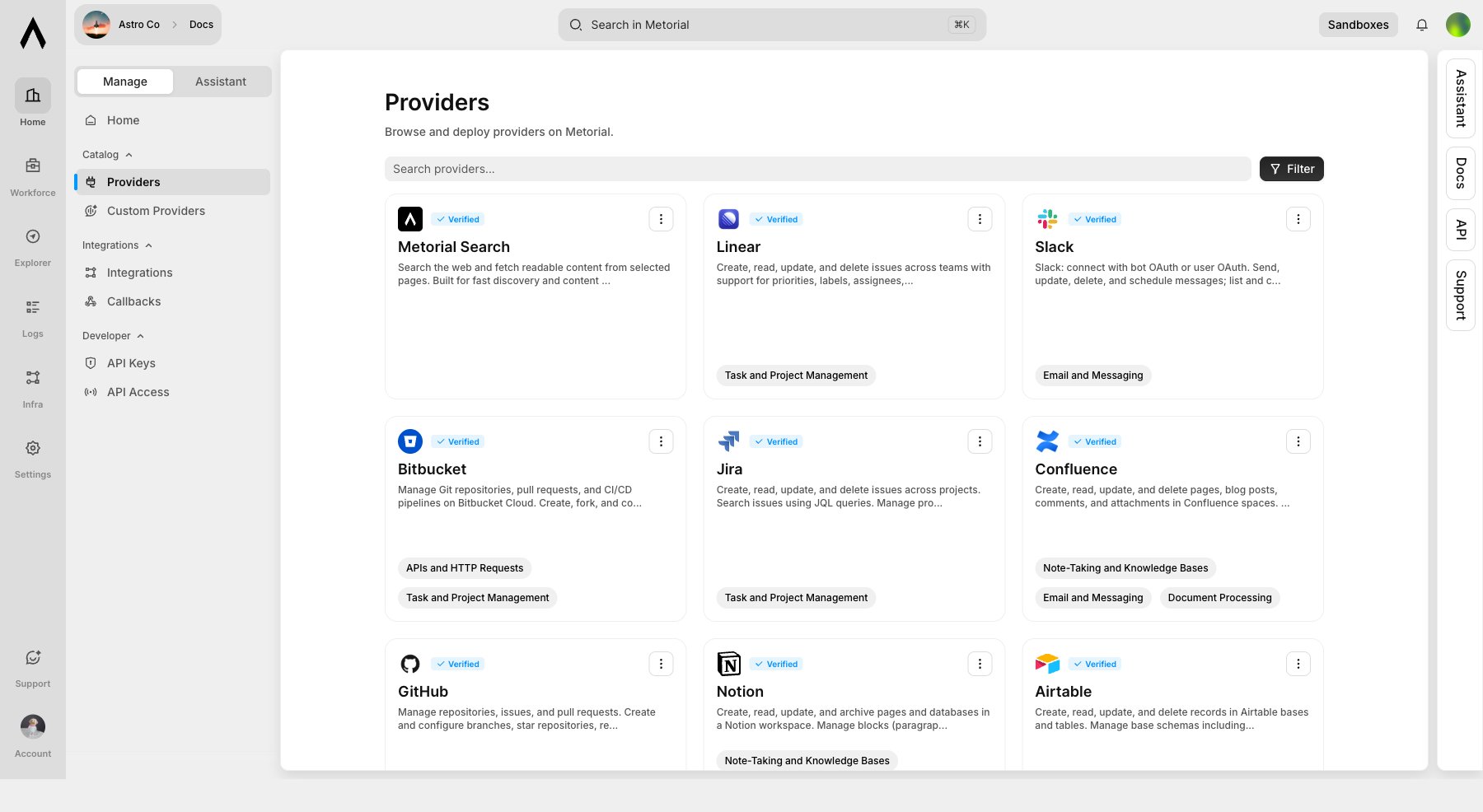
3
Create an Integration
Open the provider, click Use Provider, choose Integration, then select the API key auth method. Paste the API key when creating auth credentials. Metorial stores credentials securely as provider auth configuration.
4
Test
Use Explorer to verify the integration works before using it in an application.
Using API Key Integrations
After configuring your integration, pass the provider deployment or integration details when creating a session. The integration handles authentication automatically using the credentials you configured.What’s Next?
OAuth Integrations
Set up user-authorized integrations.
SDK Quickstart
Build your first AI agent.