Workforce
Workforce is the control plane for connecting AI agents and applications to user-authorized integrations, skills, portals, and MCP URLs.
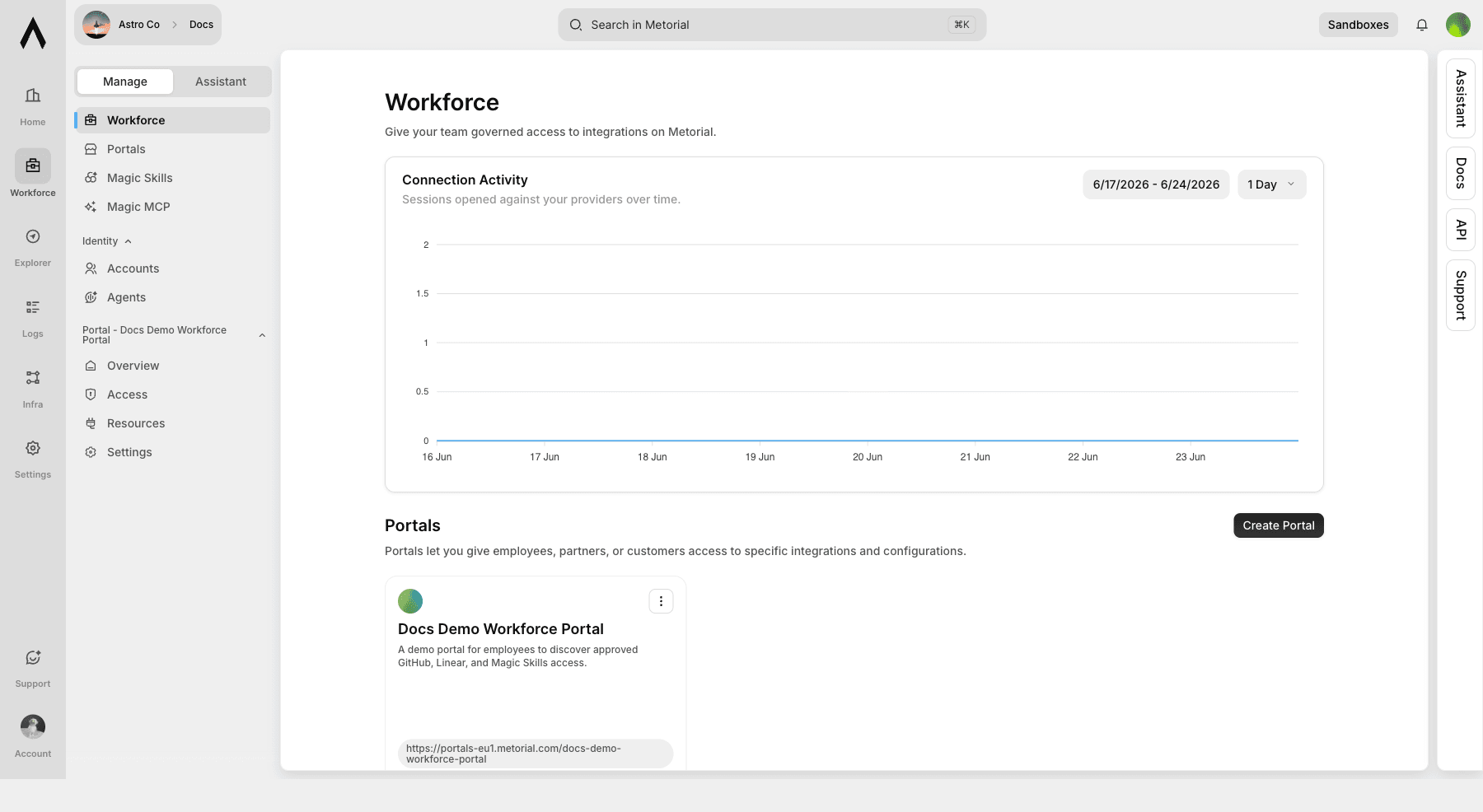
Workforce is where admins turn user-authorized tool access into something AI agents and applications can use. It brings together portals, integrations, skills, Magic MCP, accounts, agents, and activity so access control and tracing live in one place instead of scattered across credentials and one-off setup.
What you'll learn
- What Workforce manages for admins, users, AI clients, MCP clients, CLIs, and agents
- How portals, integrations, skills, accounts, agents, and Magic MCP fit together
- Which dashboard areas support the main Workforce workflow
What Workforce is for
Use Workforce when you need to answer practical access questions:
- Which users or agents can use approved integrations?
- Which integrations and skills should users see?
- Which portal should a customer, partner, or internal team open?
- Which MCP clients and CLIs can connect through approved access?
- Which traces, sessions, tool calls, and auth events happened?
What you can manage
| Area | What it does |
|---|---|
| Portals | Publish branded catalogs of approved integrations and skills |
| Skills | Create and govern reusable workflows |
| Integrations | Configure approved access to tools such as GitHub and Linear |
| Magic MCP | Expose approved provider access through managed MCP endpoints |
| Accounts | Manage employees or users that receive portal access |
| Agents | Manage non-human actors and linked clients |
| Activity | Review traces, sessions, connections, tool calls, and errors |
Core workflow
Most teams start with this path:
Open Workforce
Start from the Workforce dashboard for the project you want to configure.
Launch a portal
Create the branded place where users will discover approved integrations and skills.
Add integrations and skills
Publish the tools and workflows users need. Start with a small set, then expand as usage becomes clear.
Test as a user
Open the user portal and confirm the right integrations, skills, and MCP URL are visible.
Review activity
Inspect traces, sessions, connections, tool calls, auth events, and alerts.
Dashboard surfaces
The Workforce product spans these dashboard areas:
| Area | Route | What it manages |
|---|---|---|
| Workforce | /workforce | Activity, portals, accounts, and access overview |
| Portals | /portals | Branded resource catalogs for employees, partners, or customers |
| Magic Skills | /skills | Skills, marketplaces, templates, groups, and skill policy |
| Magic MCP | /magic-mcp | MCP servers, connections, groups, and tokens |
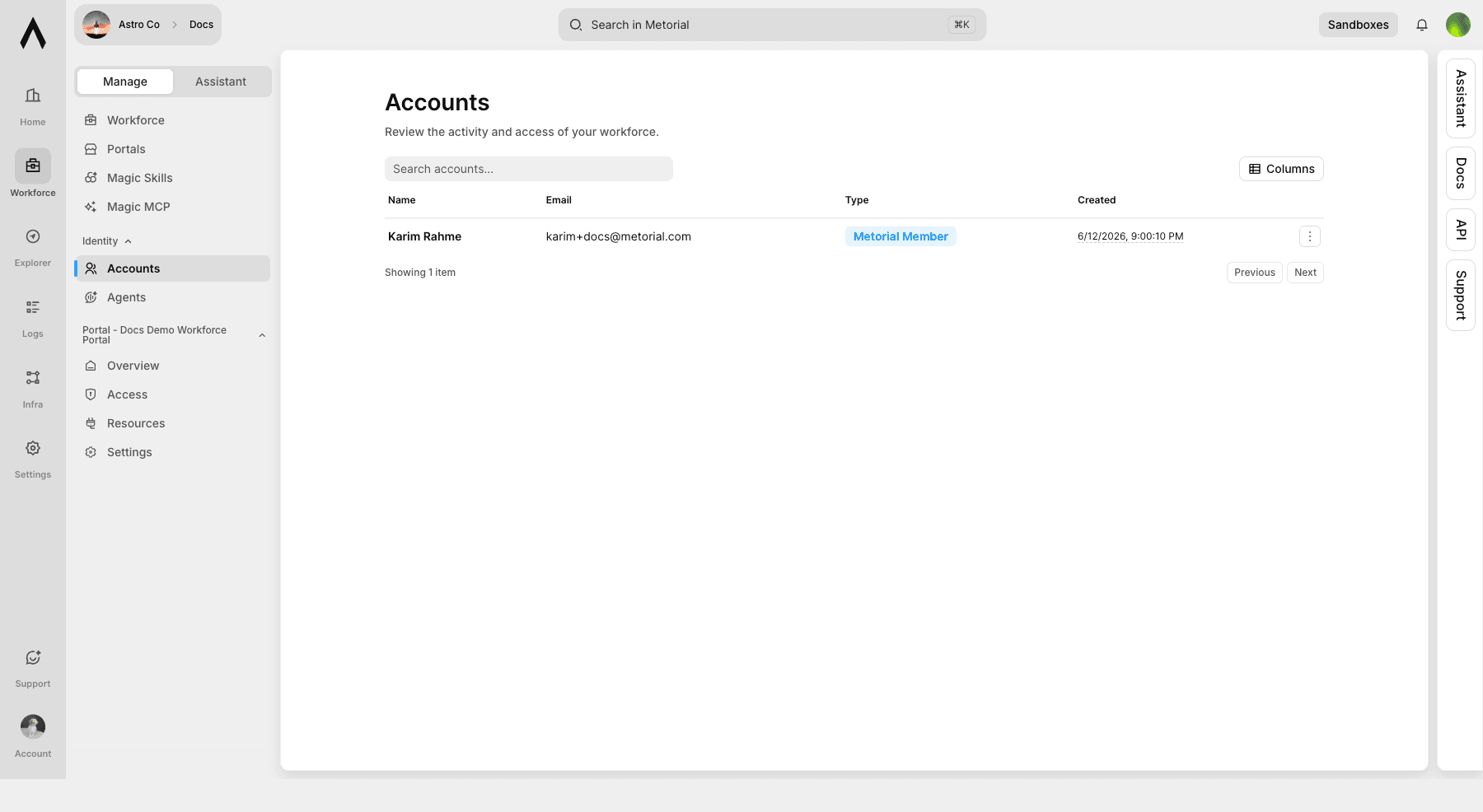
| Accounts | /consumers | Employees or users that can receive access |
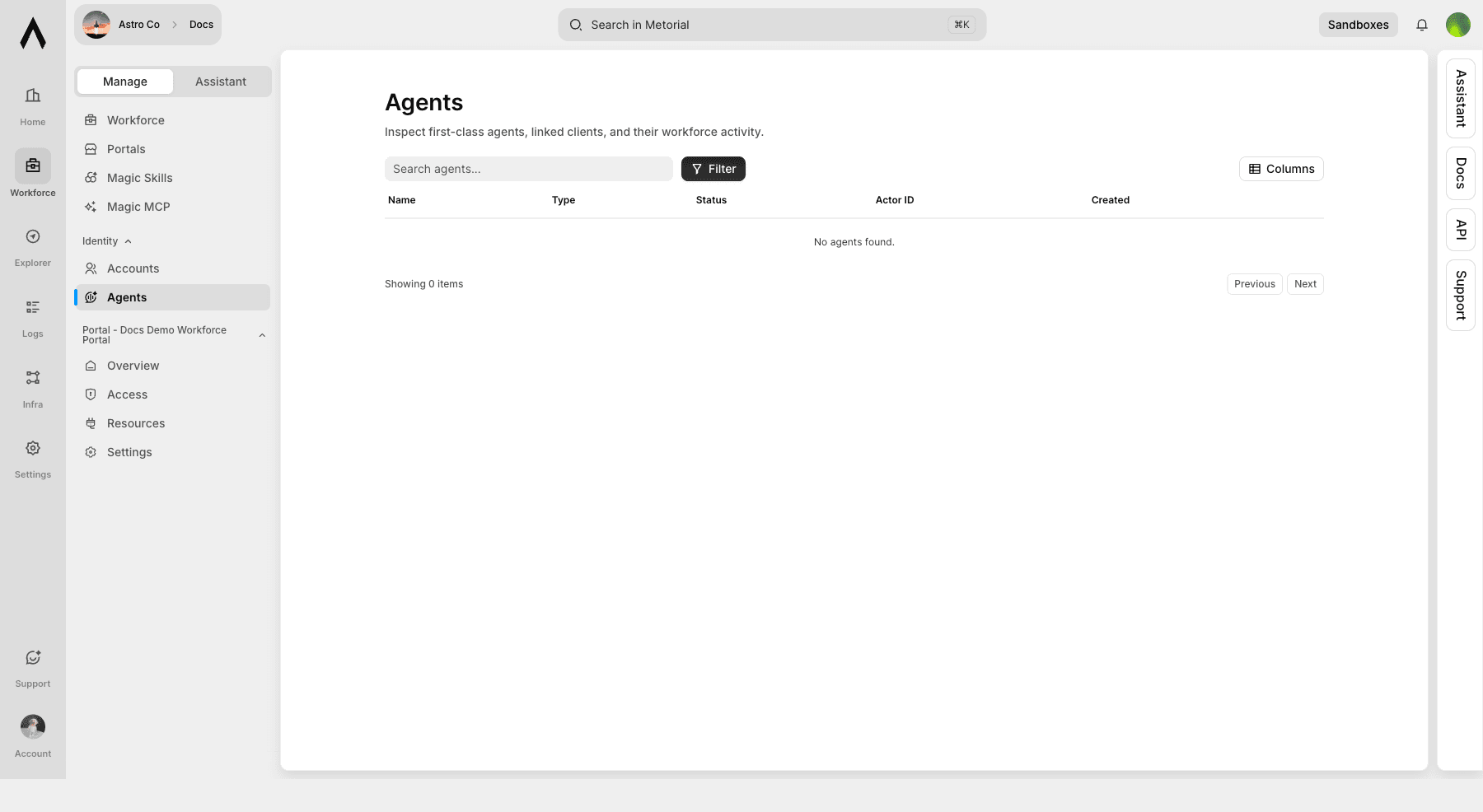
| Agents | /agents | First-class agent actors and linked clients |
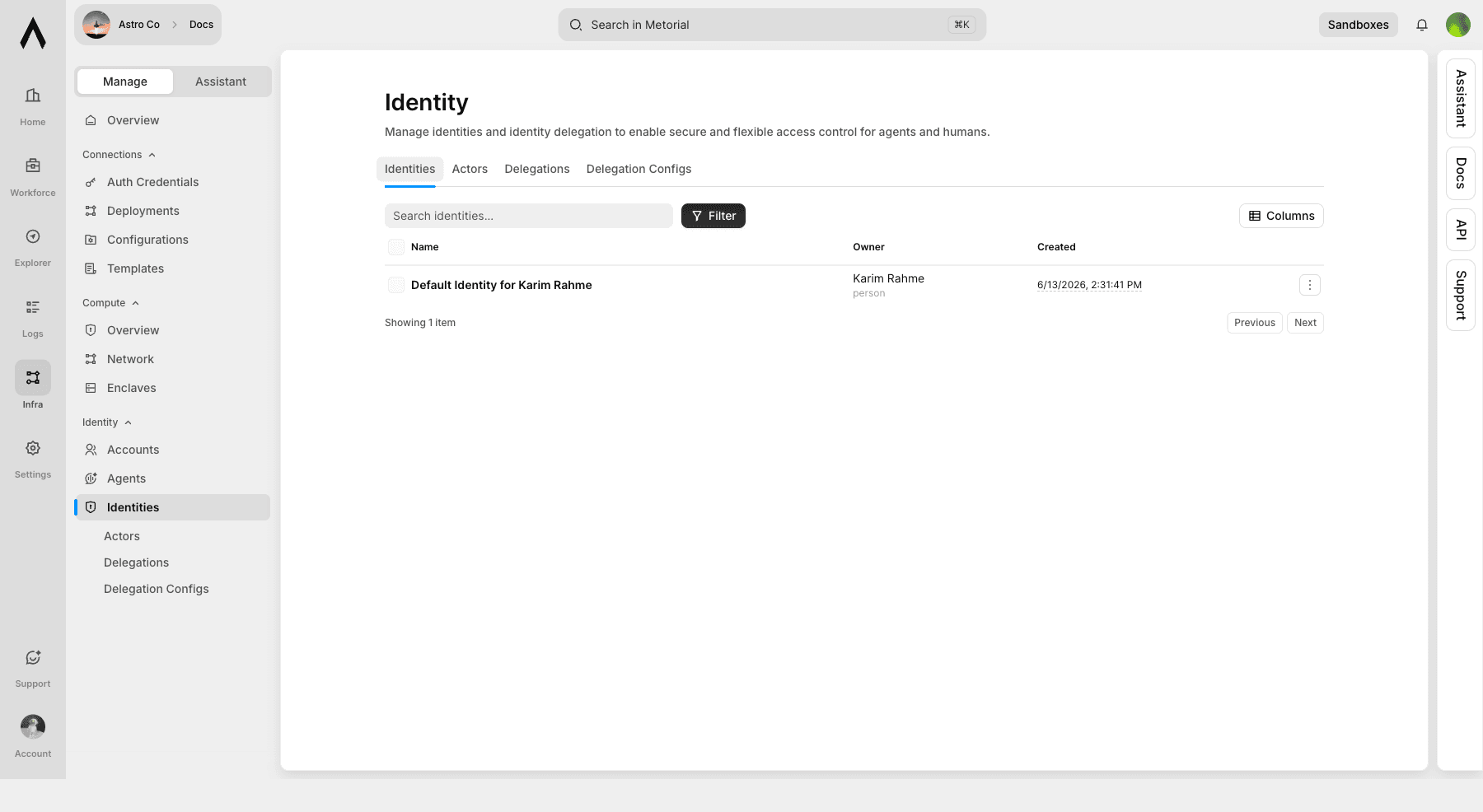
| Identity | /identities, /actors, /identity/delegations, /identity/delegation-configs | Identities, actors, delegations, and delegation configs |
How the pieces fit
Portals are the user connection layer. Integrations provide approved tool connections. Skills package repeatable workflows. Magic MCP gives AI clients, agents, MCP clients, and CLIs a standard MCP endpoint for approved access. Accounts and agents represent who or what can use access. Activity and logs trace usage, tool calls, and access events.
Identity and delegation
Workforce also includes lower-level identity and delegation pages. Use them when you need durable ownership for employees, agents, customer-facing users, or delegated access relationships.
| Page | What it manages |
|---|---|
| Accounts | Employees or users that can receive access |
| Agents | Non-human actors and linked clients |
| Identities | Identity records used for ownership and delegation |
| Delegations | Access relationships between identities |
| Delegation Configs | Reusable policies for identity delegation |