

What you’ll learn:
- How admins build a portal
- How users experience a portal
- How access groups, integrations, skills, highlights, and authentication fit together
Portal Journey
Admins create the portal and decide what appears inside it. Users open the portal, authenticate, and connect to the approved resources.Create A Portal
Open Portals from Workforce and create a portal with a clear name and description. Use the description to explain who the portal is for and what kind of work it supports.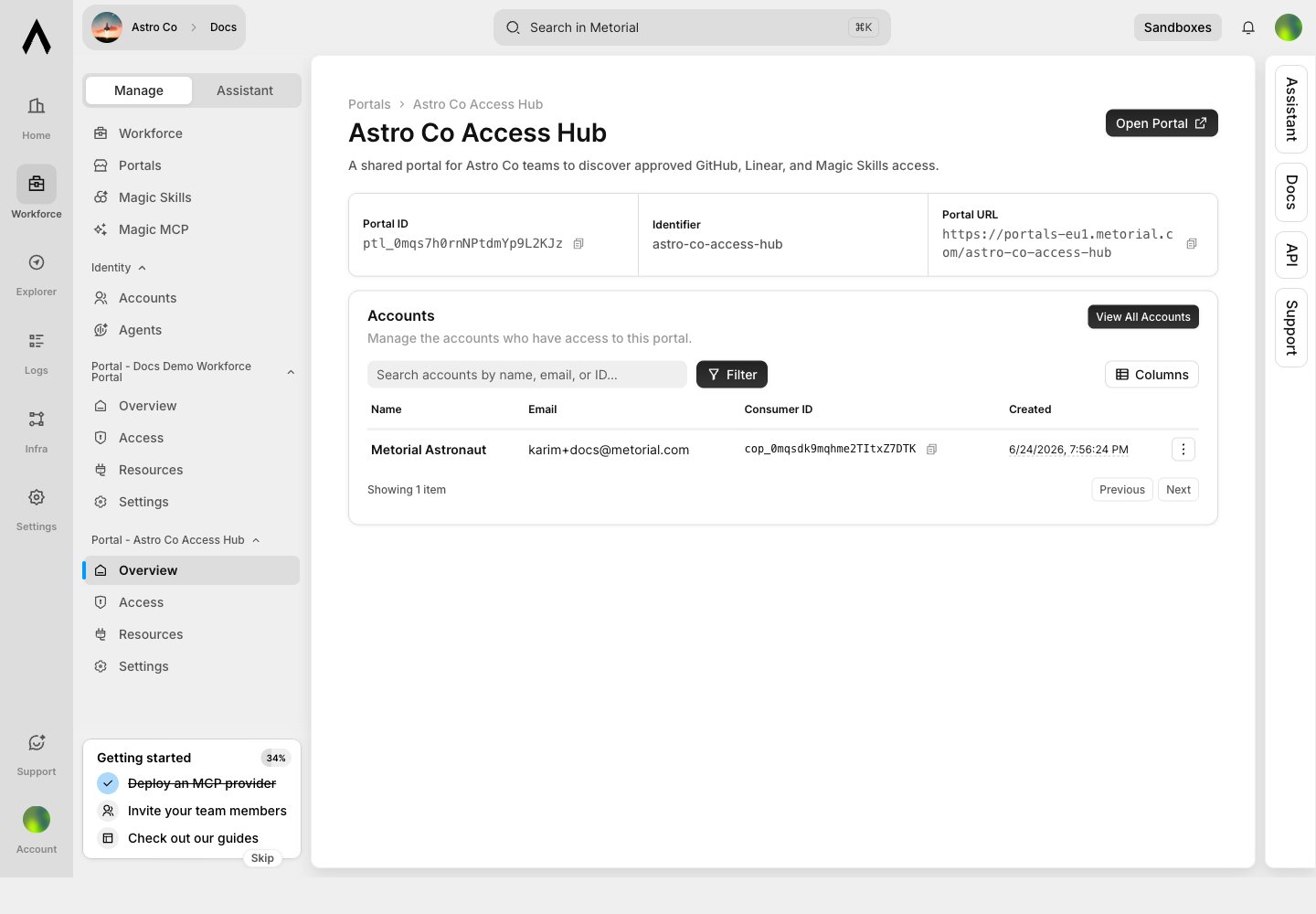
Add Access Groups
Access groups decide which users can see each portal resource. Groups can apply to every account by default or match SSO group IDs.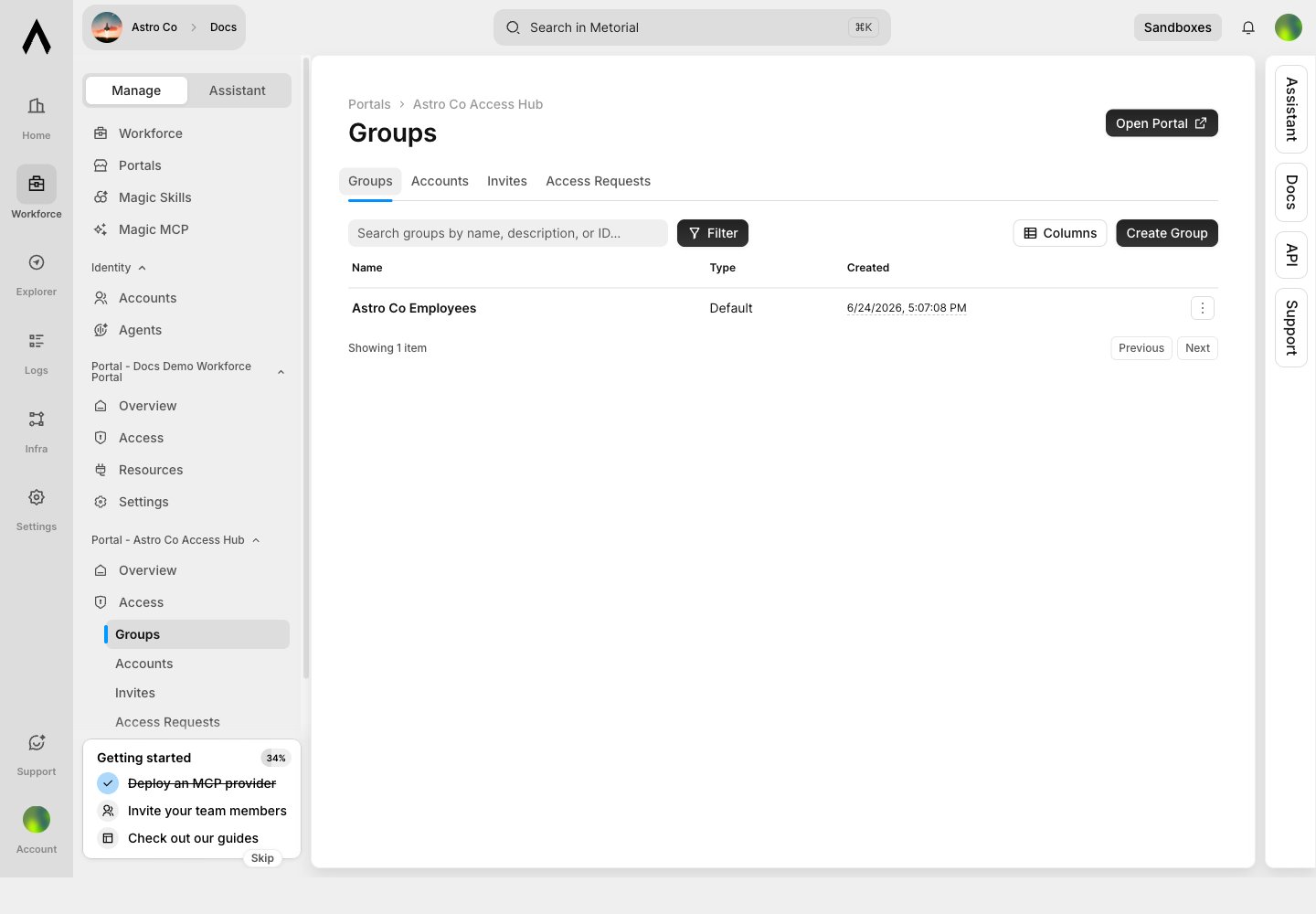
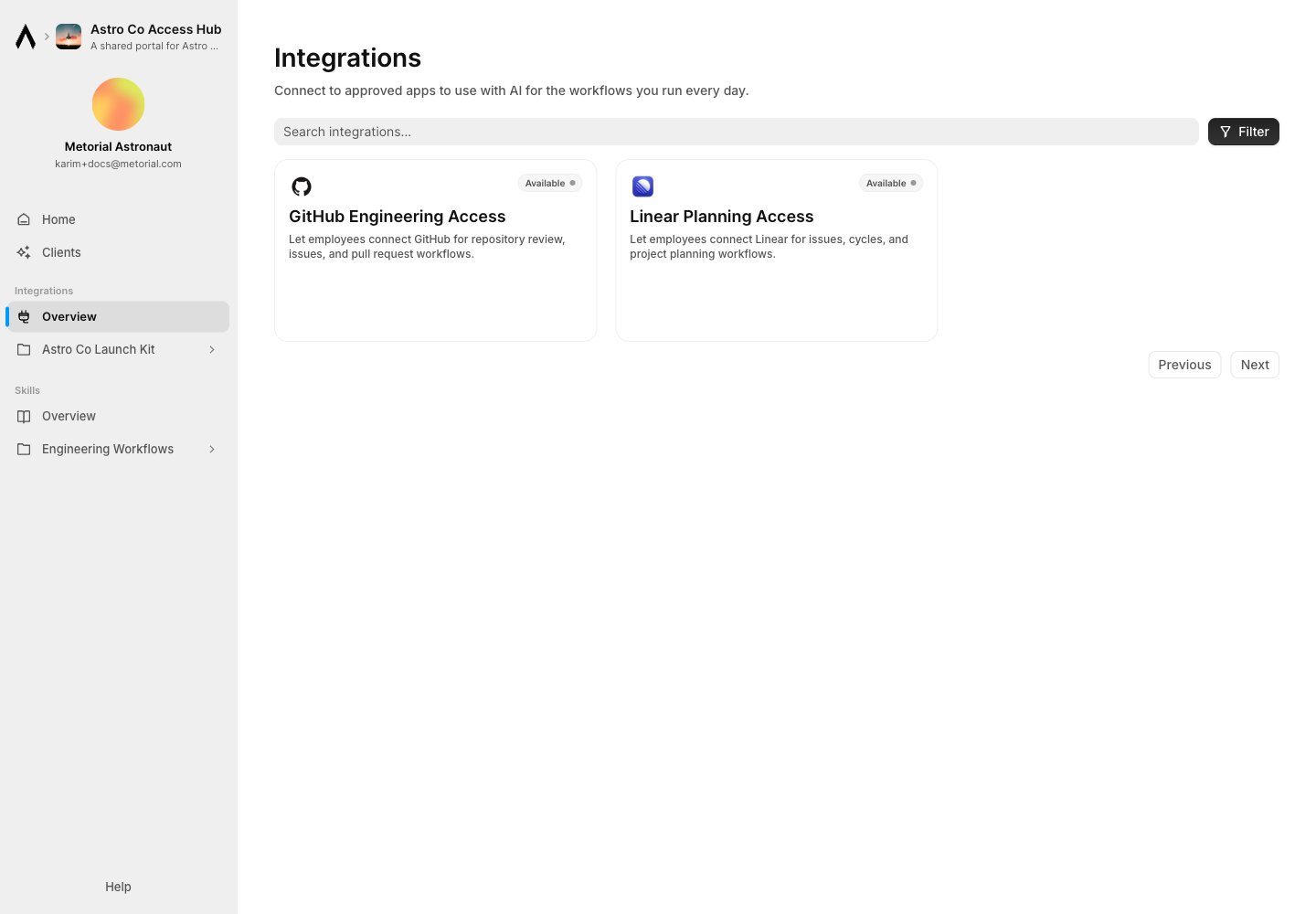
Add Integrations
Publish integrations so users can connect approved tools. A portal integration can be: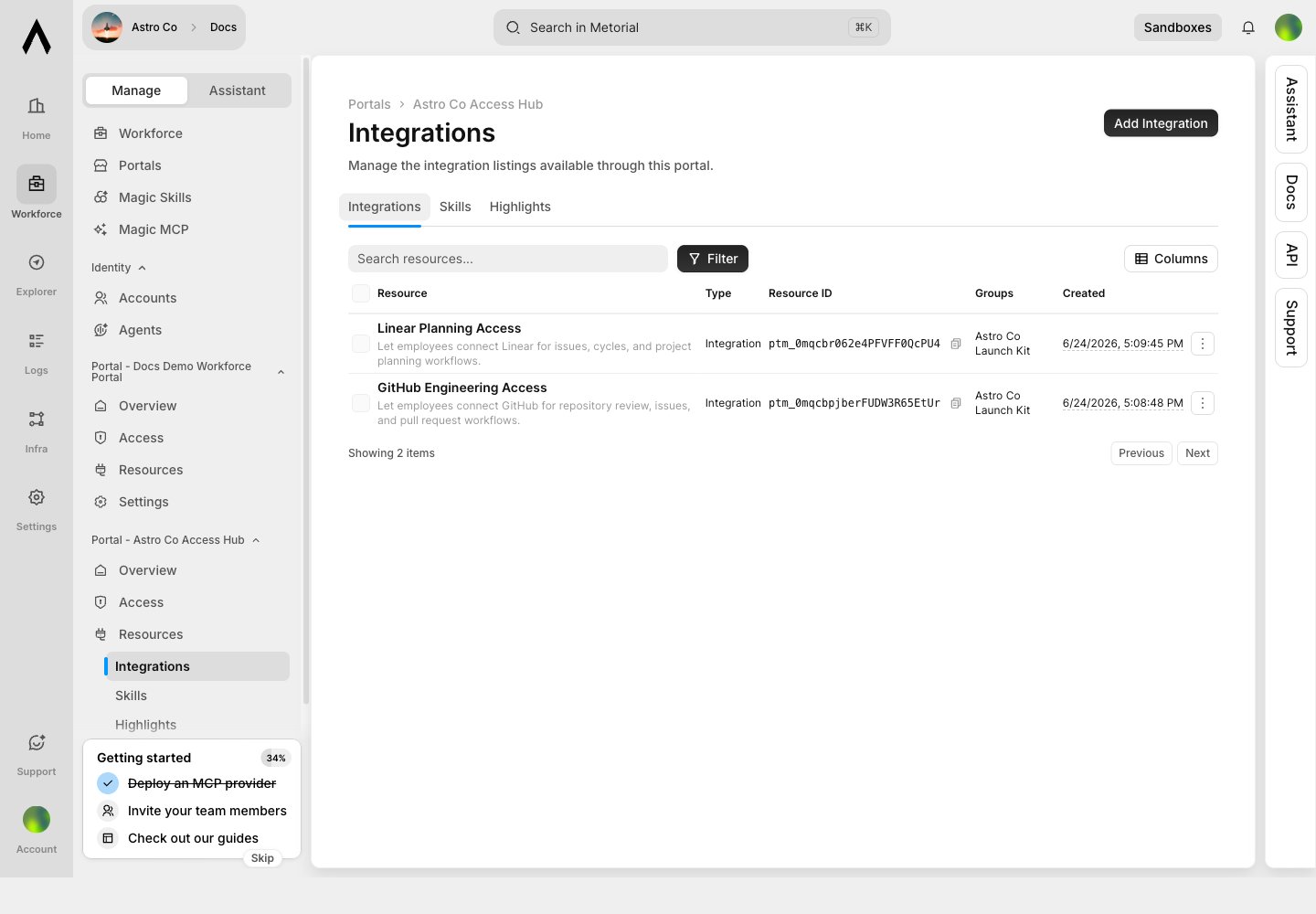
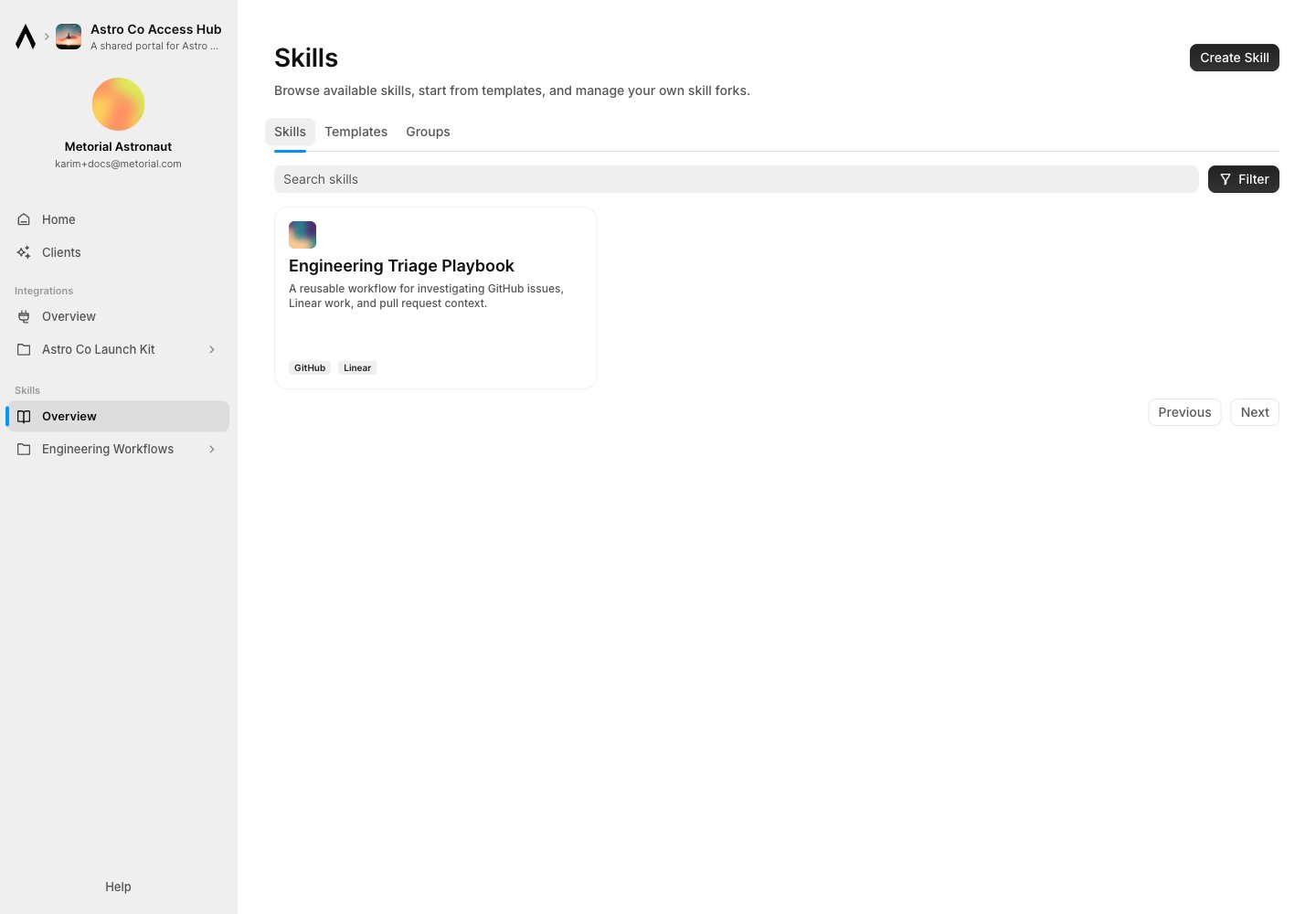
Add Skills
Publish skills so users can run approved workflows. Skills can show linked integrations, which helps users understand what access powers the workflow.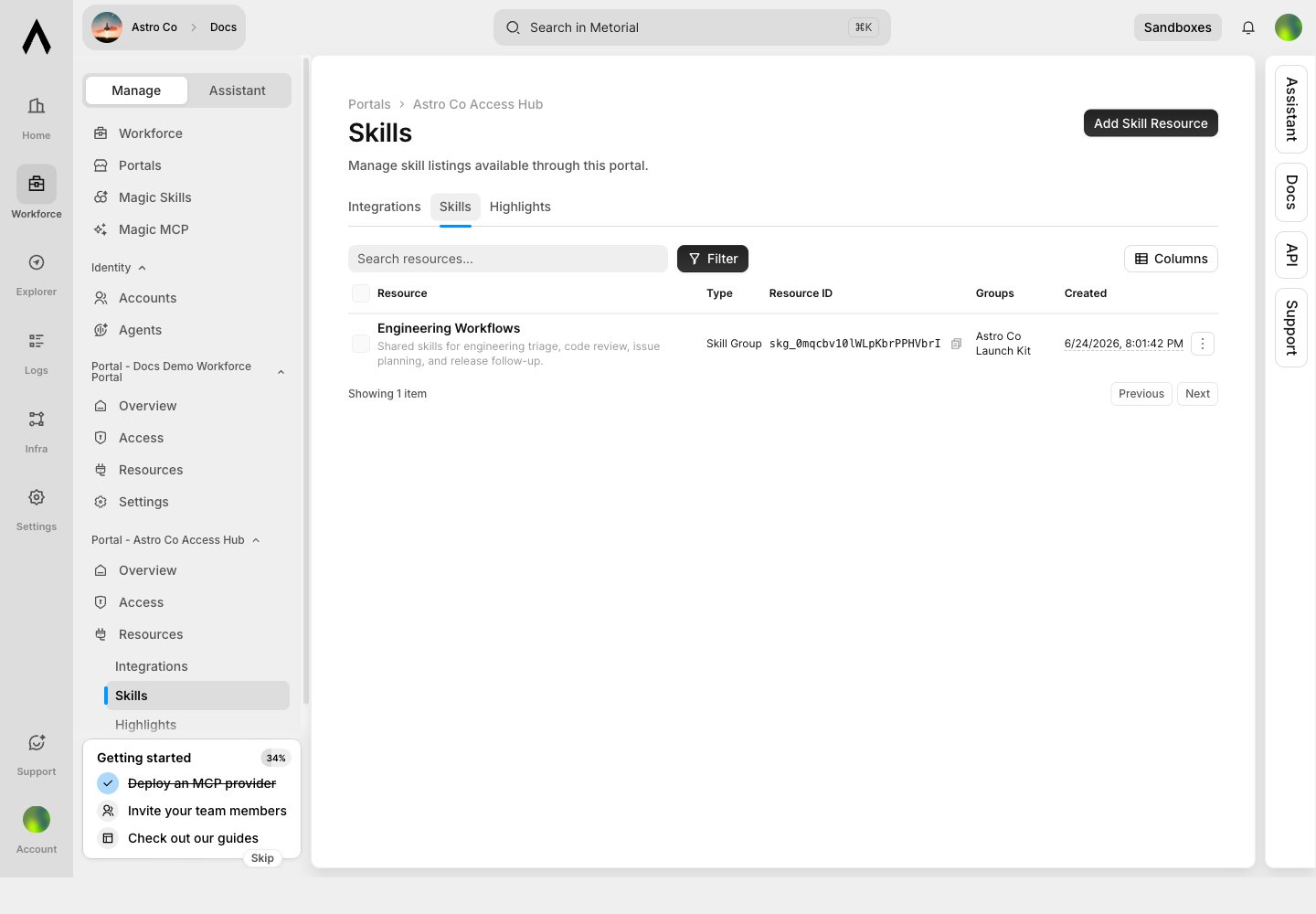
Highlight Starter Resources
Highlights organize selected resources on the portal home page. Use them for recommended workflows, starter kits, or department-specific bundles.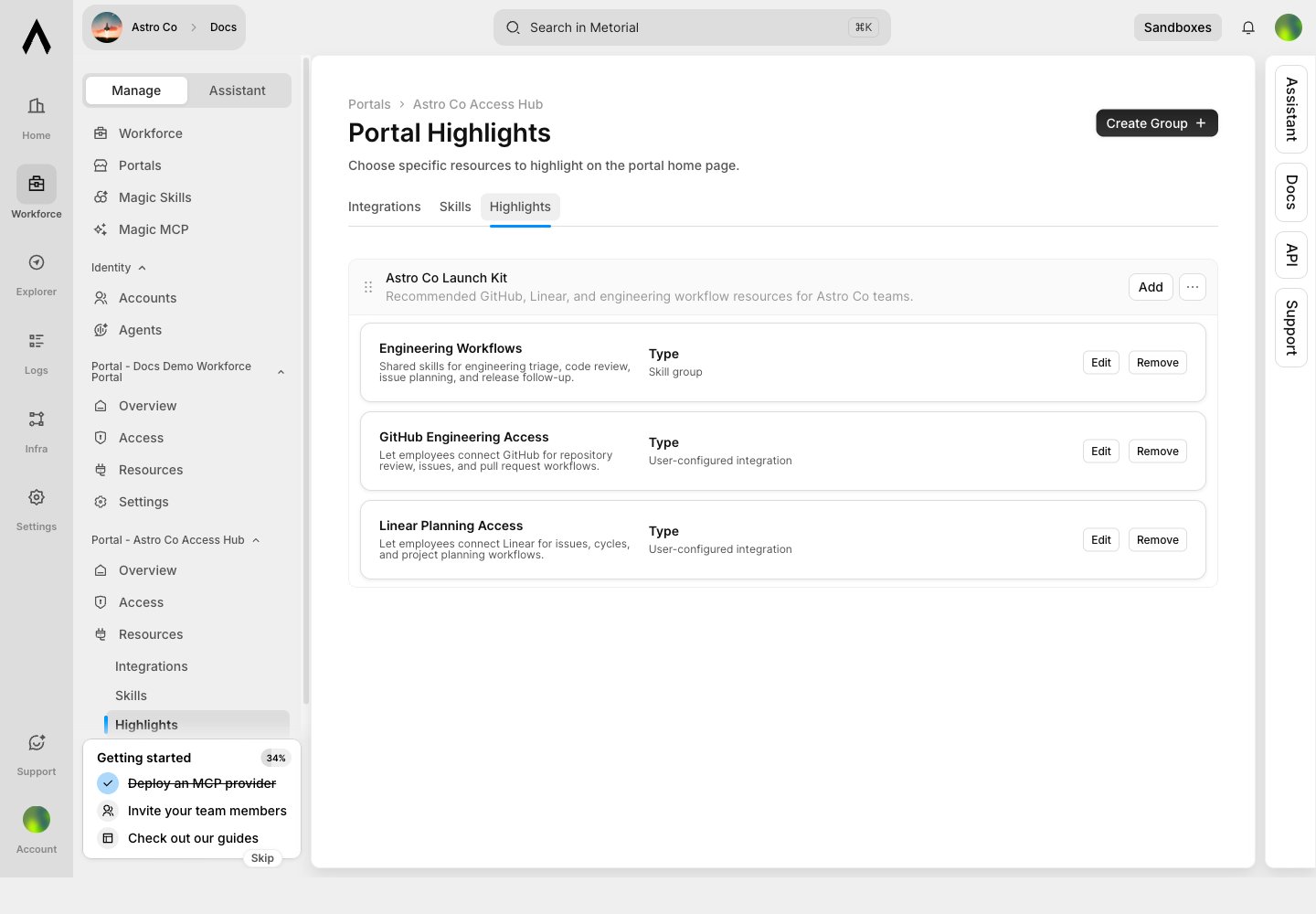
Configure Authentication
Portal authentication controls who can enter the portal. Configure SSO tenants, email or domain allowlists, and session expiry settings.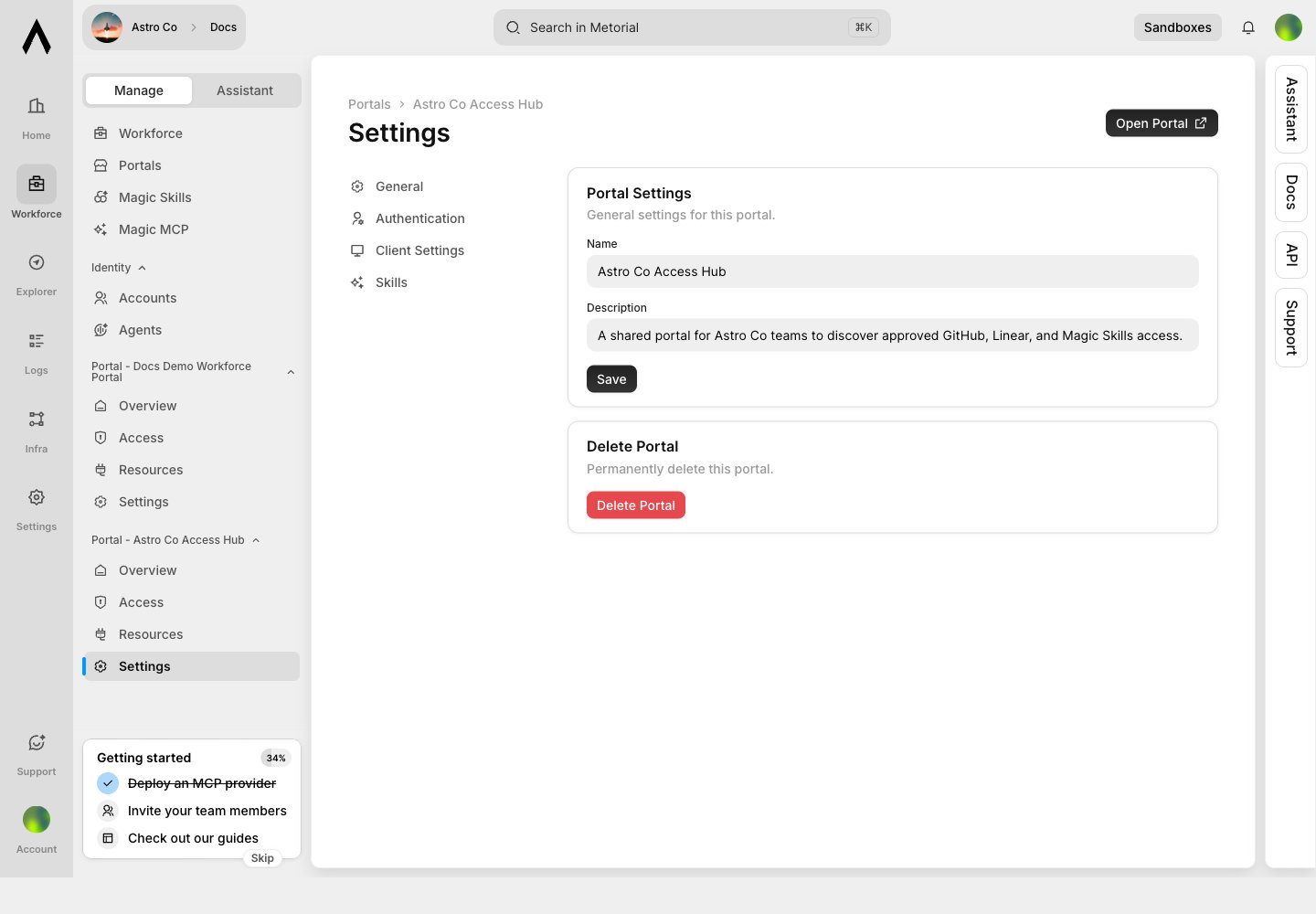
Test The Employee Experience
Open the portal as a user and check the home page, integrations view, and skills view.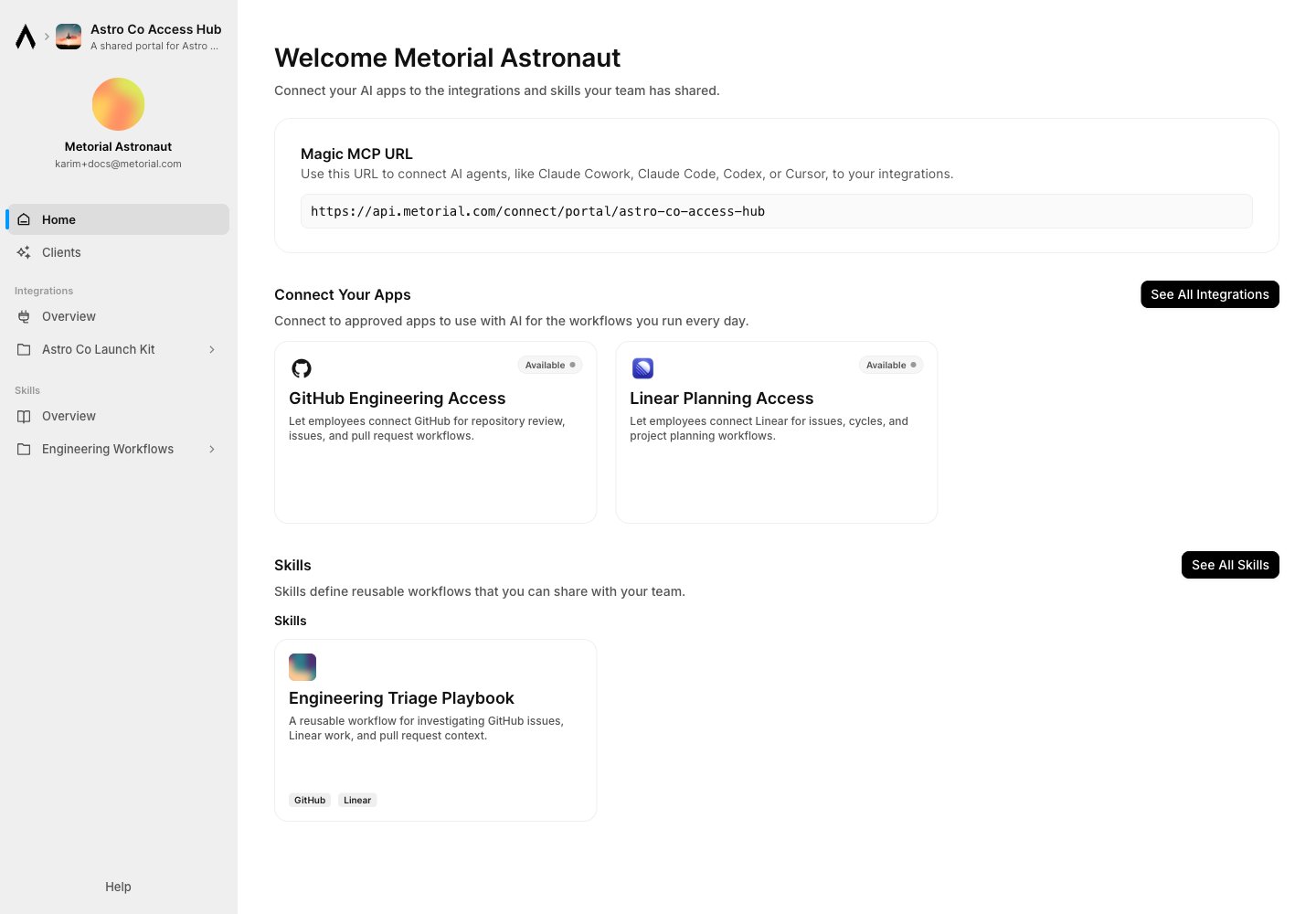
Magic MCP In Portals
Portals can expose portal-aware Magic MCP access. Use this when users should connect MCP clients through a branded, authenticated surface rather than a project-internal endpoint. Use portal-connected Magic MCP when:- access should be user-specific
- the connection should honor portal authentication
- users need a branded entry point
- resource listings and requests should wrap MCP access
Related Pages
Create A Portal
Follow the first portal setup path.
Magic Skills
Publish reusable workflows through portals.
Workforce
Understand the broader Workforce access model.
Integrations
Configure the tools users can access.