

What you’ll learn:
- What provider skills are
- How skills differ from tools
- Where skills fit into provider selection and tool filtering
Skills In The Dashboard
Provider pages show a Provider Summary section. The dashboard code treats this as an AI-generated overview of the provider’s capabilities and features.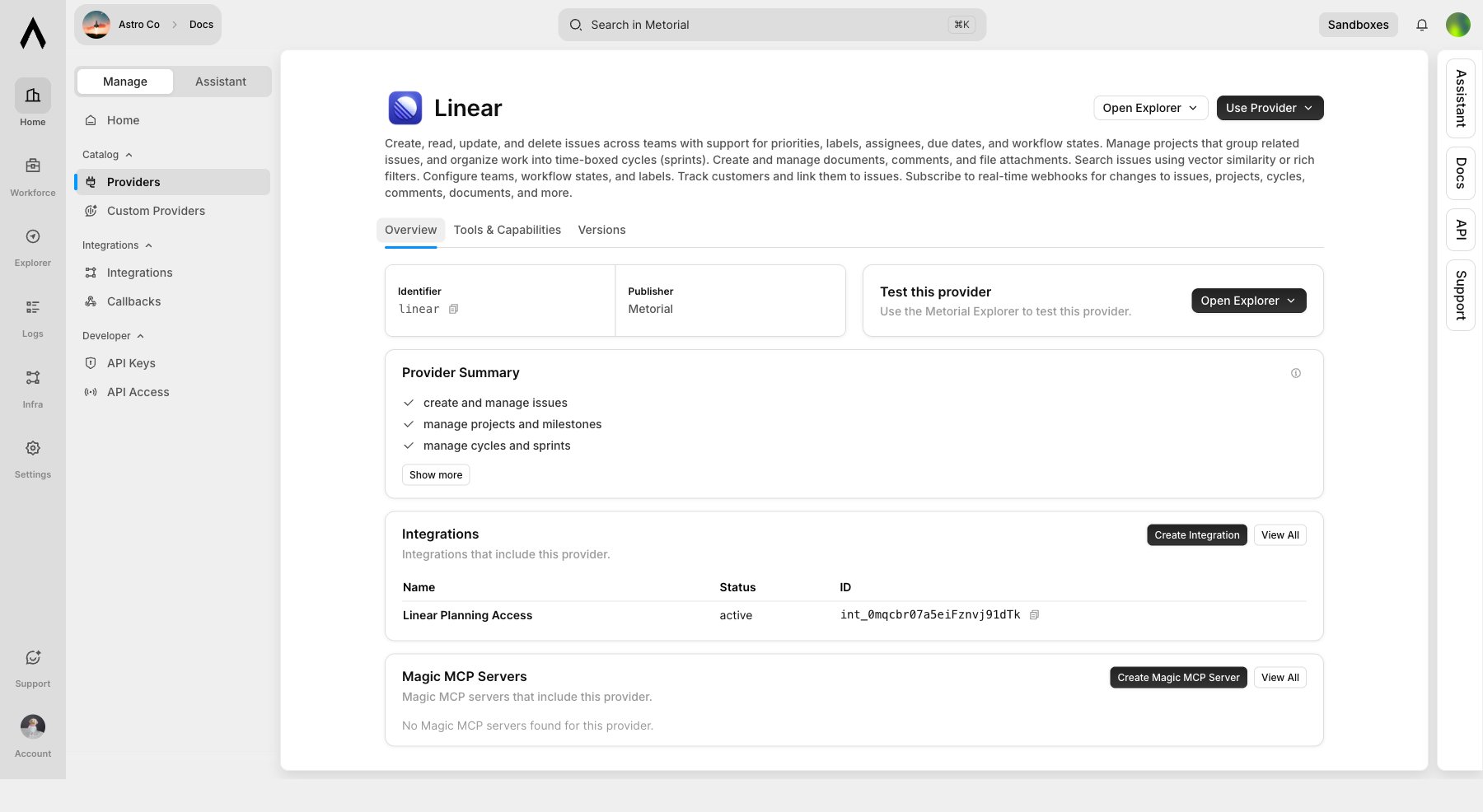
- create and manage issues
- manage projects and milestones
- manage cycles and sprints
- manage repositories
- create pull requests
- star repositories
Skills Versus Tools
Skills are not executable tool calls. They are summaries that help you decide whether a provider is relevant.Selection Flow
Tool Filters
Provider setup groups tools into read-only, write, and destructive categories. For providers such as GitHub and Linear, this is where the broad skill summary becomes concrete access control.
Related Pages
Providers
Learn how providers, integrations, configs, and auth configs fit together.
Integrations Overview
Learn how approved provider access is configured.