What you’ll learn:
- Where the main Workforce product surfaces live
- How Portals, Skills, Integrations, and Magic MCP connect
- Where to inspect activity, logs, and workspace settings
Home
The project home page gives you the current organization, project, and environment context. It also shows setup shortcuts and popular catalog providers such as GitHub and Linear.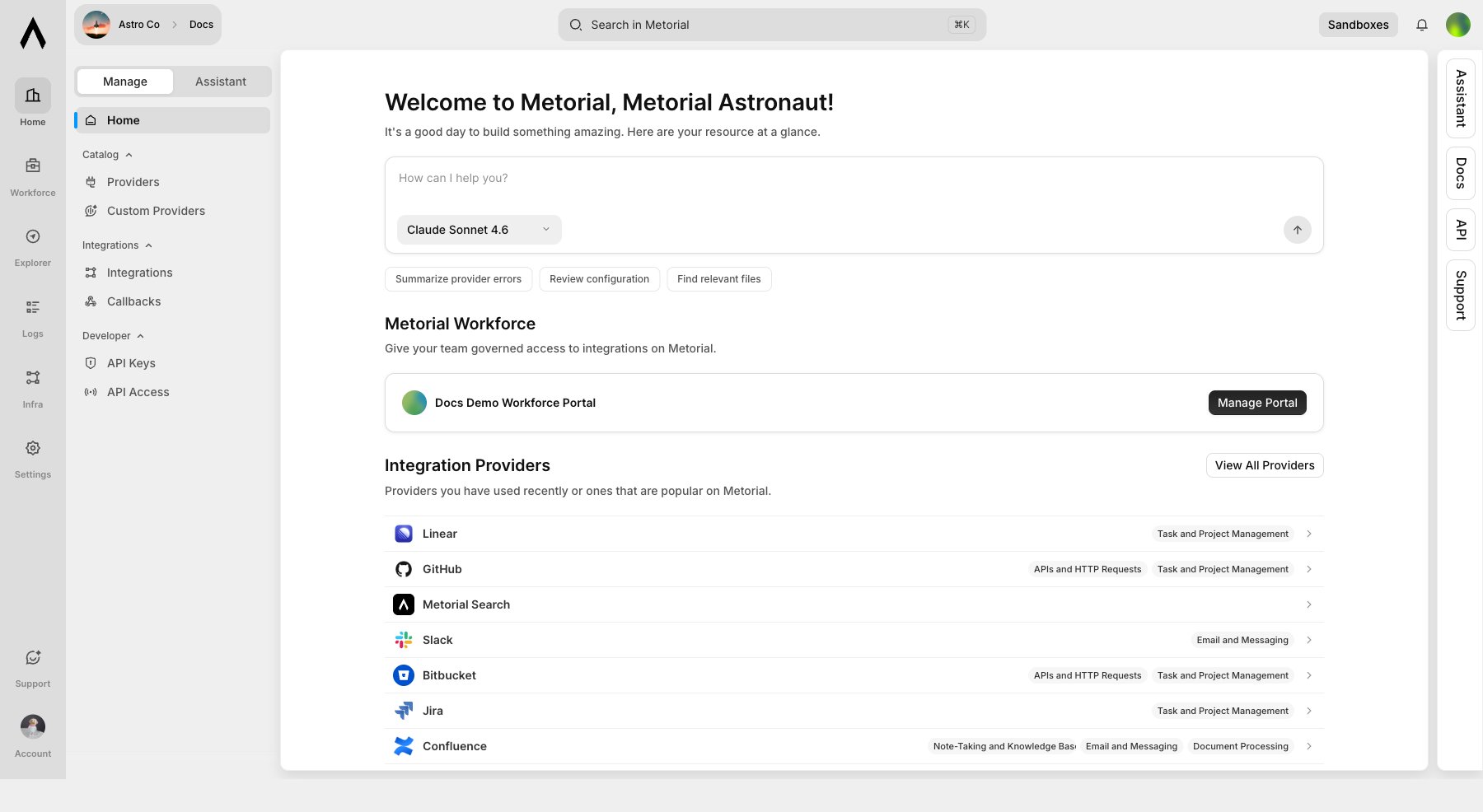
Workforce
Workforce is the product home for access management. Use it to review accounts, portals, activity, Magic Skills, and access surfaces connected to your project.
Portals
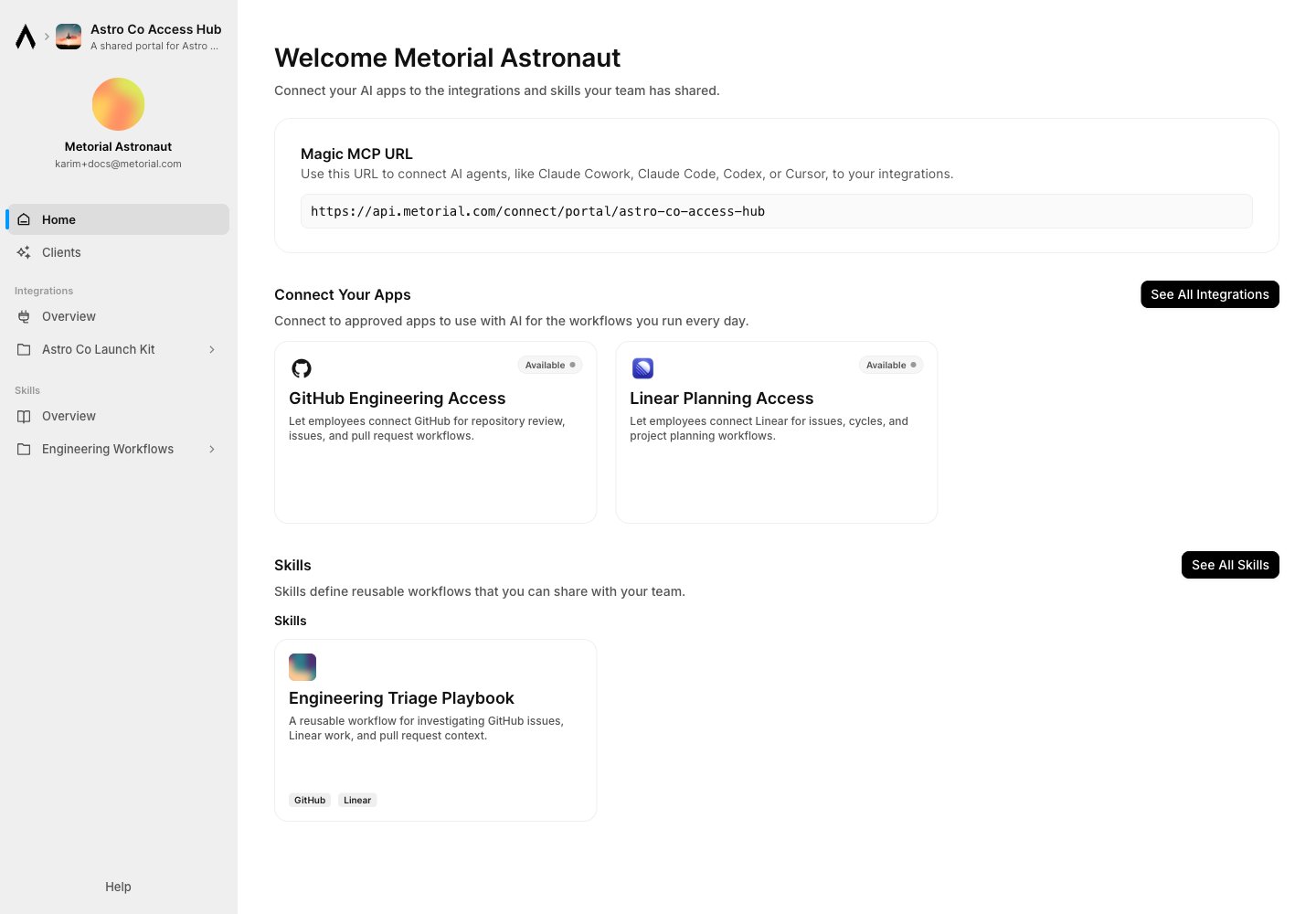
Portals let you publish a branded catalog of approved integrations and skills. Admins configure access groups, resource listings, authentication, and highlights; users open the portal to connect and discover what they can use.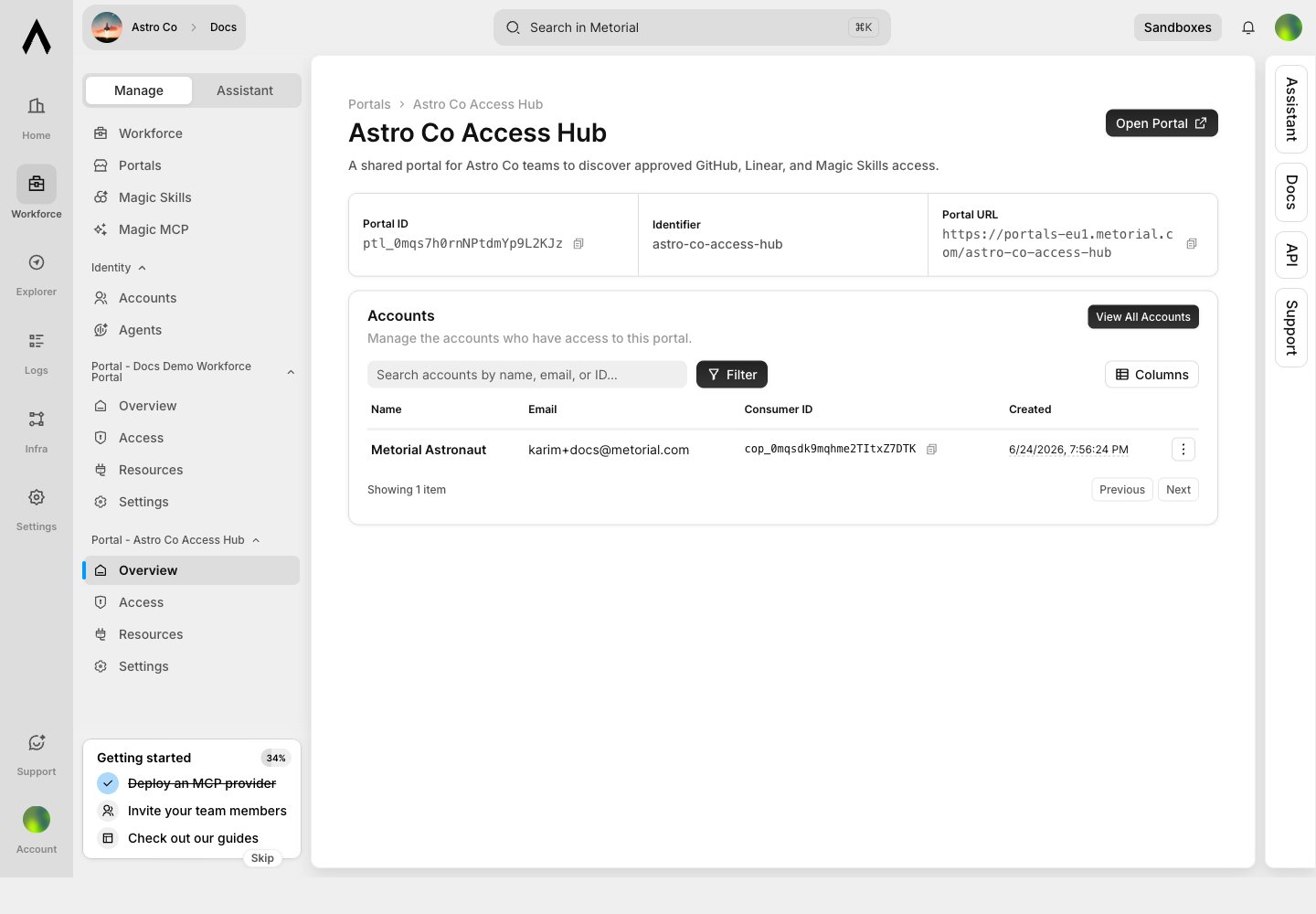
Magic Skills
Magic Skills are reusable workflows your team can create, organize, and publish. Use skills for repeatable work such as support playbooks, engineering review steps, customer handoff flows, or customer-facing automations.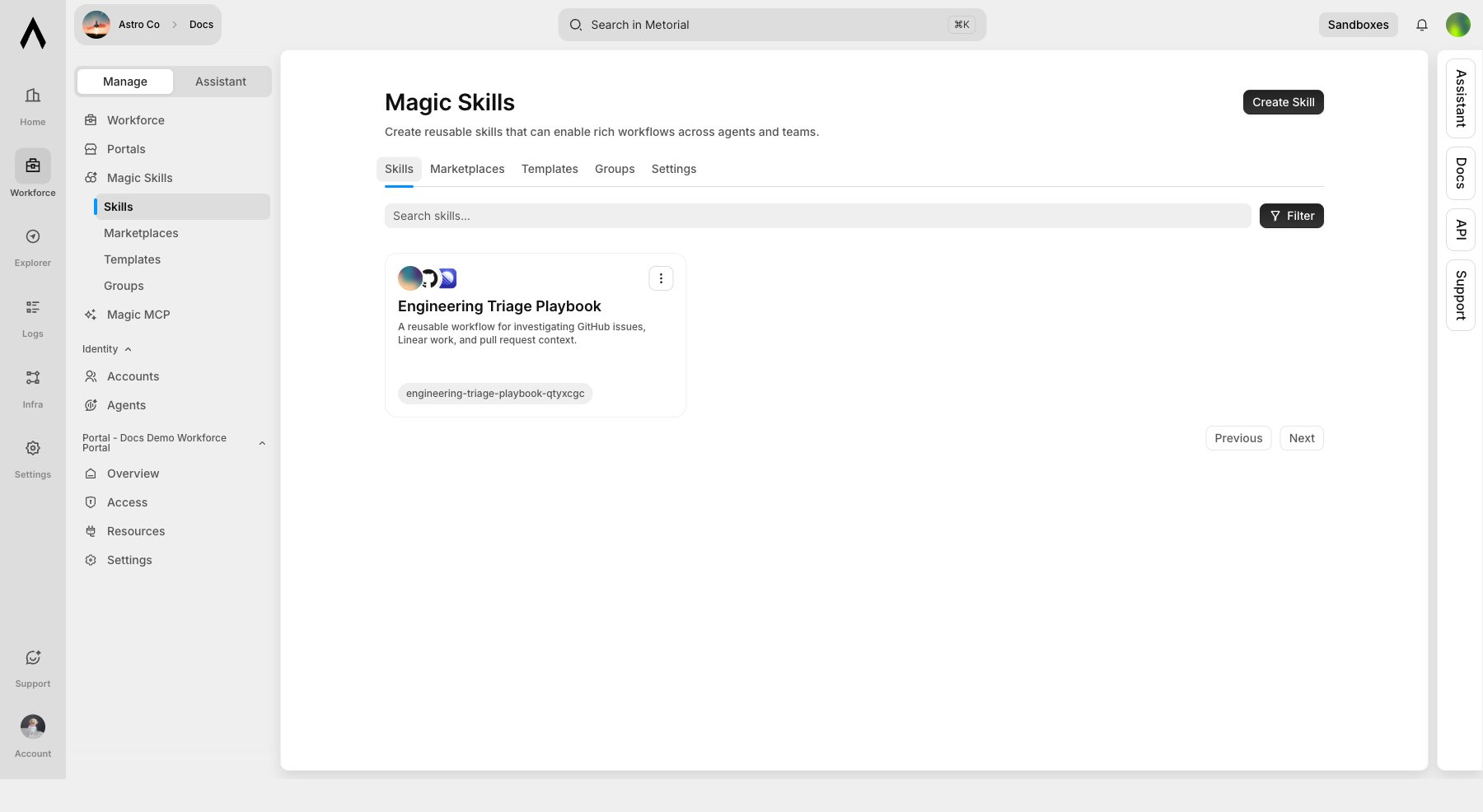
Integrations And Providers
Use Providers to browse catalog providers and Integrations to configure reusable access. Provider pages include tools, capabilities, versions, and setup actions for integrations or Magic MCP servers.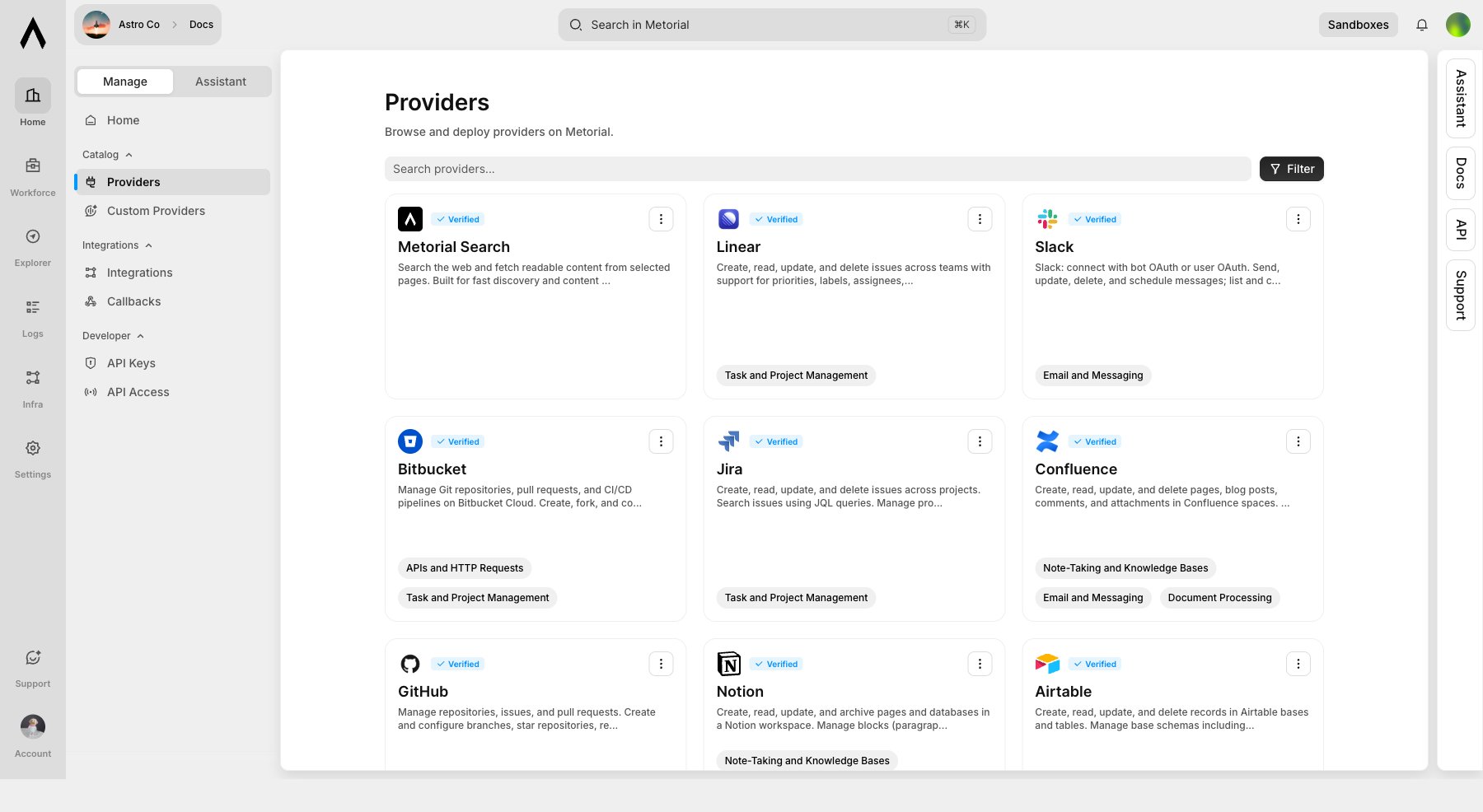

Magic MCP
Magic MCP servers turn configured providers into connectable MCP endpoints for agents and clients. Use groups and tokens to control which clients can connect to which servers.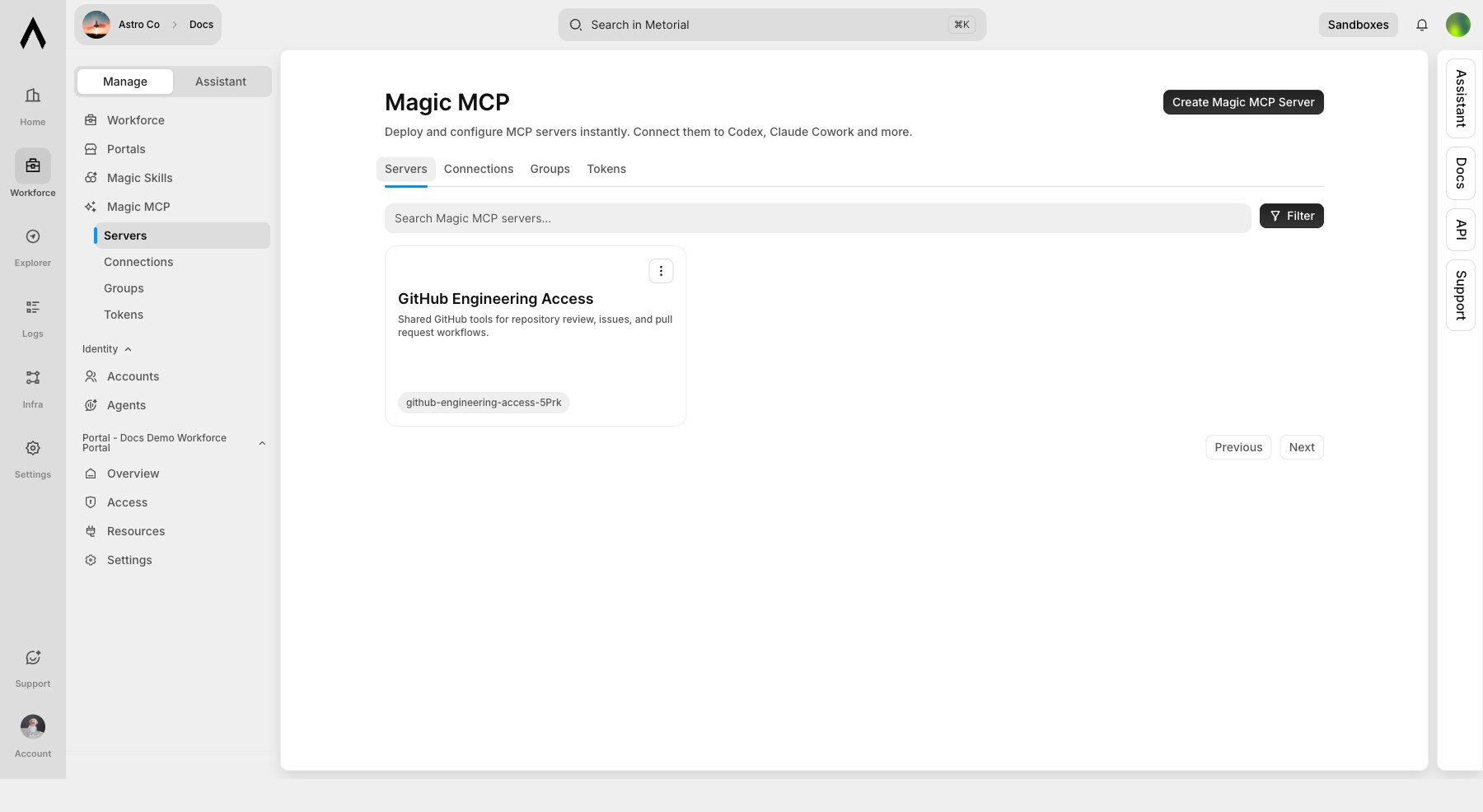
Activity And Logs
Use Logs to inspect sessions, connections, tool calls, provider runs, errors, alerts, Protoguard events, and provider-auth events. This is where operators confirm that access is being used as expected.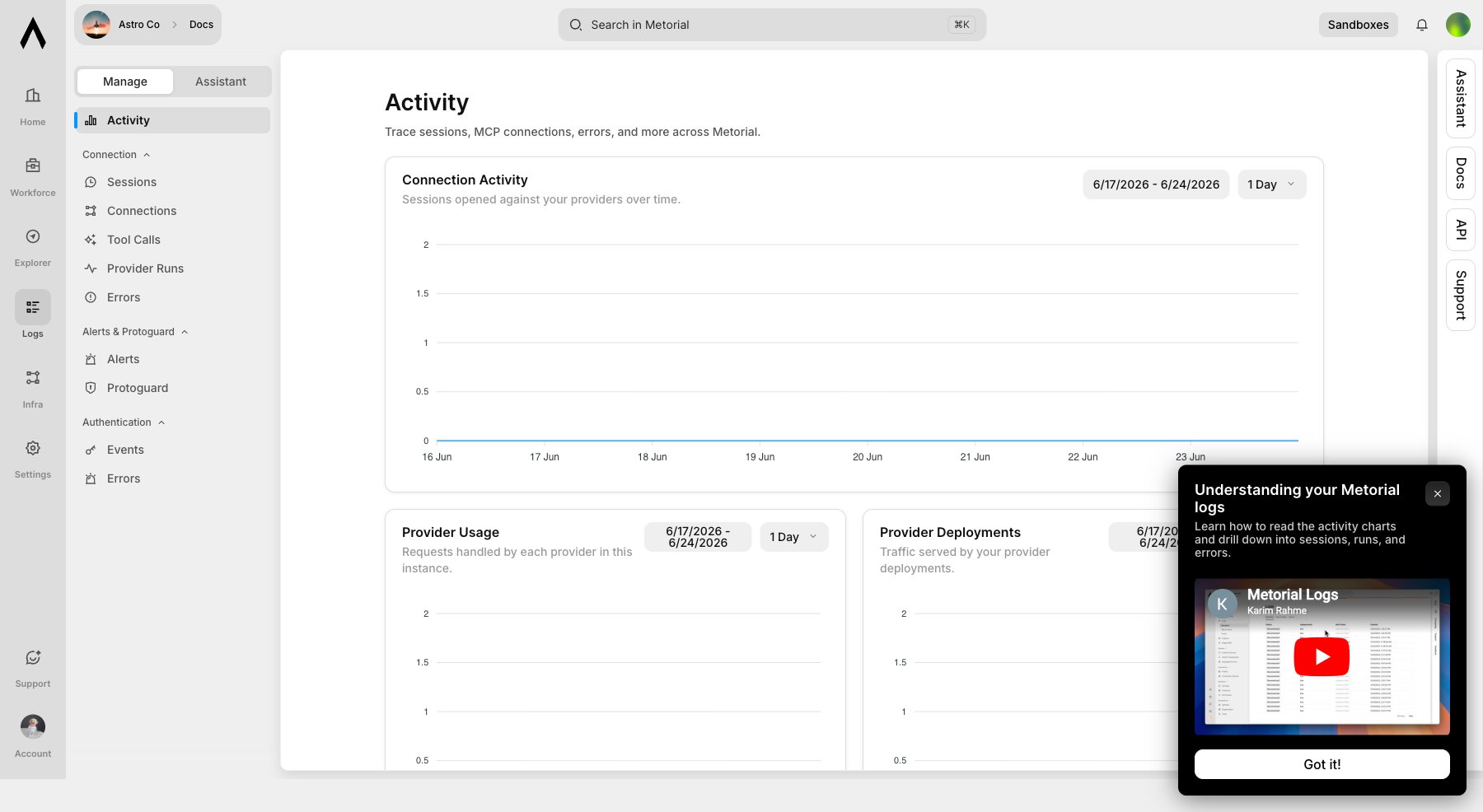
Settings
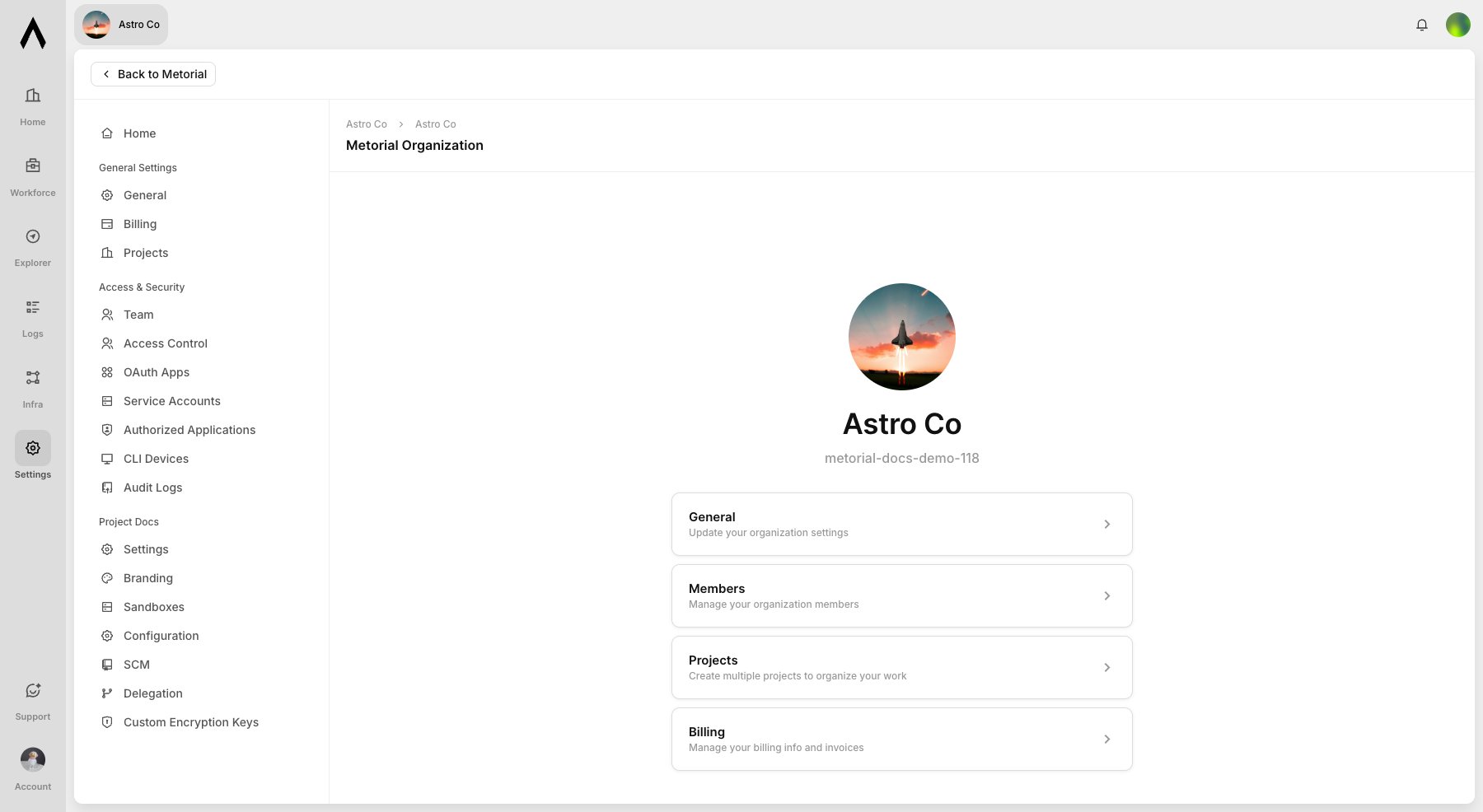
Organization settings include general settings, projects, members, and invites. Project settings live under the organization project route.