

What you’ll learn:
- How to review project activity
- Where sessions, connections, and tool calls appear
- Where provider runs, errors, alerts, and auth events live
- Complete Workforce Concepts
- Complete Create A Portal
- Complete Preview Portal Access
Open Logs Activity
Navigate to Logs to see recent project activity.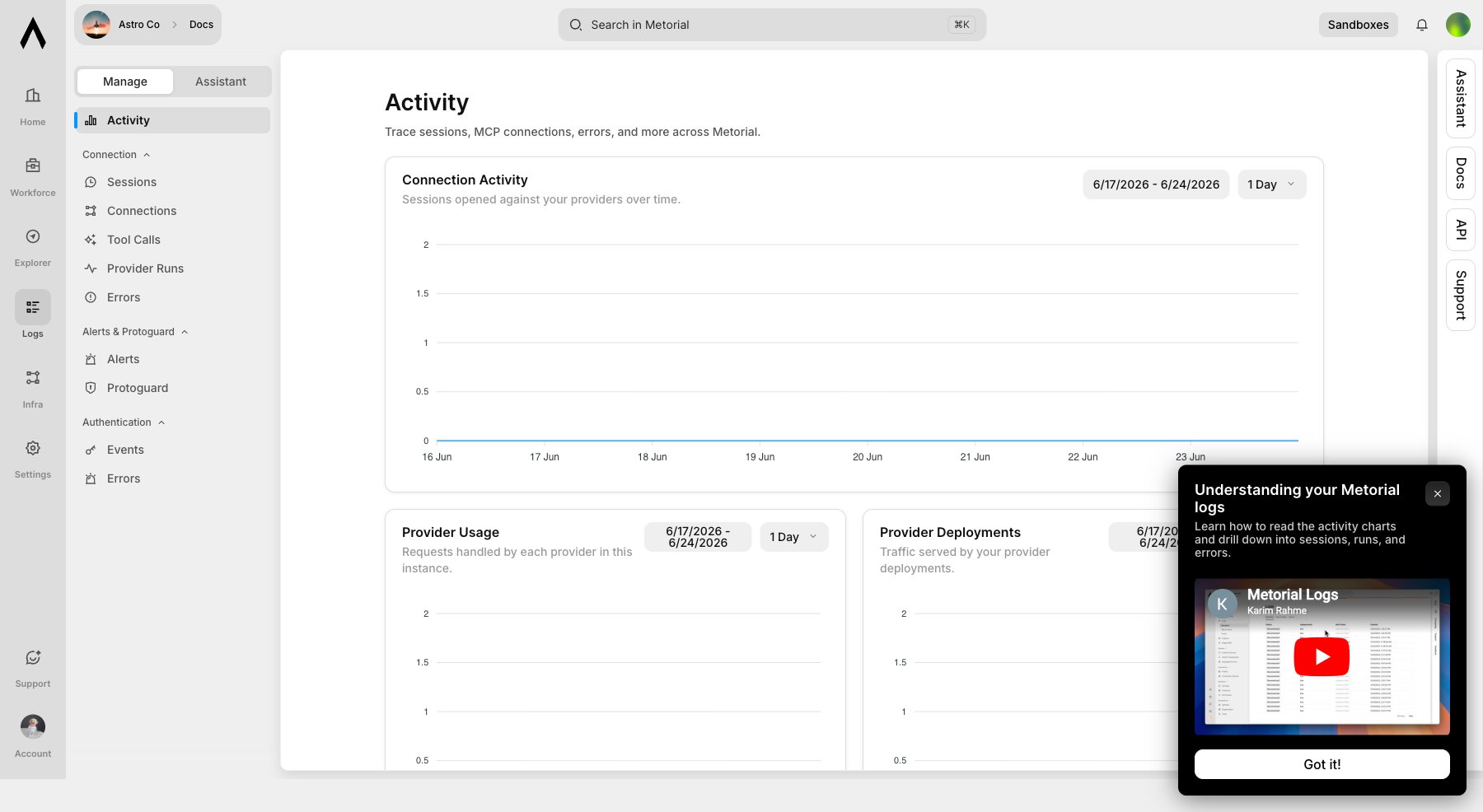
Review Sessions And Connections
Use Sessions for provider sessions and Connections for connection-level records.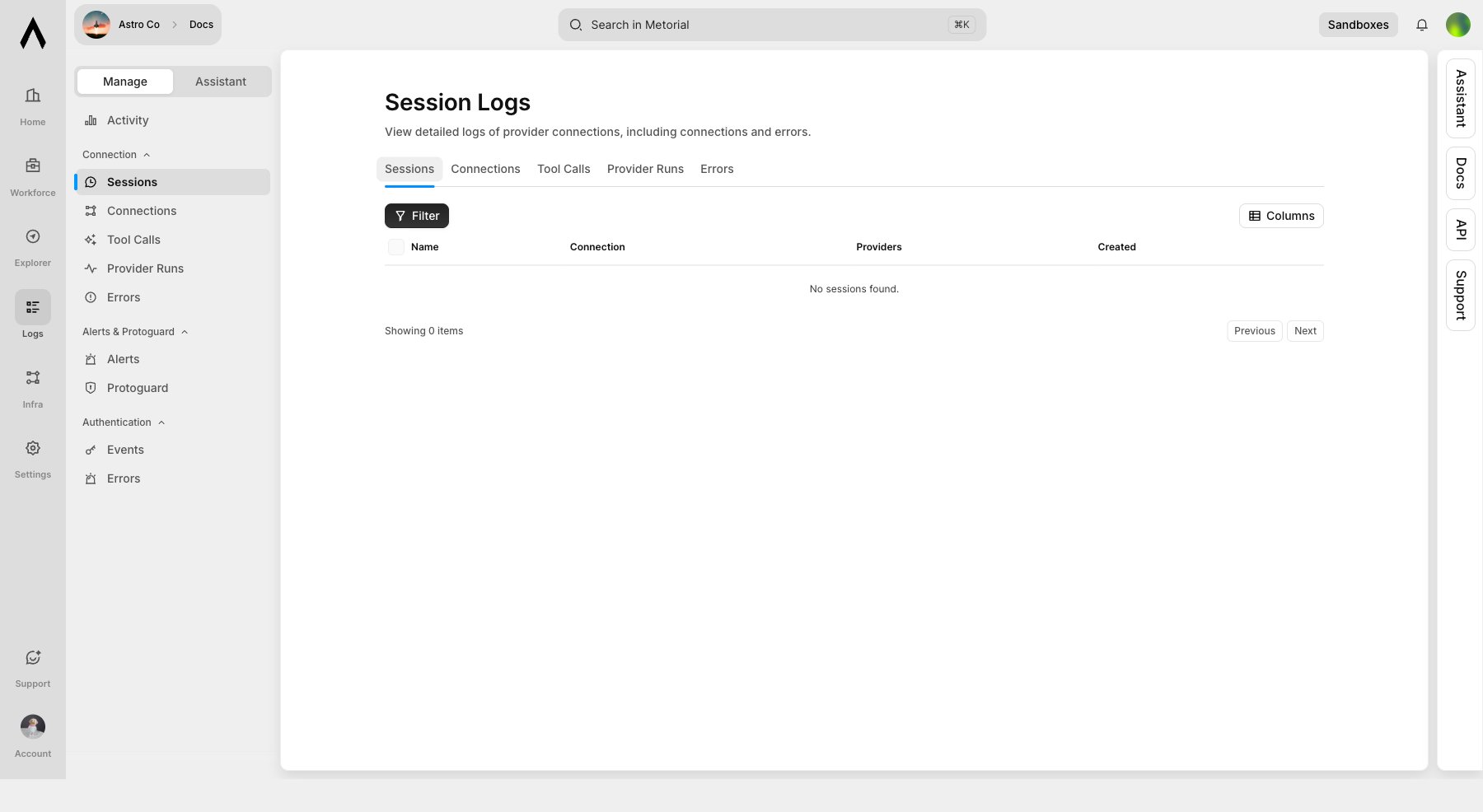
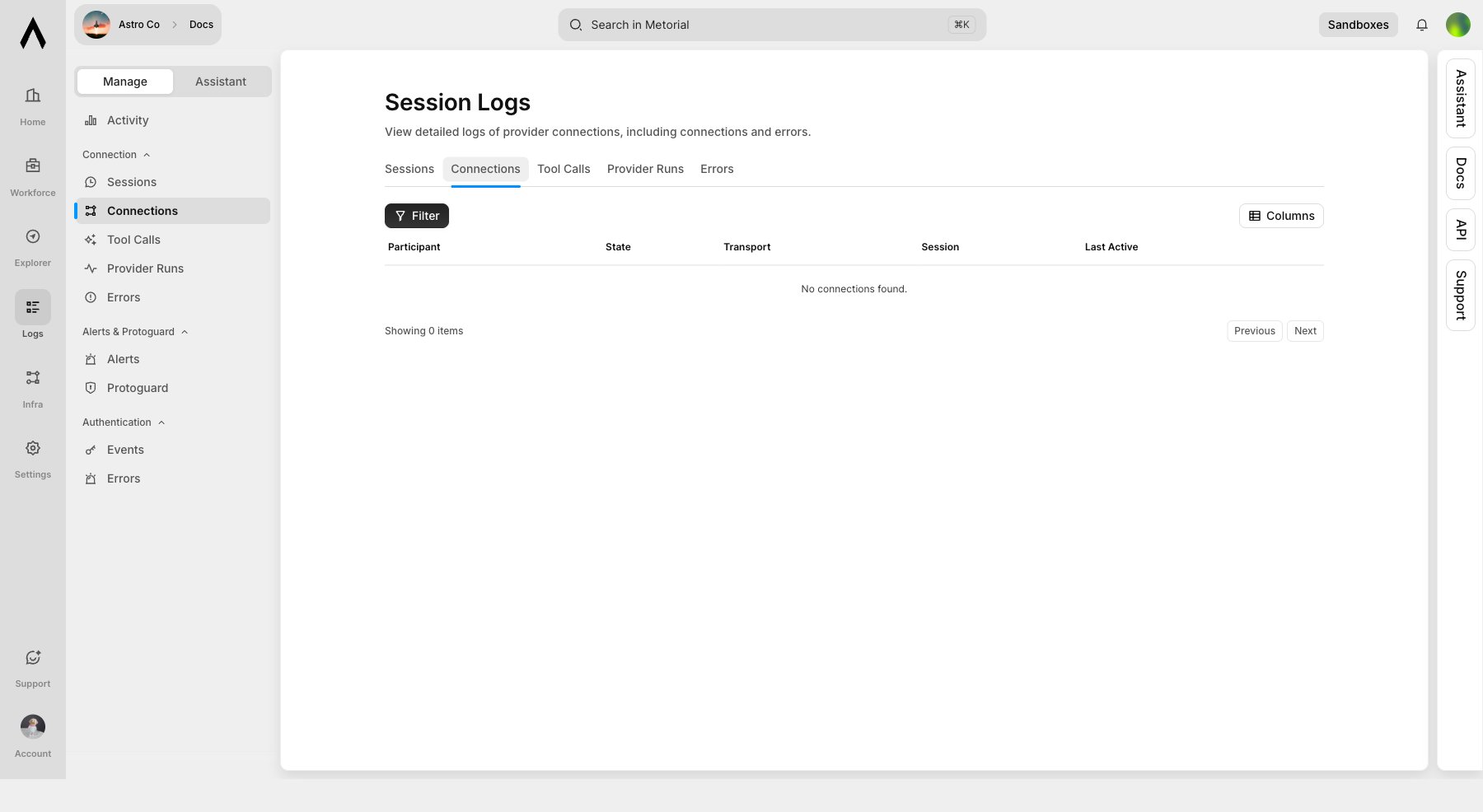
Inspect Tool Calls And Provider Runs
Use Tool Calls for individual tool invocations and Provider Runs for provider execution records.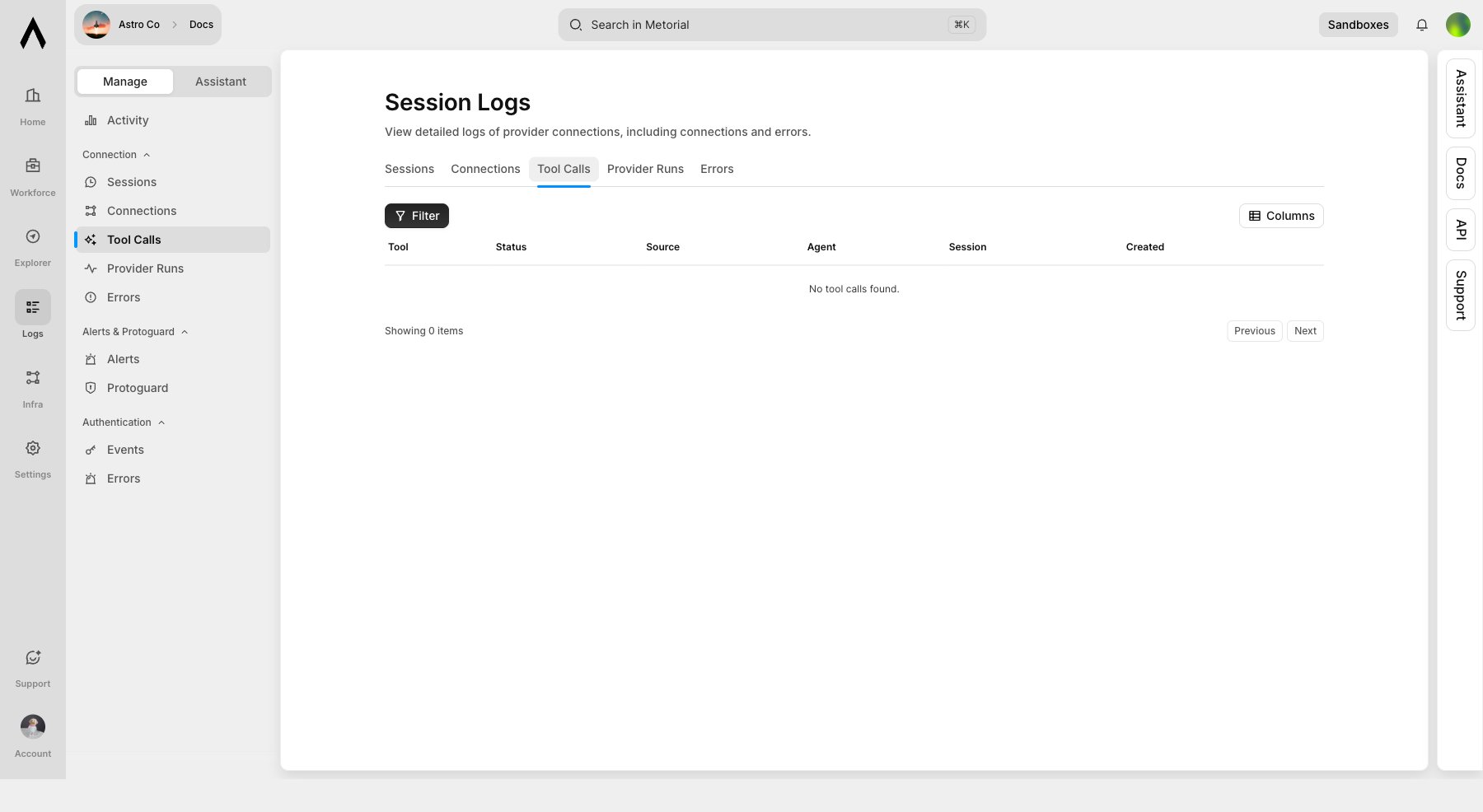
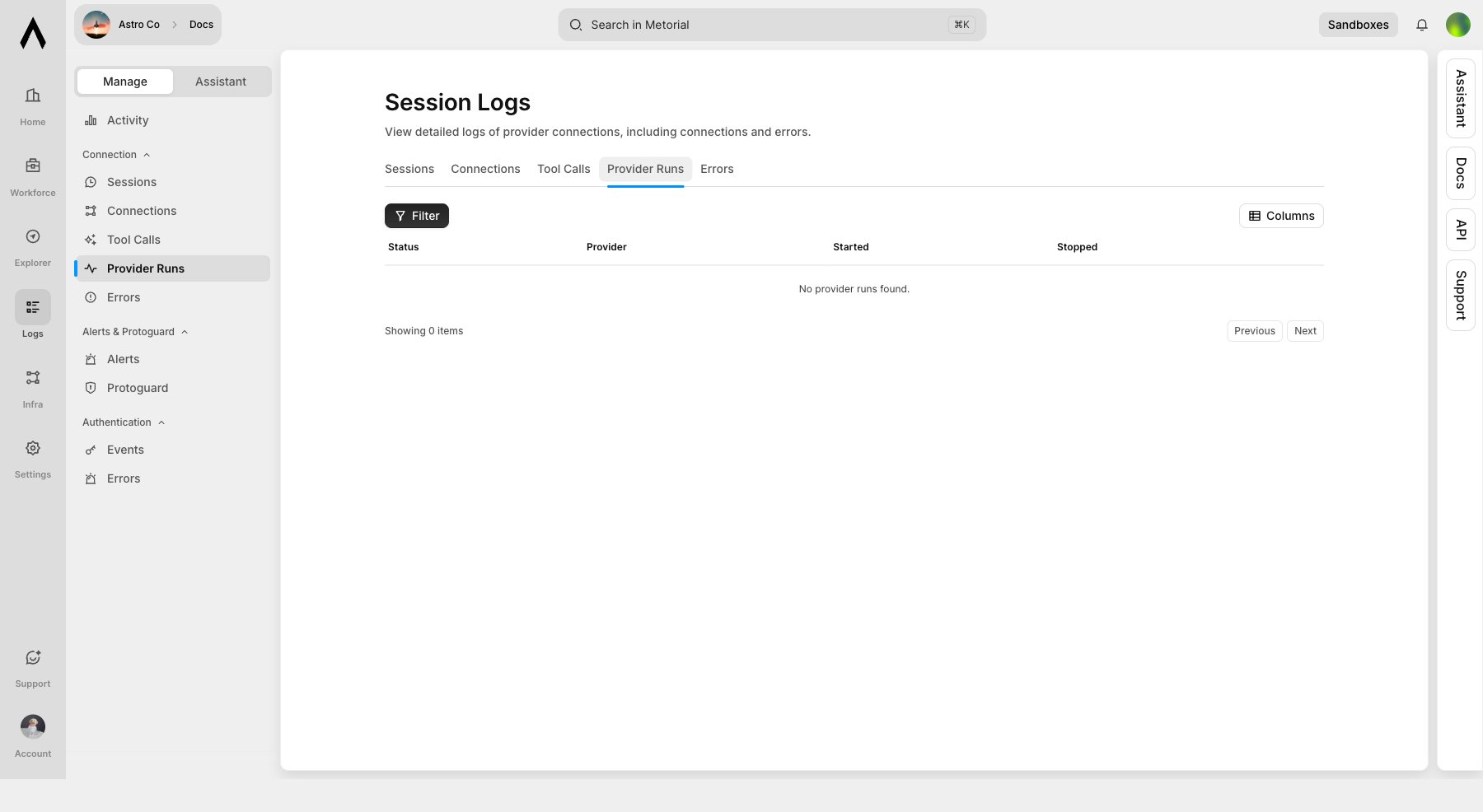
Review Errors And Alerts
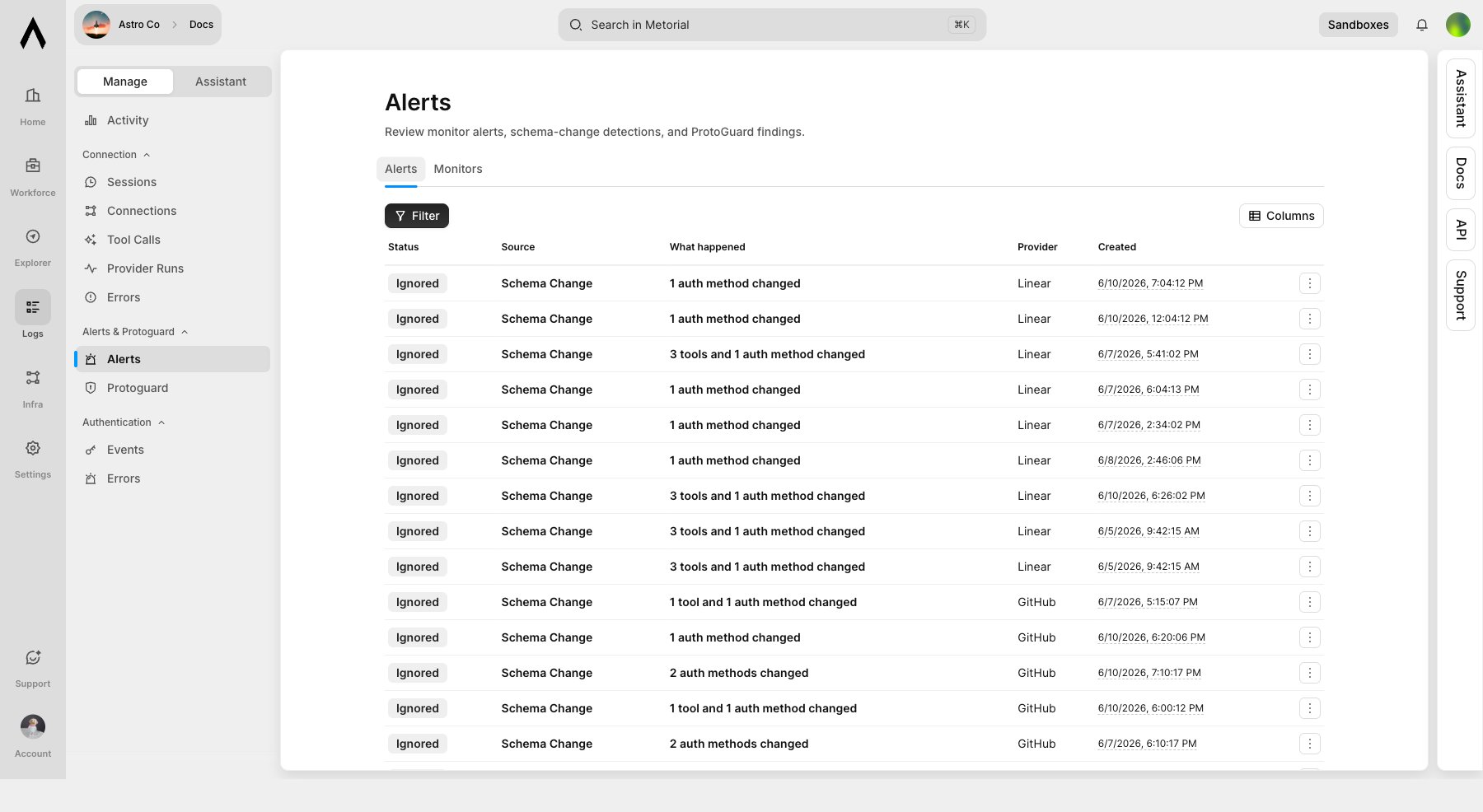
Use Errors and Alerts to find failed provider runs and operational warnings.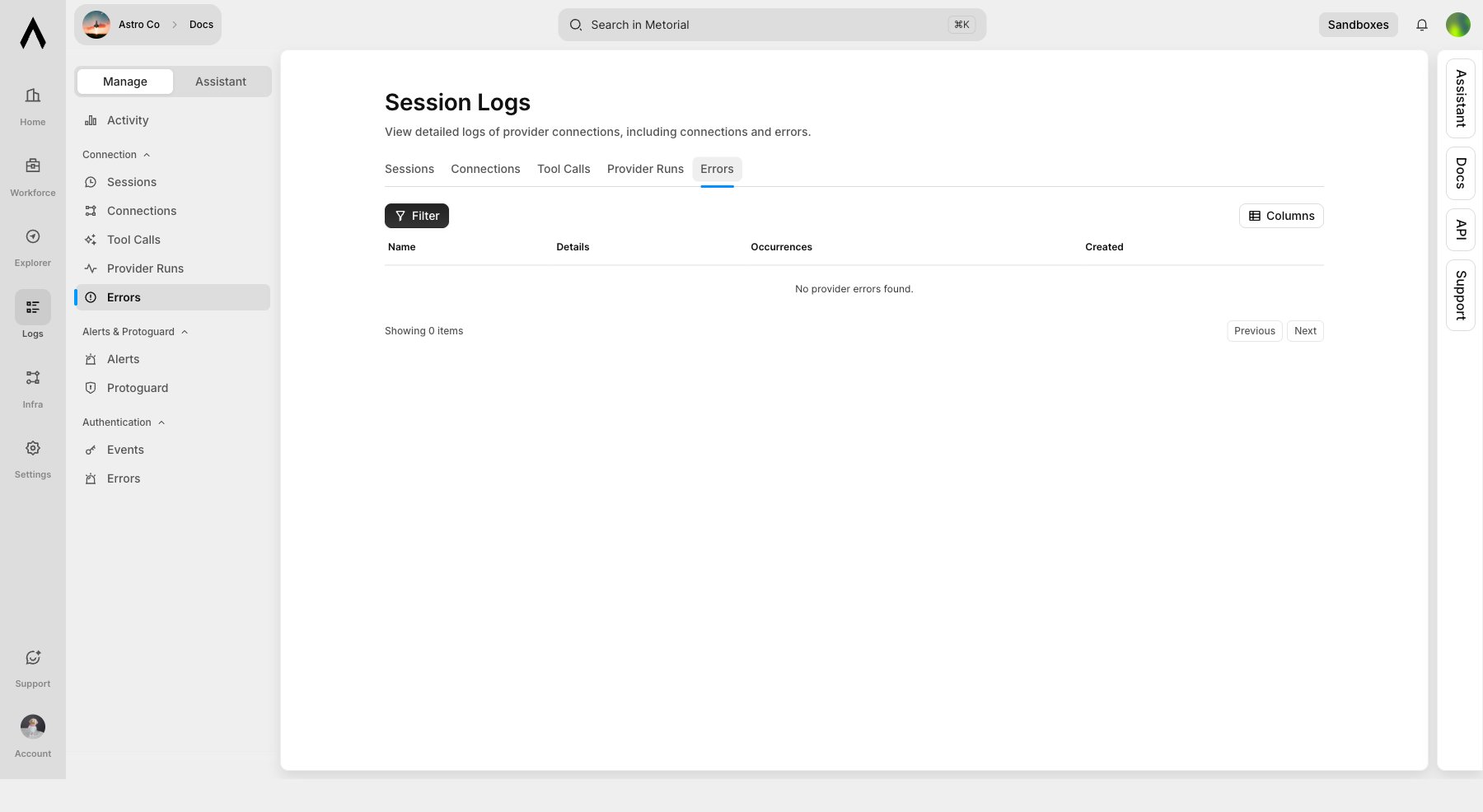
Audit Auth Events
Provider auth events and errors have their own pages for OAuth, API key, and setup-session debugging.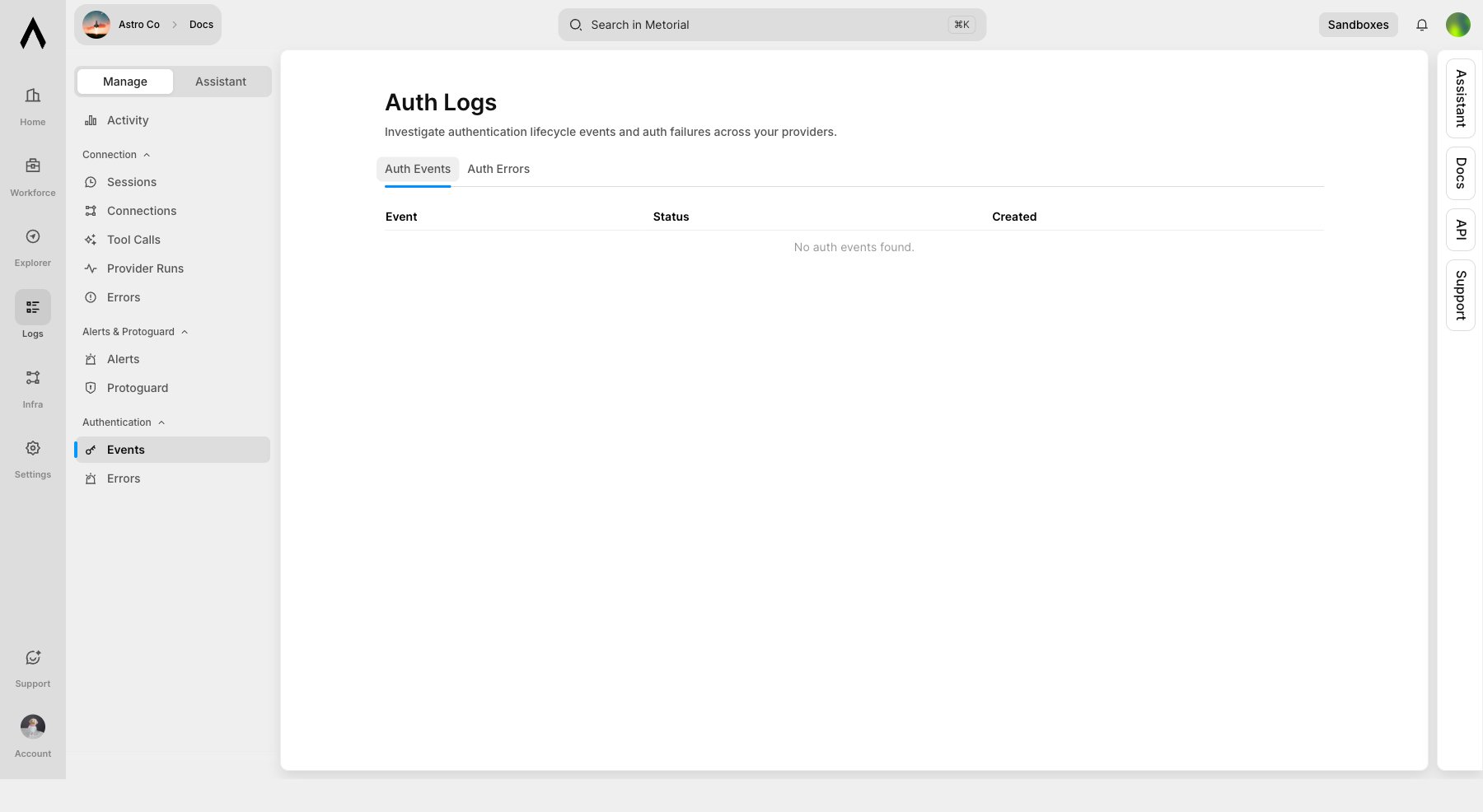
What’s Next?
You now have the core Workforce path in place: a project, a portal, published resources, employee testing, and activity review.Workforce
Understand the full Workforce product model.
Developers
Build programmatic workflows with the API and SDKs.