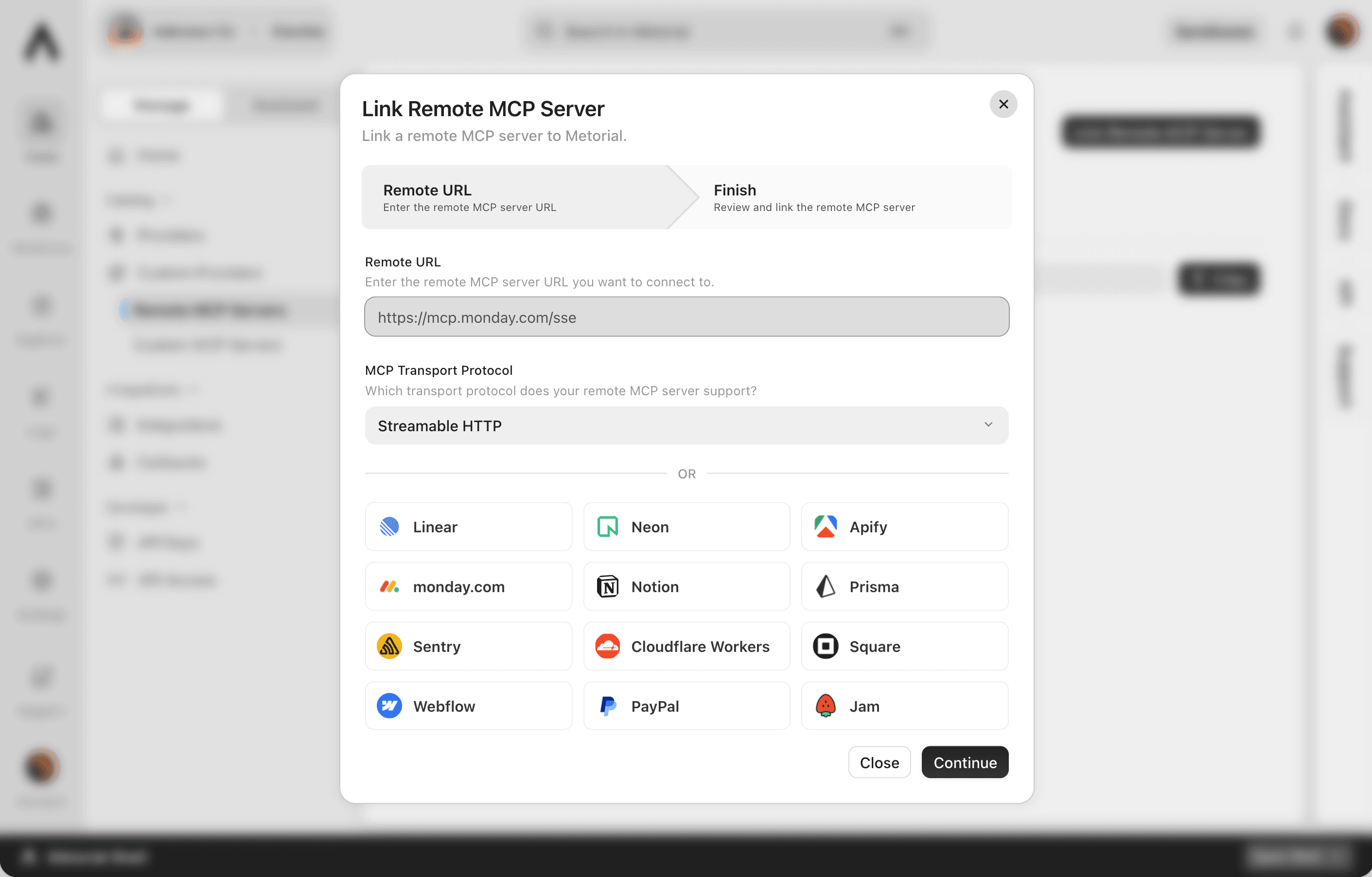
Remote MCP
Connect to vendor-hosted servers without losing control
More vendors are shipping their own MCP servers, and they're often the best way to reach those systems. Metorial lets you connect to them directly while keeping the access control, identity, and visibility you expect from everything else on the platform. An external server still behaves like a governed part of your stack.
- 01
Connect to servers vendors already run.
Use MCP servers from providers like Linear, Sentry, Atlassian, and Microsoft without rebuilding or self-hosting them.
- 02
Keep the same governance.
Access control, policies, tracing, and monitoring apply to remote servers just like first-party integrations. Nothing slips outside your controls.
- 03
Reach them without exposing secrets.
Credentials and configuration stay in Metorial and are used to connect over encrypted, authenticated, isolated connections.
How remote connections work
External servers, internal controls
Connecting to a server you don't host shouldn't mean giving up oversight. Metorial wraps each remote connection in the same controls as the rest of your providers.
Route through one place
Keep credentials in Metorial
Control the connection
Connect to servers vendors host. Keep your access controls. Reach them without sharing secrets. Trace every call.
FAQ
Answers to common questions about remote mcp and how they fit into governed AI agent infrastructure.
What is a remote MCP server?
It's an MCP server hosted outside Metorial, often by another vendor. Metorial connects to it on your behalf and applies the same governance, access control, and monitoring as it does to providers it hosts directly.Which remote servers can I connect to?
You can connect to MCP servers built by other providers, including Linear, Sentry, Atlassian, Microsoft, and more, as well as your own externally hosted servers.Do remote servers still get Metorial's governance?
Yes. Access control, policies, tracing, and monitoring apply to remote servers, and their traffic routes through the Metorial Gateway. Every call is logged and controlled.How are credentials handled for remote servers?
Secrets and configuration are stored securely in Metorial using Metorial Vault and used to authenticate to the remote server, without exposing them to agents or users.Are remote connections secure?
Yes. Connections are encrypted, authenticated, and isolated, and firewalls let you control what each remote server can reach.How is a remote MCP server different from custom or Docker?
A remote server runs elsewhere and Metorial connects to it. A custom MCP server runs code you deploy on Metorial, and a Docker MCP server runs a container on Metorial. All three are governed the same way.