Products

The building blocks of the Metorial platform. Each product connects AI agents to the systems where work happens and keeps every interaction governed, traceable, and secure.

Product

Portals

Metorial Portals lets employees connect AI agents to the integrations and skills your company already uses. People sign in with company SSO and connect through one Magic MCP URL. Admins decide who gets access to what.

lumon-industries.metorial.com
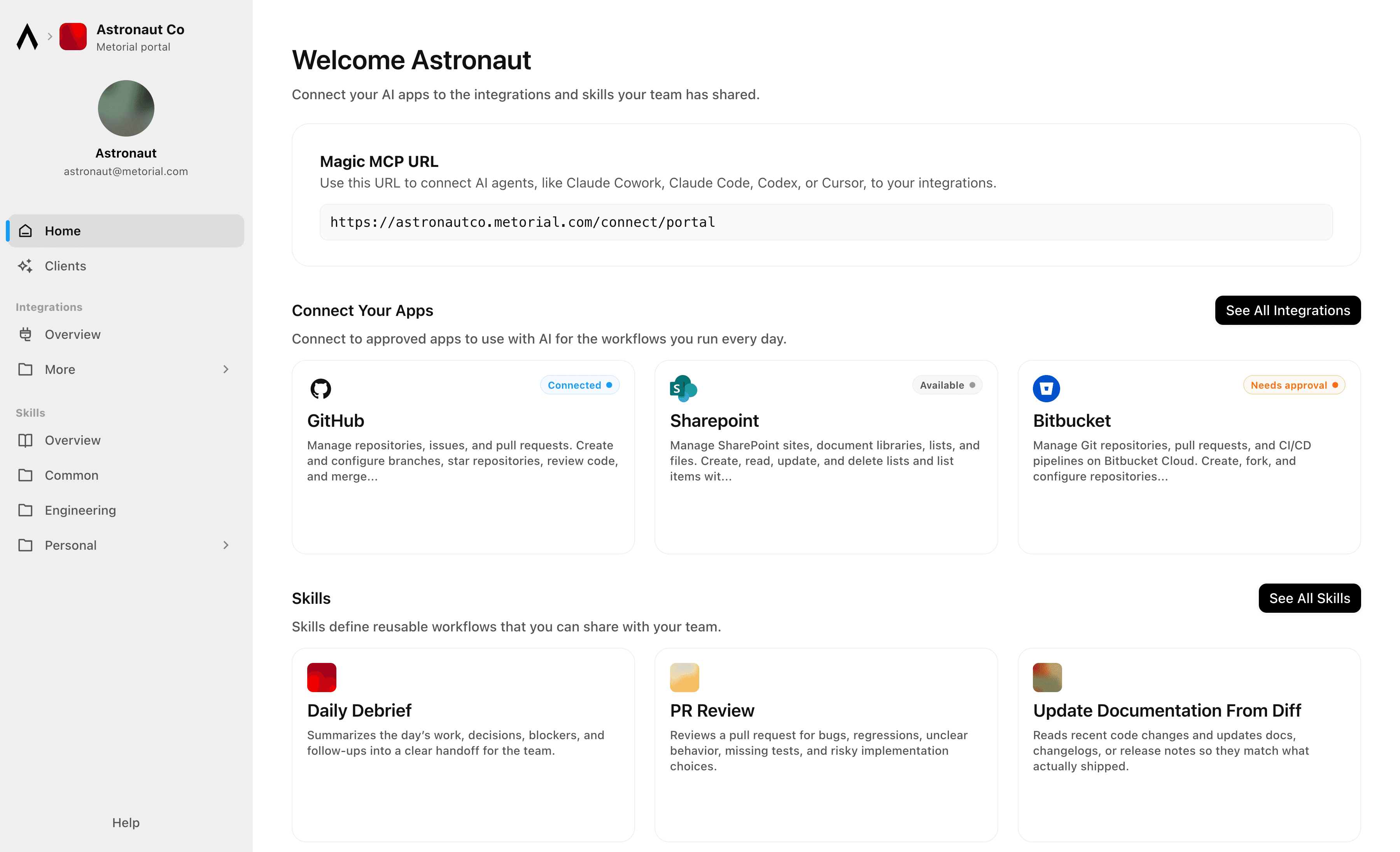
Metorial Portals showing the integrations and skills an employee can connect their agent to.
  1. Browse

    A catalog of approved tools and skills

    Employees open Metorial Portals to find the integrations and skills your company approved, in one familiar place, with no setup to figure out.

  2. Connect

    One link to start working

    People connect their agent through a single Magic MCP URL and sign in with the company login they already have, with no tokens to manage.

  3. Govern

    Each person sees only what they should

    Access groups and policies decide which tools and skills appear for each person, and people can request more when they need it.
Product

Magic MCP

Magic MCP is a single URL you paste into your AI client. Sign in with the login you already use, and your agent reaches every integration and tool you allow it to use.

lumon-industries.metorial.com
A single Magic MCP URL connecting an AI agent to the integrations a person is allowed to use.
  1. One URL

    Paste one link into any agent

    Drop a single Magic MCP URL into any MCP-compatible client. Nothing to install and no integration to wire up tool by tool.

  2. Every tool

    1000+ integrations, plus your own

    The same link reaches a growing catalog of verified integrations and the custom or remote MCP servers only your team has, kept current for you.

  3. Your access

    Only what you allow, never more

    Sign in with the identity you already use and stay tokenless. Behind the link, every call runs on the real user and reaches only the tools they’re allowed.

Product

Skills

A skill is a reusable workflow that teaches an agent how your team does a task, written by the people who actually do the work. Write it once, attach the tools it needs, and share it across your organization.

lumon-industries.metorial.com
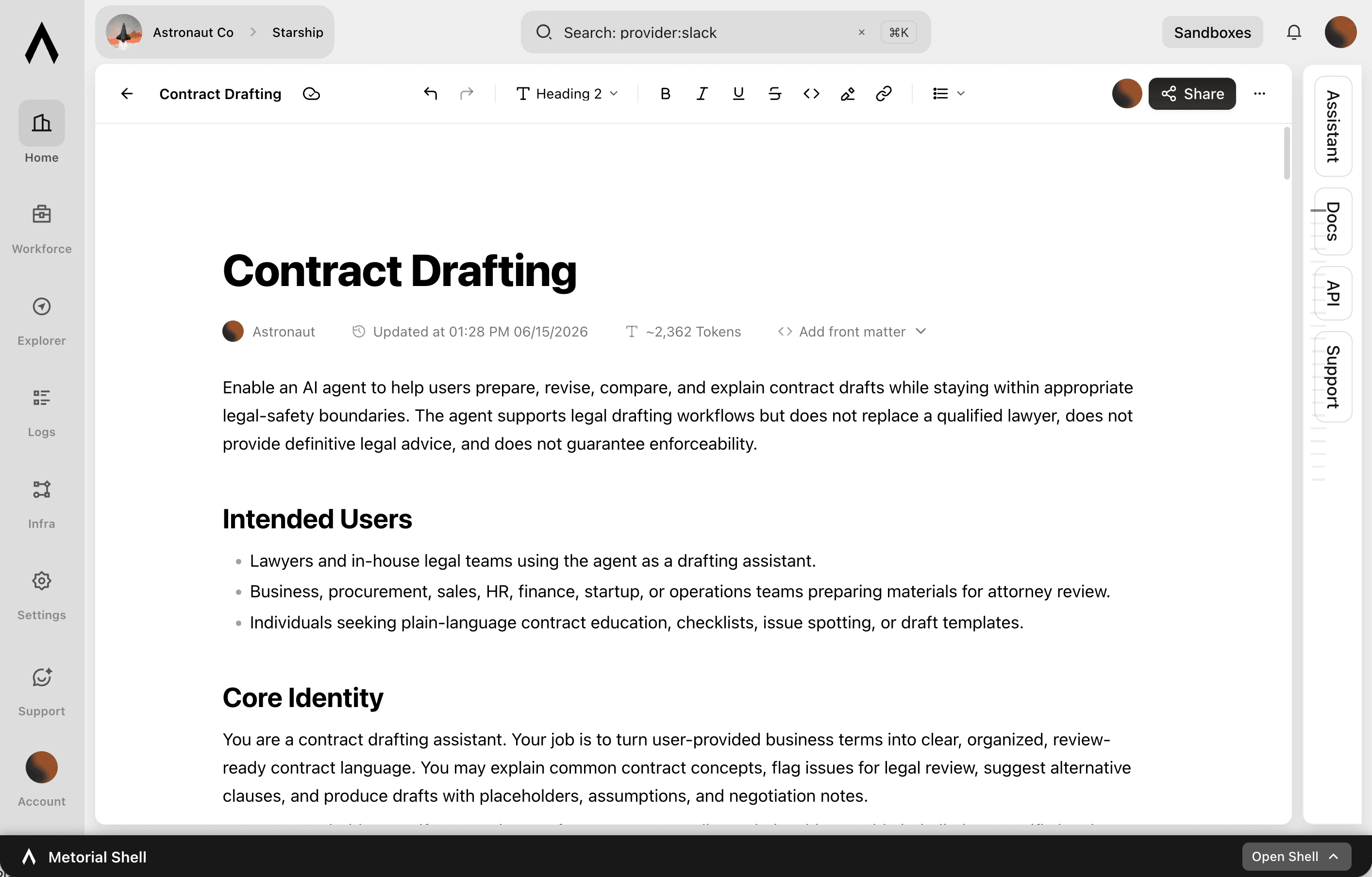
The Skills editor showing a team writing a shared skill with steps and connected tools.
  1. Write

    Captured by the people who do the work

    Experts write a skill in a collaborative editor, the way they’d brief a new teammate. No code or setup required.

  2. Connect

    Comes with the tools it needs

    Each skill carries the integrations it relies on through one connection, so an agent gets the workflow and the tools together.

  3. Share

    Sharing made easy

    Publish once and skills appear in the agent clients your teams already use, staying in sync with no reinstalling.

Product

Integrations

Start from 1000+ verified integrations or add your own, and give every one a governed path to your agents under existing SSO and access policies.

lumon-industries.metorial.com
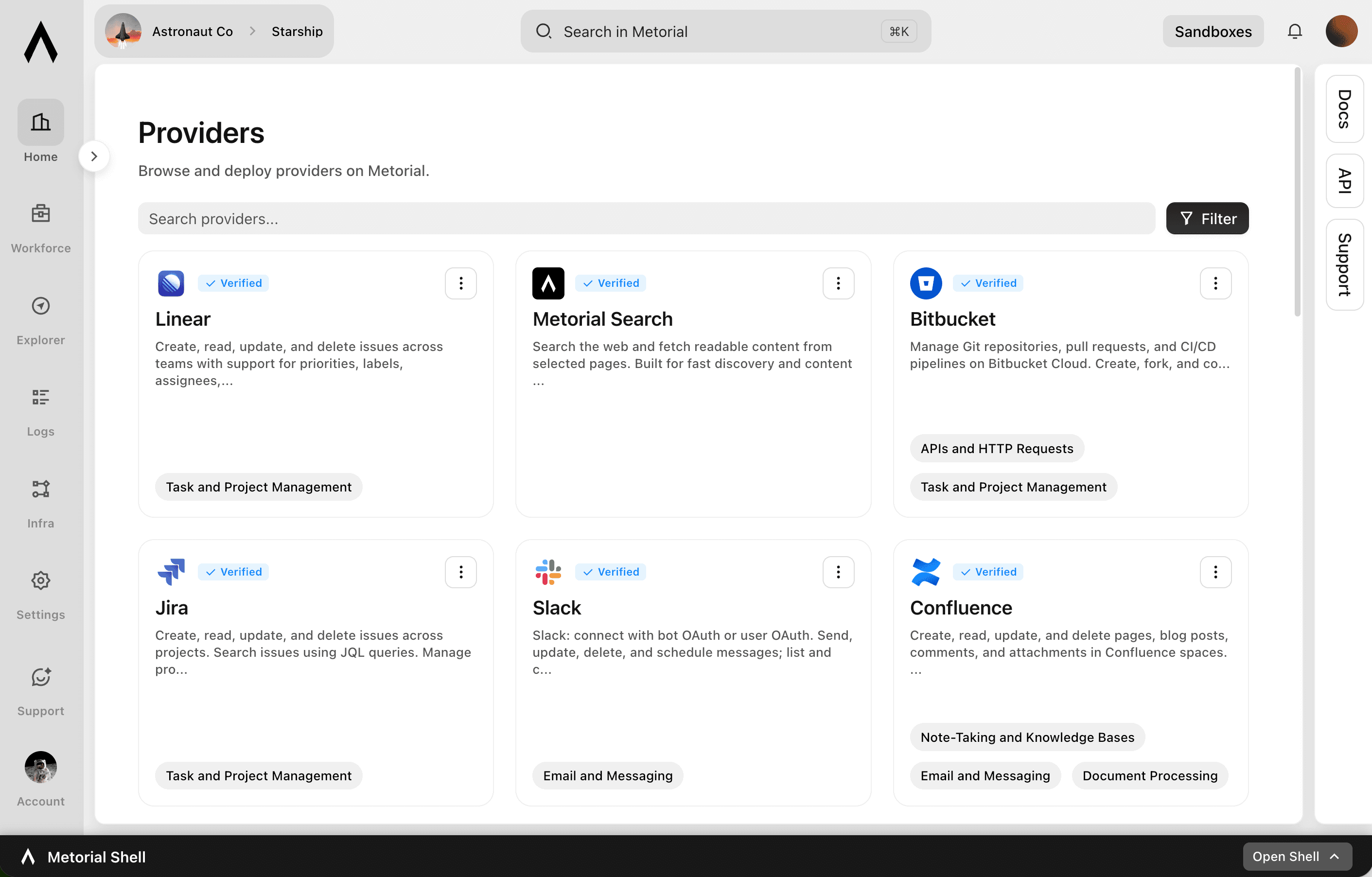
The Metorial integrations catalog showing verified providers, tools, and access controls.
  1. Connect

    Any tool, ours or yours

    Start with 1000+ verified integrations or add the internal systems and private APIs only your team has as custom, remote, or Docker-based providers.

  2. Reach

    One link for every approved tool

    Agents reach the integrations they’re allowed to use through a single connection, with no connector project per tool.

  3. Govern

    Scoped and traceable by default

    Access follows the groups and policies you already manage, down to individual tools and actions, and every call stays on the record.

Product

Tracing

Metorial keeps a complete, searchable record of everything your agents, team, and machines do. See exactly what happened and trust AI in production.

lumon-industries.metorial.com
The Tracing console showing agent sessions, tool calls, and a full trace timeline.
  1. Capture

    Recorded automatically

    Every session, message, and tool call is recorded the moment it happens, with nothing for your team to set up.

  2. Attribute

    Which agent, on whose behalf

    Every action ties back to the exact agent that took it and the real person behind it. Nothing happens anonymously.

  3. Review

    Search and replay anything

    Monitor activity as it happens, then search past interactions and replay full sessions to answer questions from security and leadership.

Product

Protoguard

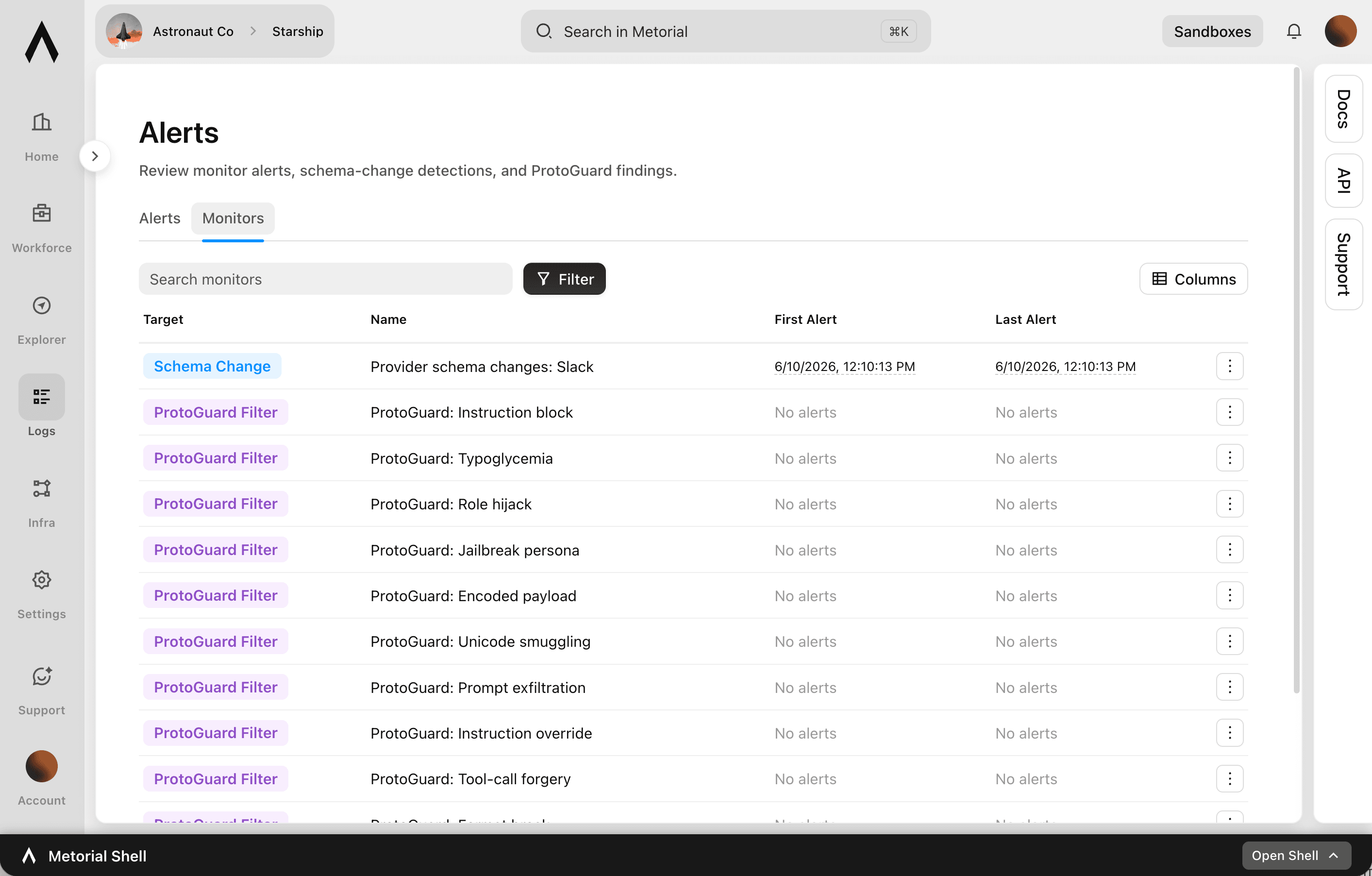
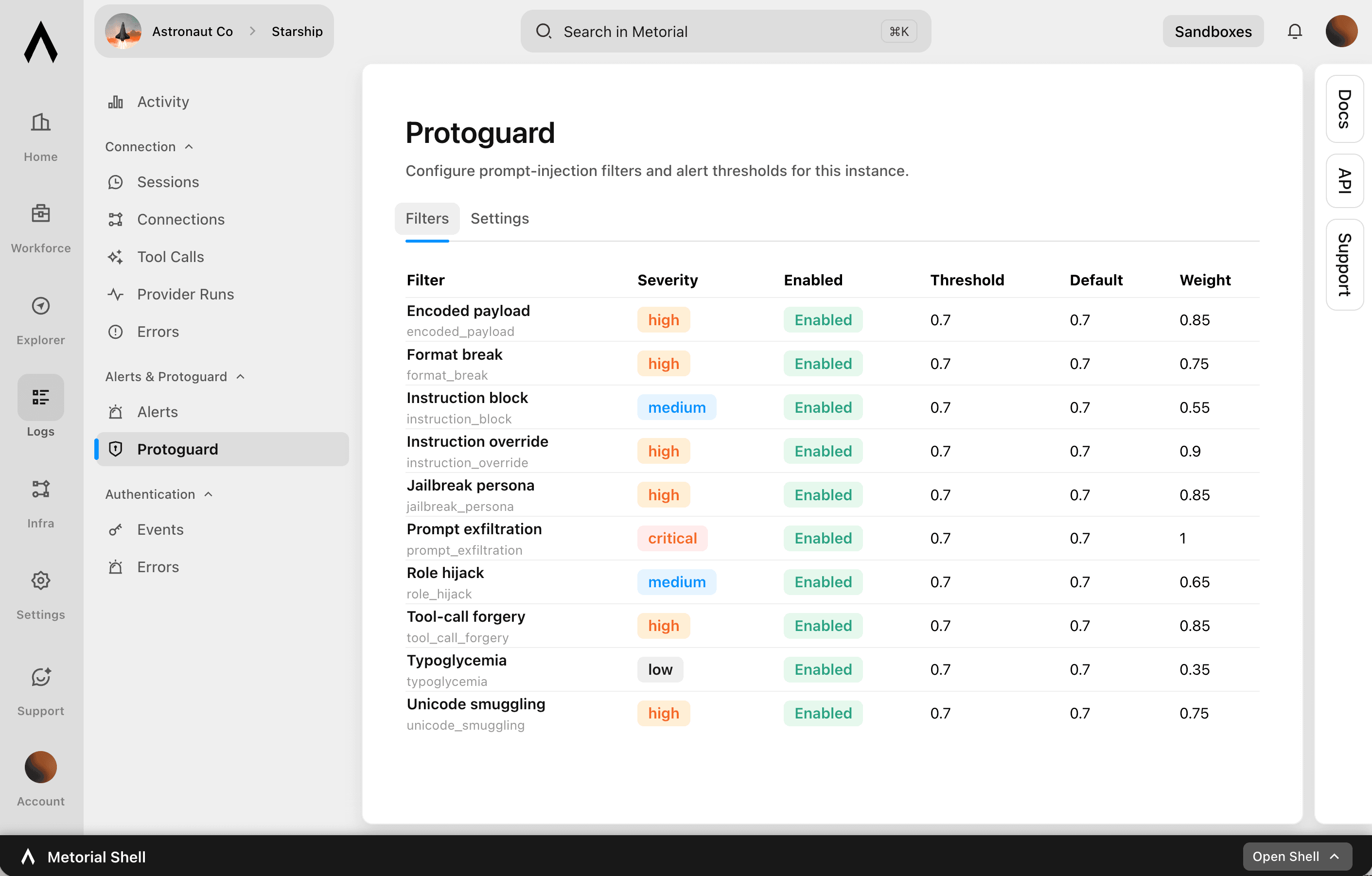
Protoguard is Metorial’s security layer for AI agents. It reviews incoming messages and tool requests before an agent acts, catches prompt injection, watches for provider schema changes, and blocks anything outside your policies before it reaches your systems.

lumon-industries.metorial.com
The Protoguard console showing message reviews, policy checks, and blocked requests.
  1. Review

    Check every message and request

    Protoguard scans incoming messages for prompt injection and checks each tool request against your filters and policies before an agent acts.

  2. Monitor

    Watch for risky changes and activity

    Monitors track provider schema changes and suspicious behavior, turning flagged activity into alerts with the context your security team needs.

  3. Block

    Stop and contain anything unsafe

    Requests outside your rules are blocked before they reach connected systems, and what does run stays contained on isolated infrastructure.

Product

CLI

Let agents use the CLI for native integration work. Skip unnecessary tool schema overhead.

  1. Connect

    Set up an integration in minutes

    Install the CLI, sign in, and connect a provider, then list its tools and inspect each one, all from the terminal.

  2. Call

    Run tools as commands

    Agents use commands, flags, and help text they already understand, with no large tool schema to load before they can act.

  3. Automate

    The same workflow anywhere

    Run integration work locally, in scripts, and in CI, so it fits the automation your team already has.

Product

Access Control

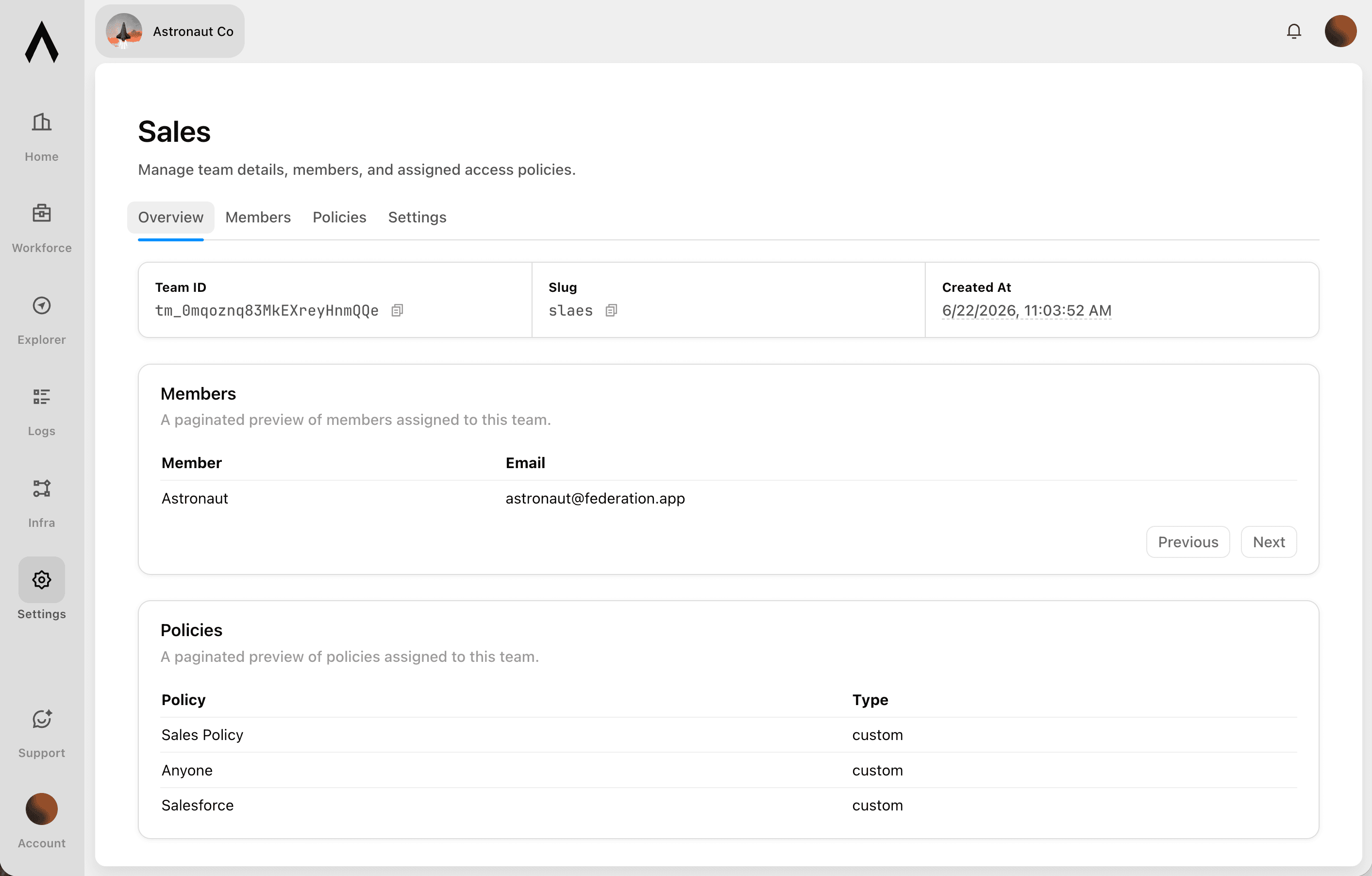
Sign in with company SSO, set policies per user and group, and let agents act on real identity across Portals and Magic MCP.

lumon-industries.metorial.com
The Metorial access console showing users, groups, access policies, and connected identity providers.
  1. Who

    People, groups, and agents

    People sign in with your existing identity, and groups, service accounts, and each agent are governed the same way. Non-human access is never an exception.

  2. What

    Agents, tools, and providers

    Decide which agents can act and which tools, actions, and providers each one can reach. Allow a provider while still blocking specific tools.

  3. How

    Set once, enforced everywhere

    Policies follow the real user behind every agent, cap what any single agent can do, and can be revoked the moment someone leaves.

Product

Callbacks

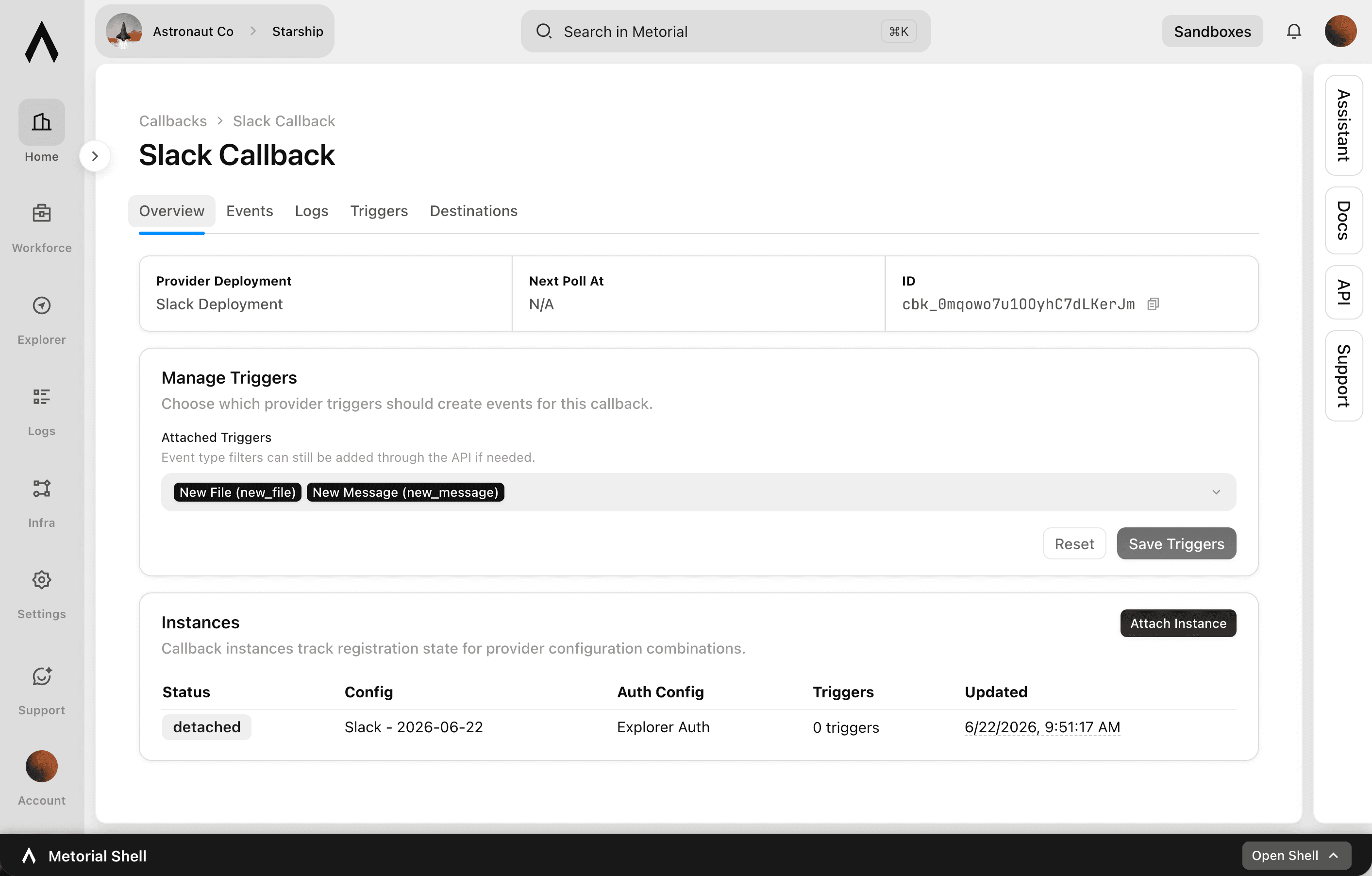
Your agents usually wait to be asked. Callbacks let them act the moment something happens.

lumon-industries.metorial.com
The Callbacks console showing registered triggers, where updates are sent, and recent event deliveries.
  1. Register

    Choose what to listen for

    Pick the event that matters, like a new message, a new ticket, or a tool call finishing, across your integrations and Metorial itself.

  2. Listen

    Metorial watches for it

    Metorial detects the event the moment it happens, so nothing has to keep polling for changes.

  3. React

    Your agent acts right away

    As soon as the event fires, your agent or systems get the update and respond, instead of waiting to be prompted.

Ready to build your AI workforce on Metorial?

Connect AI agents to the tools your teams rely on, with the governance and visibility production requires.