Moonfire
AI agents are only useful when they can do real work
Agents need access to real tools and team knowledge. Metorial brings Magic MCP, Portals, and Skills together so every team can connect agents while access stays governed and activity stays visible.
Useful work needs real tools
Magic MCP connects agents to approved integrations and internal tools, so teams can move beyond a chat window.
One URL makes access simple
Portals give each person a clear place to sign in, find what they can use, and connect agents without tokens or tool-by-tool setup.
Governance, by default
Skills, access policies, identity, and tracing stay attached to agent work, so adoption does not create a separate control layer.
Make agents useful for the whole team
Connect the tools, knowledge, identity, and policies agents need to work across teams.
- 1
Connect tools
One Magic MCP link connects agents to approved integrations and internal tools. - 2
Share know-how
Skills package team workflows so agents know how work gets done. - 3
Govern access
Access control keeps every agent tied to the right user, group, and tool permissions. - 4
Open to everyone
Portals let people sign in with company SSO and connect agents without code or tokens.

Product
Portals
Metorial Portals lets employees connect AI agents to the integrations and skills your company already uses. People sign in with company SSO and connect through one Magic MCP URL. Admins decide who gets access to what.
lumon-industries.metorial.com
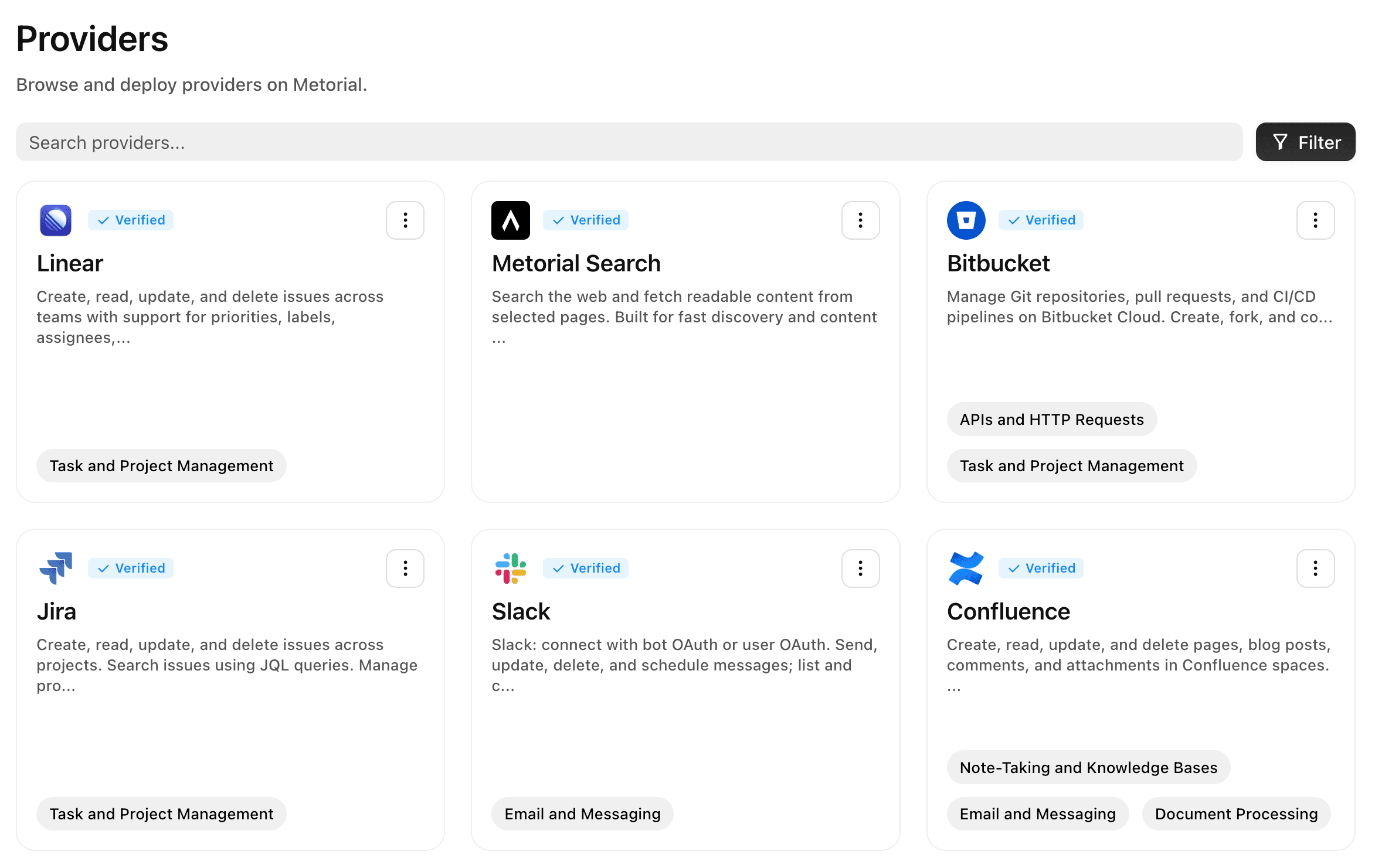
- Browse
A catalog of approved tools and skills
Employees open Metorial Portals to find the integrations and skills your company approved, in one familiar place, with no setup to figure out.
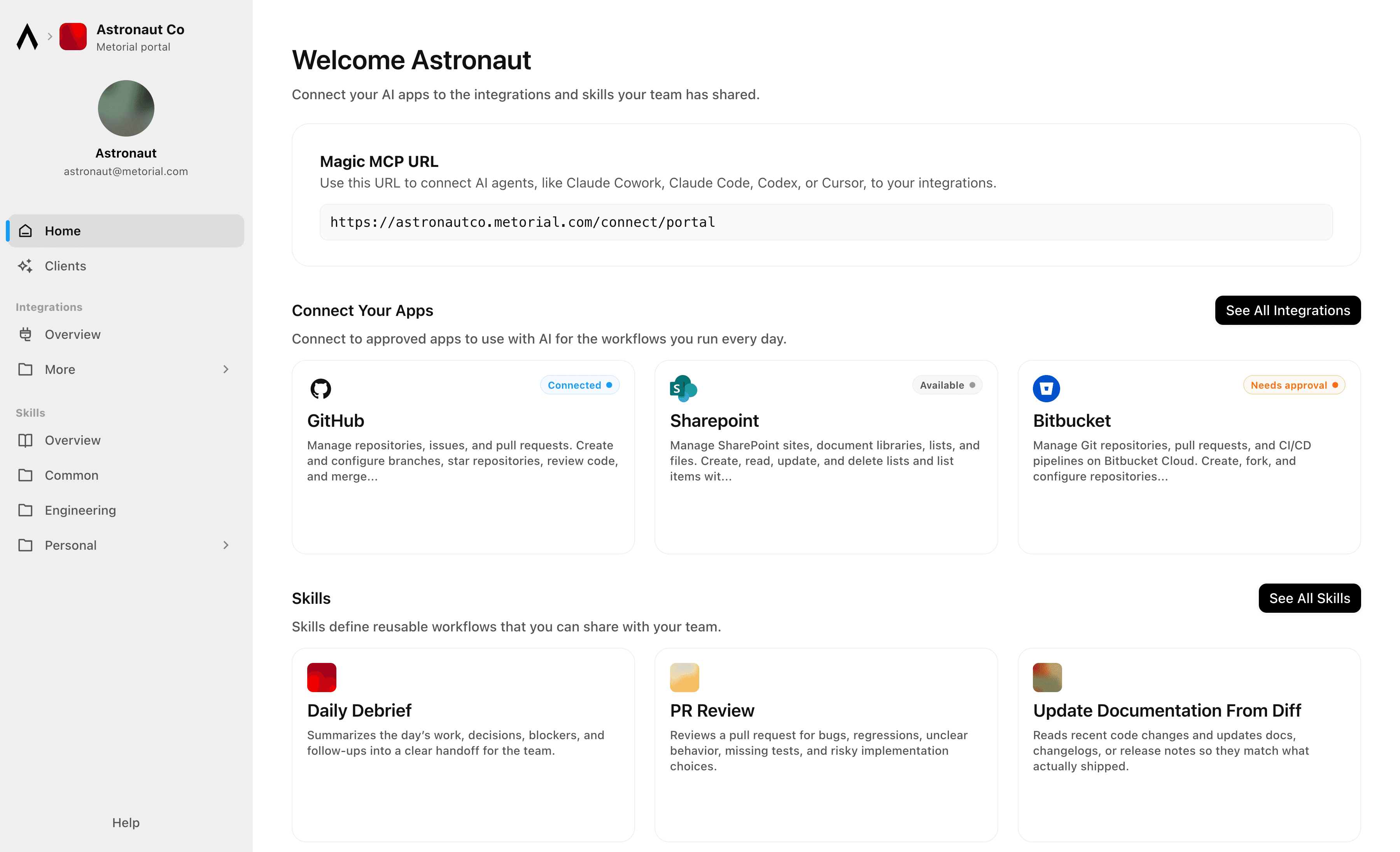
- Connect
One link to start working
People connect their agent through a single Magic MCP URL and sign in with the company login they already have, with no tokens to manage.
- Govern
Each person sees only what they should
Access groups and policies decide which tools and skills appear for each person, and people can request more when they need it.
Product
Magic MCP
Magic MCP is a single URL you paste into your AI client. Sign in with the login you already use, and your agent reaches every integration and tool you allow it to use.
lumon-industries.metorial.com
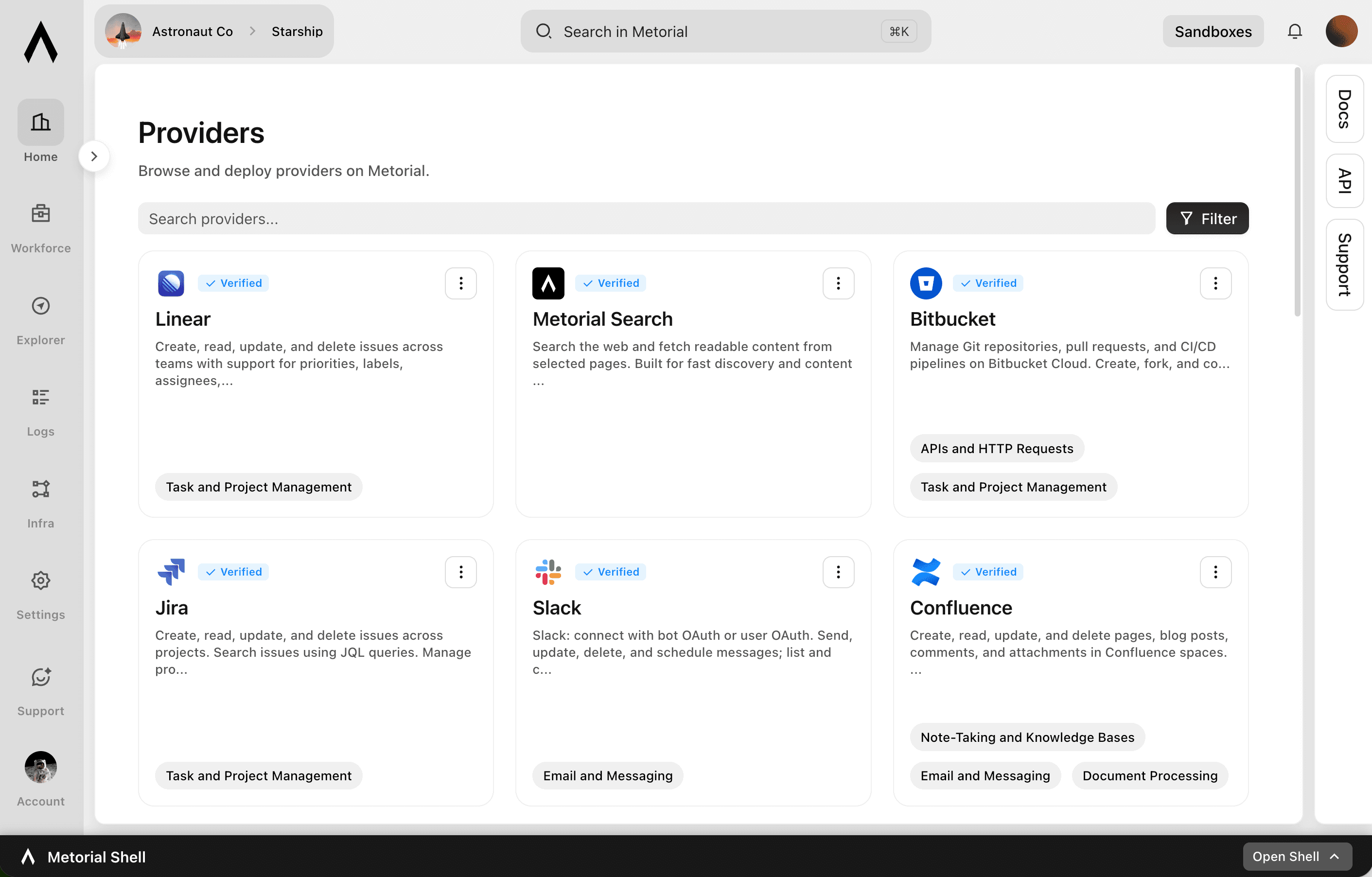
- One URL
Paste one link into any agent
Drop a single Magic MCP URL into any MCP-compatible client. Nothing to install and no integration to wire up tool by tool.
- Every tool
1000+ integrations, plus your own
The same link reaches a growing catalog of verified integrations and the custom or remote MCP servers only your team has, kept current for you.
- Your access
Only what you allow, never more
Sign in with the identity you already use and stay tokenless. Behind the link, every call runs on the real user and reaches only the tools they’re allowed.
Product
Skills
A skill is a reusable workflow that teaches an agent how your team does a task, written by the people who actually do the work. Write it once, attach the tools it needs, and share it across your organization.
lumon-industries.metorial.com
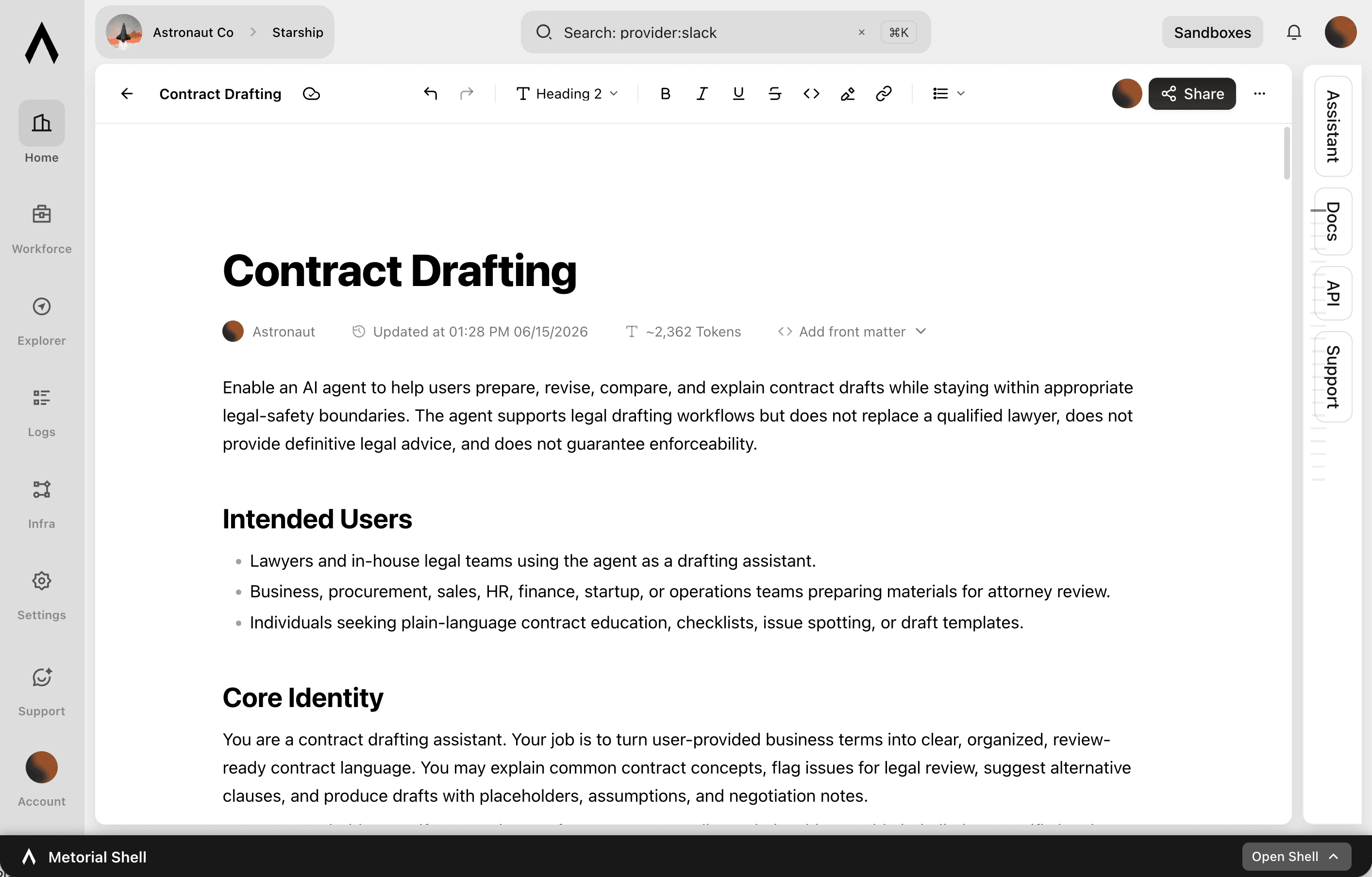
- Write
Captured by the people who do the work
Experts write a skill in a collaborative editor, the way they’d brief a new teammate. No code or setup required.
- Connect
Comes with the tools it needs
Each skill carries the integrations it relies on through one connection, so an agent gets the workflow and the tools together.
- Share
Sharing made easy
Publish once and skills appear in the agent clients your teams already use, staying in sync with no reinstalling.
Roll out agents with team-level controls
Workforce brings the rollout pieces into one place: SSO sign-in, approved tool access, shared skills, and traces security can review.
Portals
Give teams a clear place to start
Employees sign in with company SSO, see approved tools and skills, and connect their agent without copying credentials.
Magic MCP
Connect each person through one link
Magic MCP gives each user a single connection shaped by their integrations, policies, and provider access.
Skills
Share approved ways to work
Teams publish repeatable workflows as skills, so agents follow the same approach across departments.
Visibility
Show what agents did
Security and operations can review the agent, user, tool, and outcome behind each interaction.
Frequently asked questions
Common questions about Metorial for Workforce.
Can an agent do more than the person using it?
No. Connections are tied to the person’s identity, so an agent only ever reaches what that person is allowed to use and can never exceed their access. You can also limit which tools each agent can use.How do we control which teams can access which tools?
Access is governed with access control policies and groups, imported from your existing identity provider, so each team only reaches the integrations and skills they should.Can we see what agents are doing?
Yes. Every interaction is recorded with full tracing and audit logs, so security and operations teams can see which agent acted, on whose behalf, and what happened.How do agents learn how our team works?
Skills capture how your team does a task as a reusable workflow, written by the people who do the work. Share a skill once and every agent that needs it follows the same approach.Does it work with our existing identity provider?
Yes. Connect your provider with SSO and SAML and we import your groups, so the access people already have maps straight into Metorial.What can agents connect to?
Agents reach 1000+ verified integrations plus your own internal and custom providers, all through the same governed Magic MCP link.