Where should work go when an AI agent gets stuck?
Picture an agent that works through 200 refund requests overnight and stops on 14 of them. Those 14 land in a shared inbox with the note "agent could not complete task." Someone opens each one, rereads the ticket, rechecks the account, and repeats the steps the agent already did before they can make the one decision it needed. The agent saved time on 186 requests and spent extra time on the other 14. Most teams design the path where the agent finishes. The path where it stops needs the same care: a reason, an owner, and enough context that the next person can pick up where the agent left off.
Agents are designed to stop
Stopping is part of how a well-built agent works. Anthropic's guide to building agents describes agents that "pause for human feedback at checkpoints or when encountering blockers," and notes that it is "common to include stopping conditions (such as a maximum number of iterations) to maintain control." An agent that never stops is one that guesses when it should ask.
Where the stopped work goes is the part many deployments never write down. Work falls into a generic queue, a Slack channel, or an email to whoever set the agent up.
Handoffs are where the time goes
Google's People + AI Guidebook says it in one line: "while the builders focus on the happy path, users can get caught in the labyrinth." Its advice for when a system fails is to let a person take over, with "all the information they need in order to take the reins: awareness of the situation, what they need to do next, and how to do it."
Customer service already shows what happens when that information gets lost. In research the contact-center vendor Five9 published in June 2026, nearly all the decision-makers surveyed said their organization preserves context during AI-to-human handoffs, yet 83% of consumers said they still have to repeat themselves at least sometimes after being transferred. The same thing happens inside a company. If the agent's work does not travel with the handoff, the person picking it up does it again.
Name the reasons an agent stops
"Could not complete" covers very different situations, and each one belongs with a different person. Sorting them when the agent stops costs almost nothing, while sorting them later by hand costs someone a morning.
| Why it stopped | Example | Where it goes |
|---|---|---|
| Missing information | The request has no order number | Back to the requester, with the exact question |
| Needs approval | The refund is above the agent's limit | The named approver, with the amount and the reason |
| Outside its scope | The customer asks to close the account | The team that owns that request type |
| A system failed | The billing API timed out twice | Retry later, then the on-call engineer |
| Conflicting data | The CRM and the billing system disagree on the plan | A specialist who can decide which record is right |
The approval row connects to the impact-and-reversibility model in our approval post. The others are usually simpler to route but just as easy to leave in one shared pile.
Send the work with its context
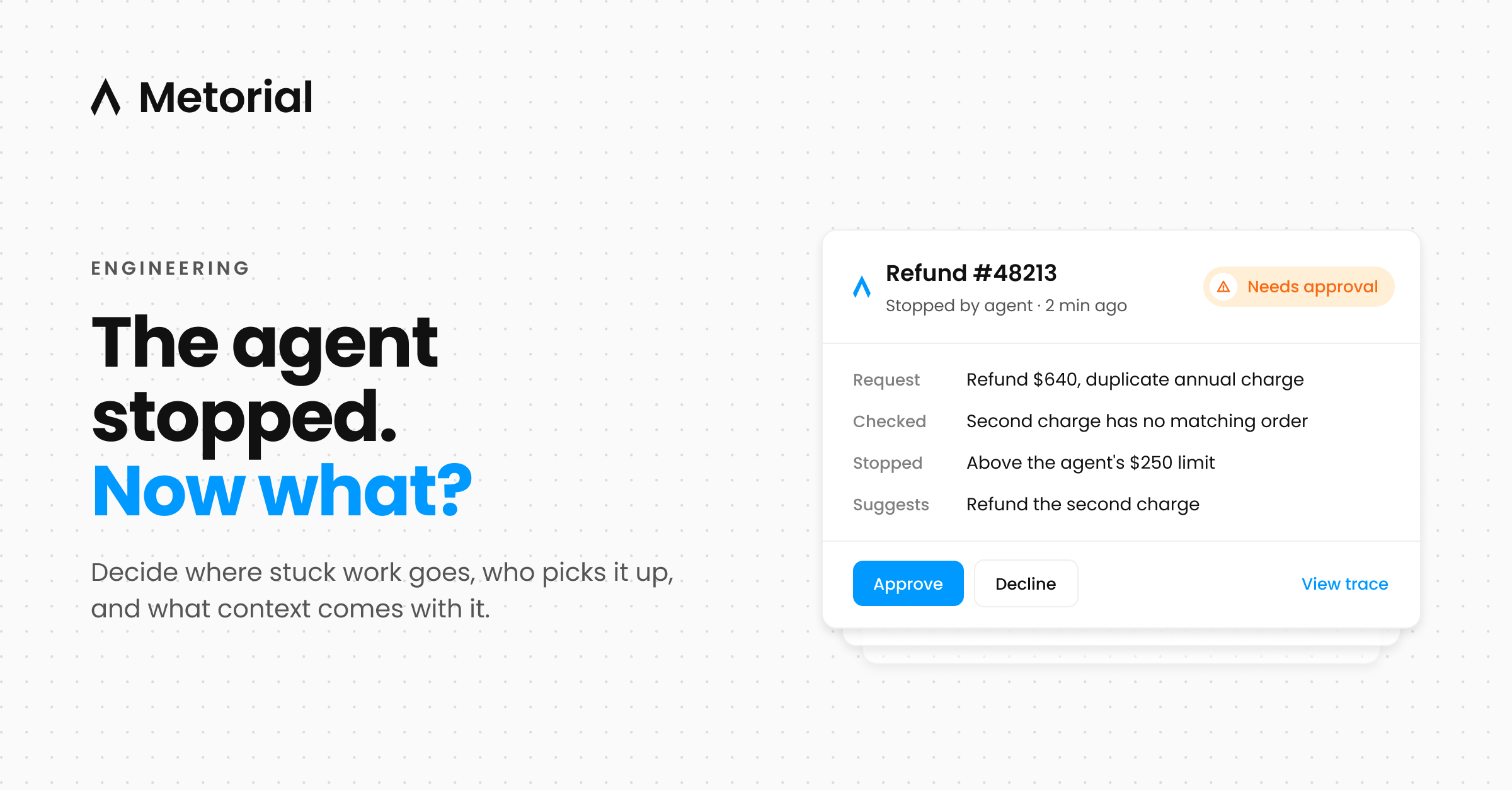
A handoff should let the next person act without redoing the agent's steps. That means five things travel with it: the original request, what the agent did and what each step returned, why it stopped, what it would recommend, and a link to the full record.
Refund request #48213 · stopped: needs approval

Request:   Customer asks for a refund of $640 for a duplicate annual charge.
Checked:   Two charges on 2026-10-28 for the same plan. Second one has no
           matching order. Customer has no other open disputes.
Stopped:   Amount is above the agent's $250 refund limit.
Suggests:  Refund the second charge in full.
Trace:     [link to the full session]
With that card, the approver checks two facts and decides. Without it, they start by rebuilding what the agent already knew.
Give every queue an owner and a clock
An exception queue without an owner fills up without anyone noticing. Each lane in the table above needs a named person or team, a target time to pick up, and a rule for what happens when nobody does. For anything that would change money, access, or customer data, the safe default when time runs out is that nothing happens, and the requester is told it is waiting on a person.
Check the age of the oldest item in each queue once a week. It tells you more about whether the handoff works than the total count does.
Feed the exceptions back
Every exception tells you something about the agent or the process around it. Microsoft's guidelines for human-AI interaction, published at CHI 2019, include "support efficient correction" ("make it easy to edit, refine, or recover when the AI system is wrong") and "make clear why the system did what it did." Both apply here. Make it quick for the person who picks up an exception to record what they decided, and keep the reason the agent stopped next to it.
Once a week, look at the most common reason for stopping. If it is missing information, change the intake form. If it is a limit that people approve almost every time, consider raising it. If it is a system error, send it to engineering.
Where Metorial fits
Two parts of a good handoff depend on infrastructure. The trace link in the card above needs a full record of what the agent did, and Metorial tracing captures every session, message, and tool call and ties each action to the agent and the person it acted for. Fixes to the process need to reach every agent running it, and skills let a team share one versioned workflow, so a change to how refunds are handled reaches every agent at once.
Sources
- Anthropic, "Building effective agents" (published 2024-12-19; accessed 2026-11-02)
- Google PAIR, People + AI Guidebook: Errors and graceful failure (accessed 2026-11-02)
- Five9, "New Five9 Research: AI Adoption in CX Hits 92% But Consumer Trust Still Depends on Human Support" (vendor research, 2026-06-24; accessed 2026-11-02)
- Amershi et al., "Guidelines for Human-AI Interaction," CHI 2019 (accessed 2026-11-02)