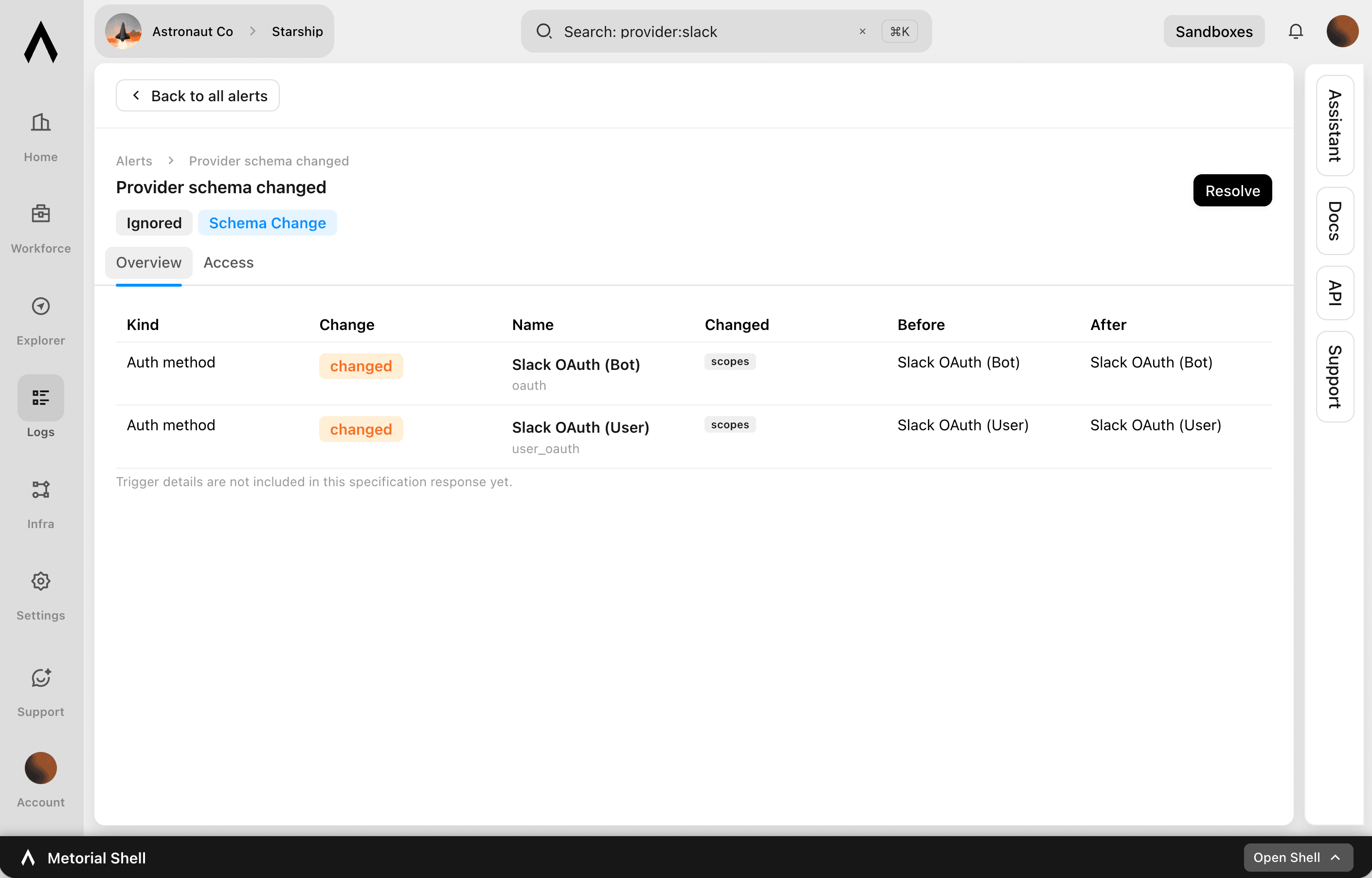
Schema Change Monitoring
Keep schema changes from breaking your integrations
Integrations evolve: a tool gets renamed, a parameter changes, a schema is updated. Any of those can quietly break an agent that depends on it. Metorial version-controls every integration and skill and tracks changes as they happen. You find out about a change before it causes a problem and decide how to handle it.
- 01
Track every change.
Changes to tools, configurations, and schemas are tracked, so nothing shifts without a record.
- 02
Get alerted.
Configure alerts for schema changes to integrations and skills. The right people know when something changes.
- 03
Choose how to adopt it.
Pin an integration to a specific version to avoid breaking changes, or let it update automatically.
What's tracked
Changes under control
- Integrations and skills version-controlledEvery
- Tracked changesTools, configs, schemas
- Alerts on changesConfigurable
- CoverageFirst-party, custom, remote, Docker
Track every change. Get alerted instantly. Pin a stable version. Update when you're ready.
FAQ
Answers to common questions about schema change monitoring and how they fit into governed AI agent infrastructure.
What is schema change monitoring?
Metorial version-controls every integration and skill and tracks changes to their tools, configurations, and schemas. You know when something changes instead of discovering it when an agent breaks.Can I get alerts on schema changes?
Yes. You can configure alerts for schema changes to integrations and skills through monitors and alerts. The right people are notified.Can I avoid breaking changes?
Yes. You can pin an integration to a specific version with version pinning, or let it update automatically if you prefer.Which integrations are covered?
Are changes recorded?
Yes. Changes are tracked and managed as part of version control. There's a record of what changed and when, which ties into provider versions.Why does this matter for agents?
Agents depend on the exact shape of the tools they call. Monitoring schema changes means a renamed tool or changed parameter doesn't silently break an agent in production.