





Start with tools that already work.
Metorial builds, tests, and keeps integrations up to date so your team does not have to.
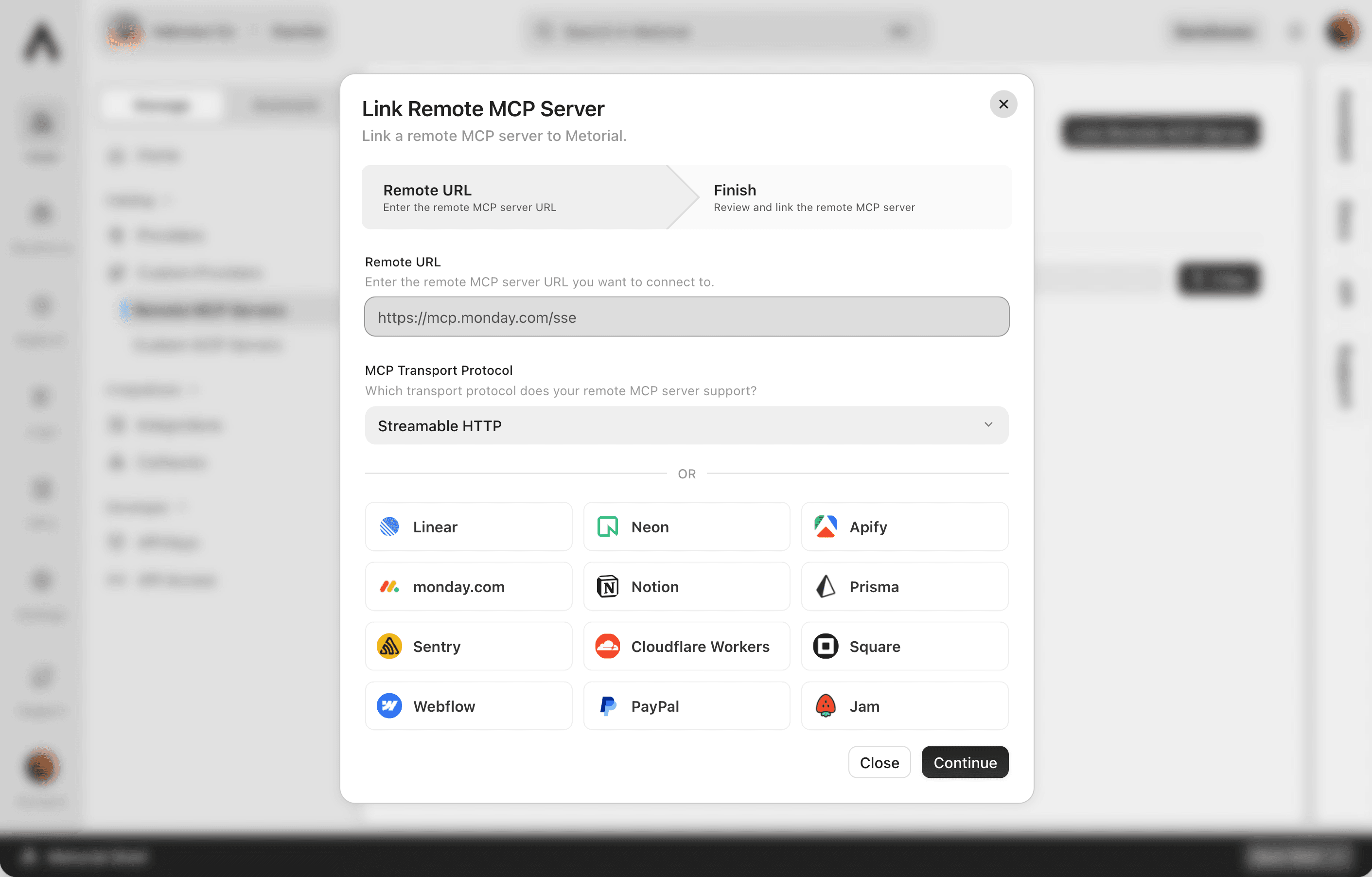
Start from 1000+ verified integrations or add your own, and give every one a governed path to your agents under existing SSO and access policies.
Metorial builds, tests, and keeps integrations up to date so your team does not have to.
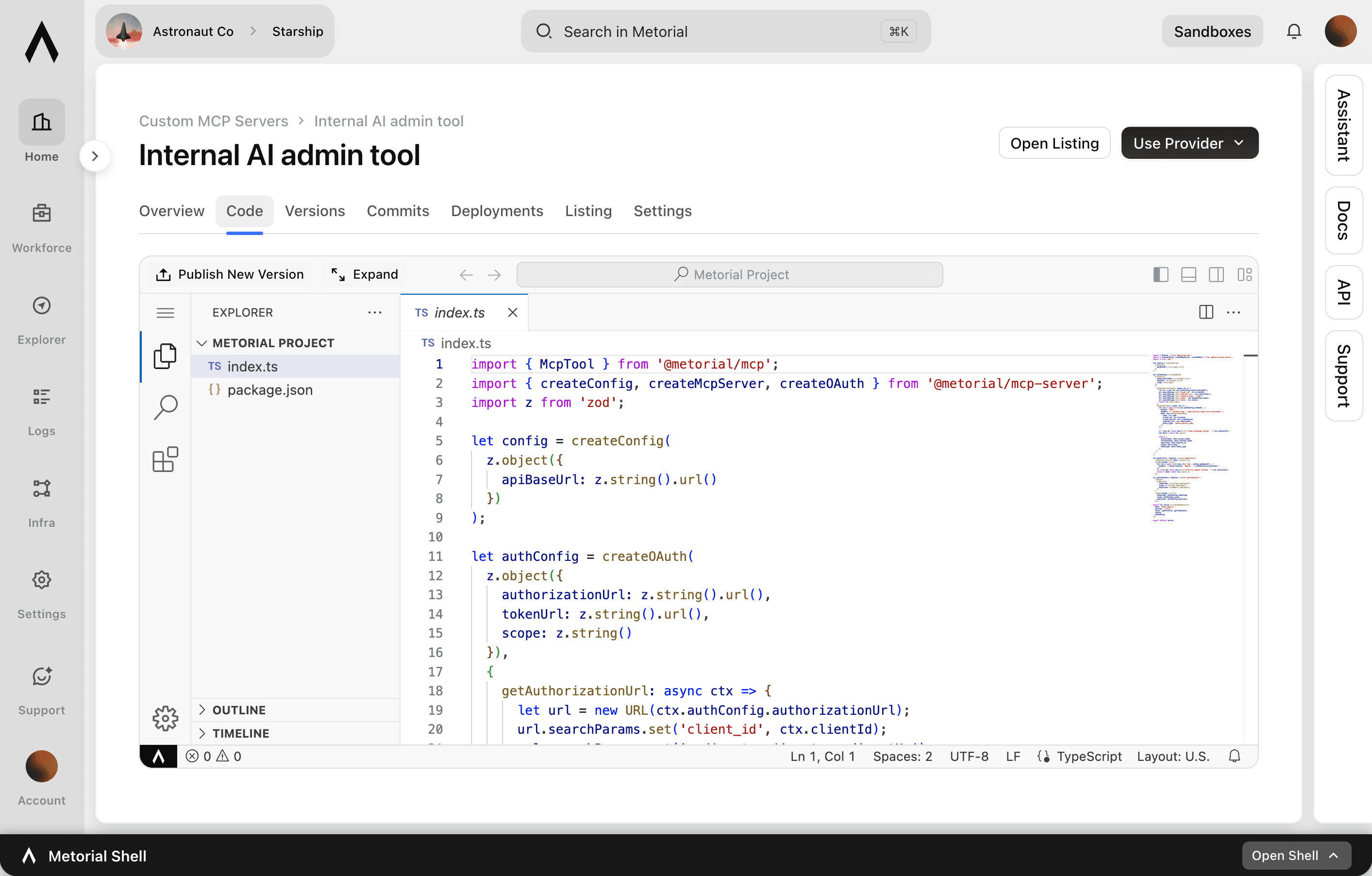
Create MCP servers for internal apps, private data, or workflows only your company needs.
Decide who can use what, see what happened, and keep tool access under control.
Integration coverage
Begin with 1000+ verified integrations or bring your own. Every provider runs under the same governance, identity, and tracing.
1000+ verified integrations for the common tools, services, and data sources teams already use.
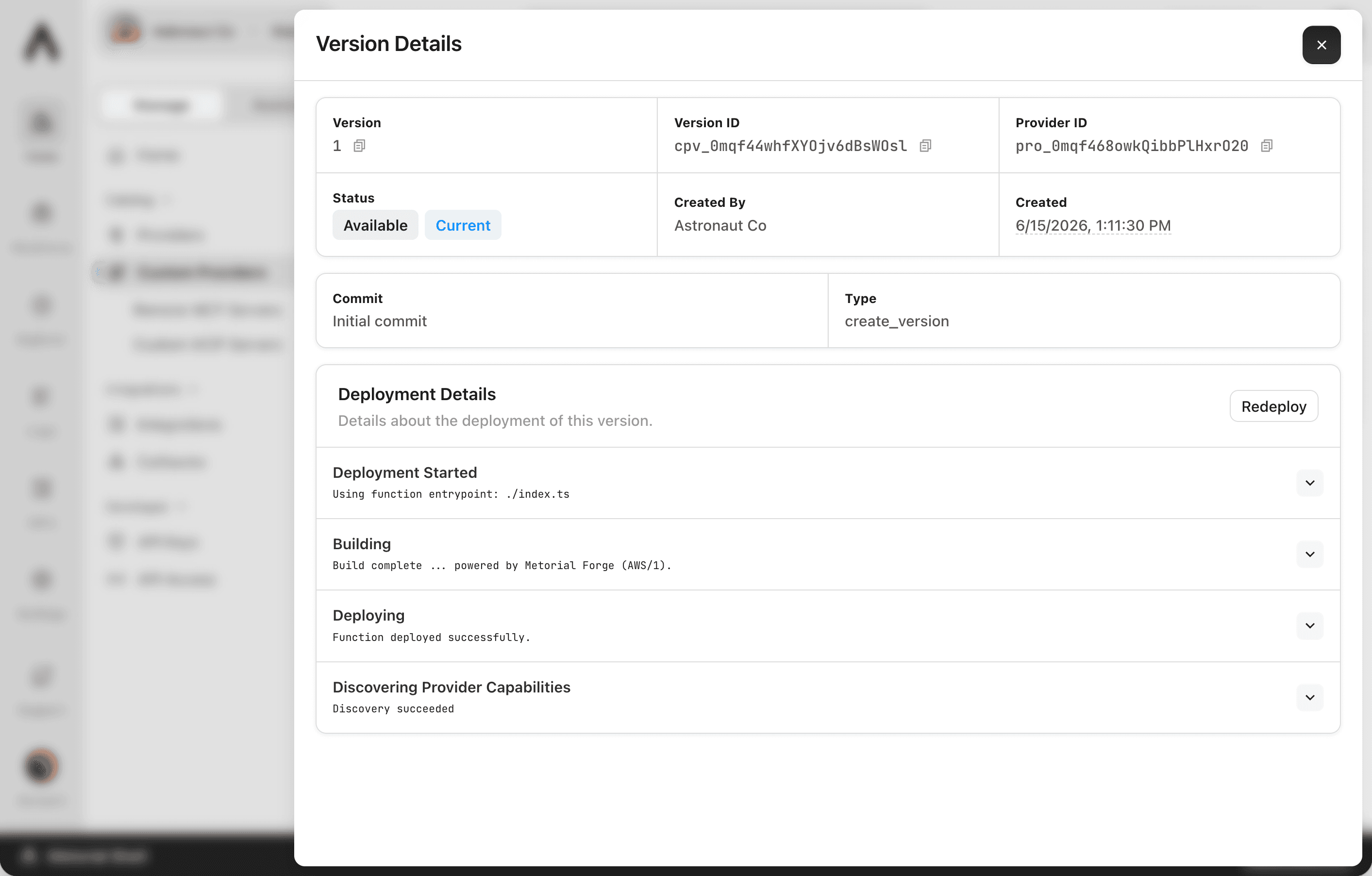
Add the internal systems and private APIs only your team has as custom, remote, or Docker-based providers.
Magic MCP puts approved integrations behind one configurable URL. Paste it into any MCP-compatible agent, sign in with your existing login, and use the tools you can access.
Paste your Magic MCP URL into Claude, Cursor, Codex, or any MCP-compatible client. The agent gets the integrations your team has approved, with no per-tool setup.
The URL only exposes integrations, providers, and tools the user or group is allowed to use. Change access once in Metorial, and every connected agent follows it.
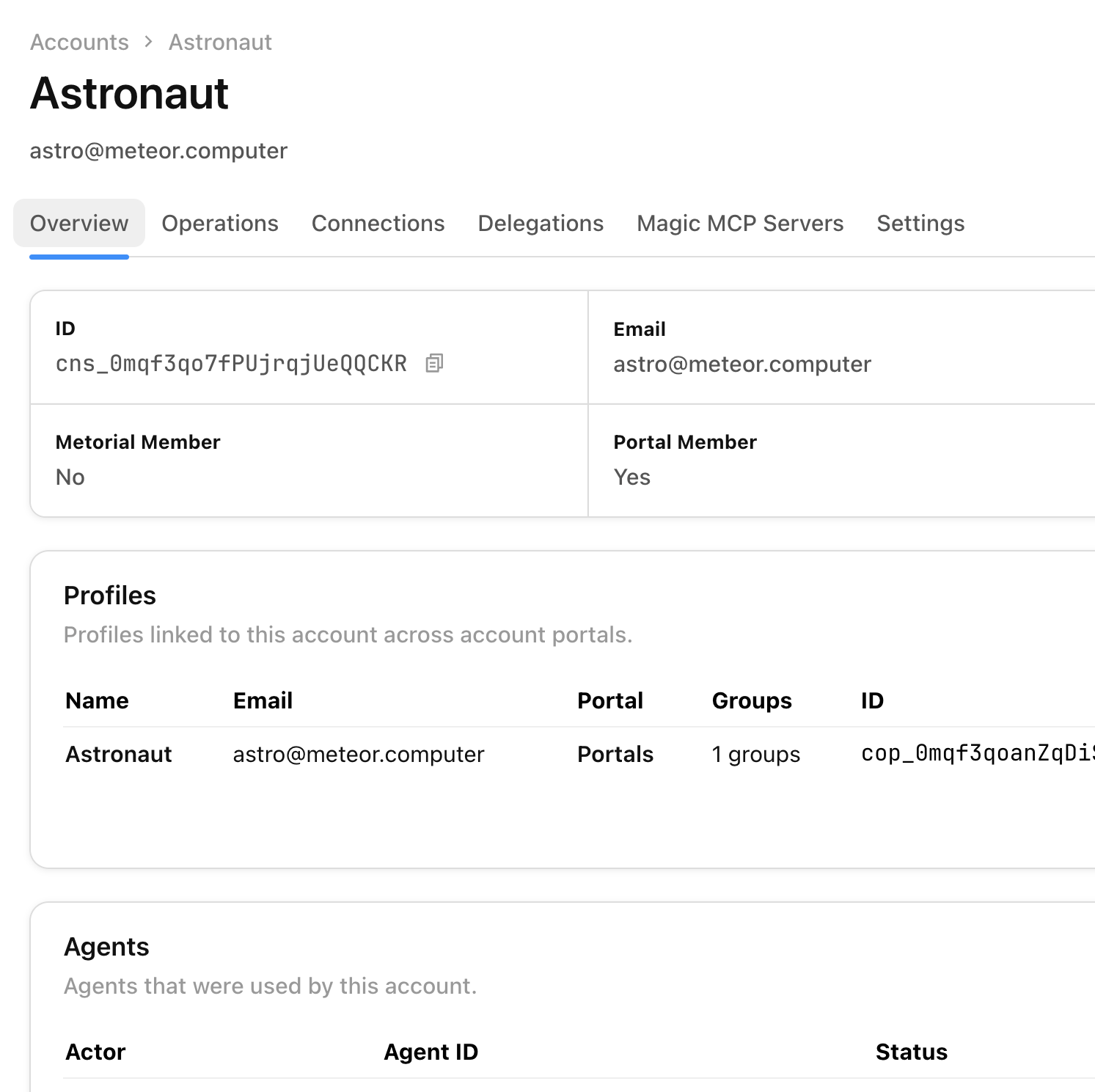
People authenticate with existing SSO instead of copying API keys into agents. Access stays tied to the real user, and every integration call stays traceable.
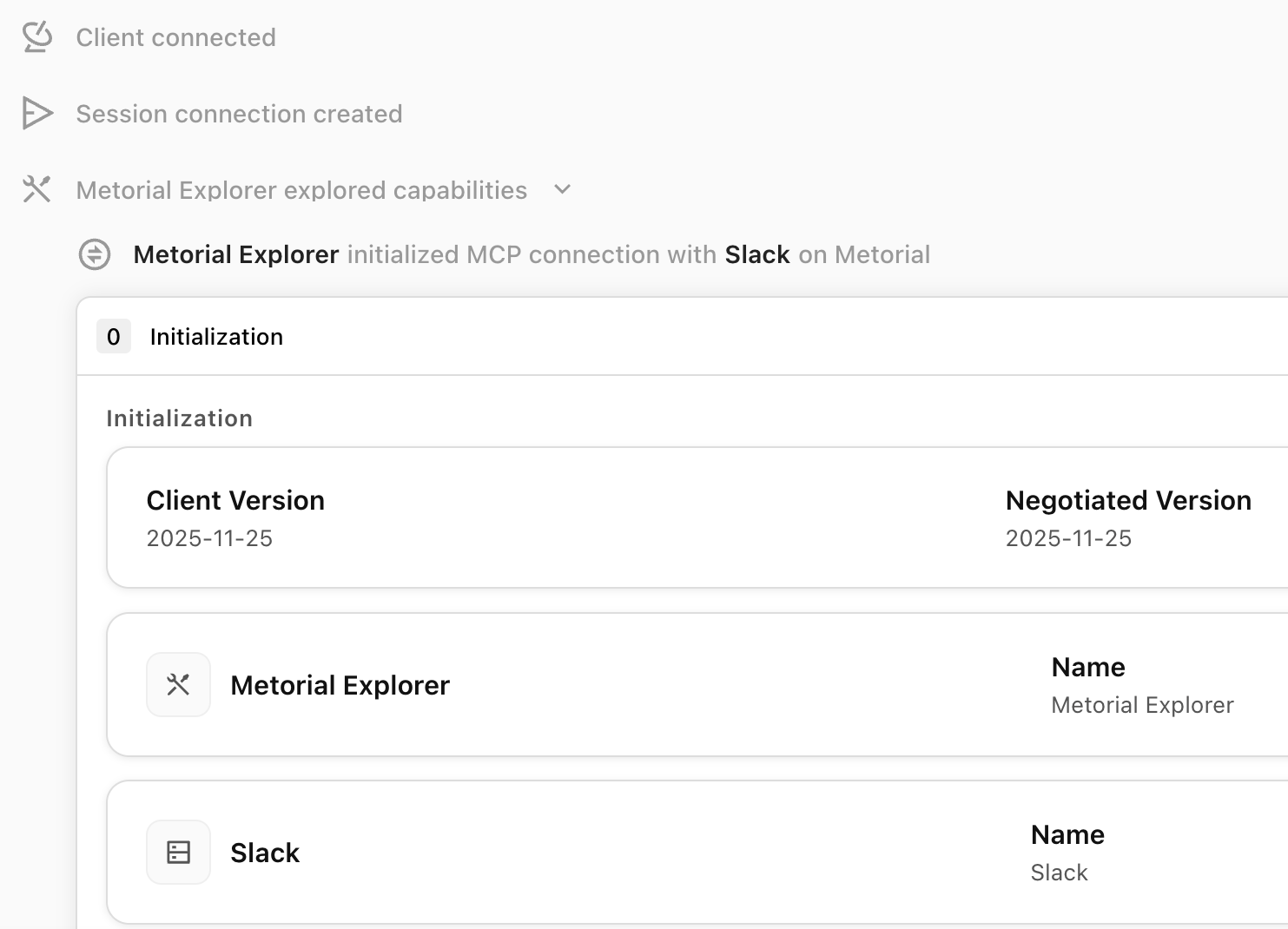
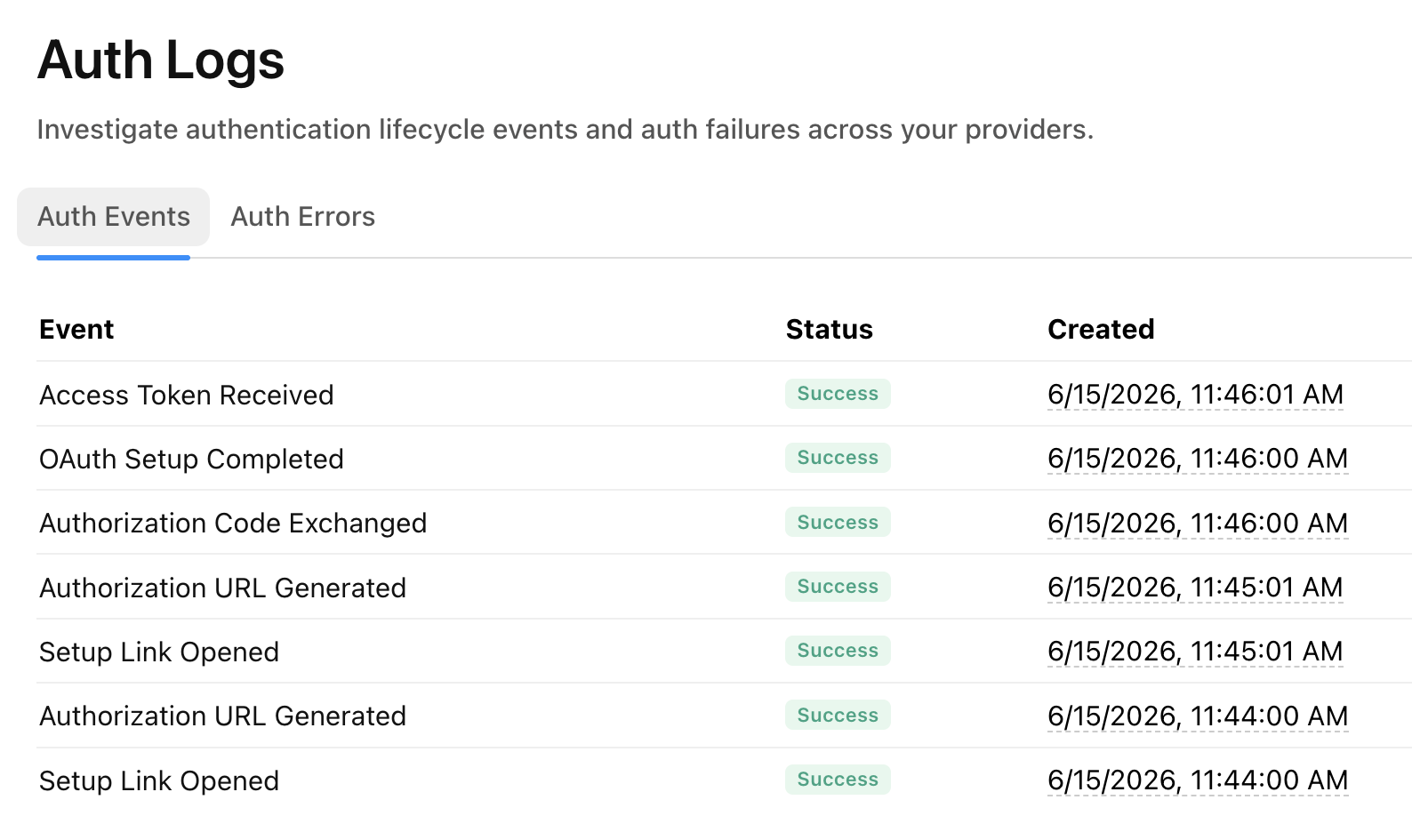
Once an integration is connected, Metorial records what every agent, person, and machine does with it, so security teams can review exactly what happened.
Common questions about Integrations.